- 149 -
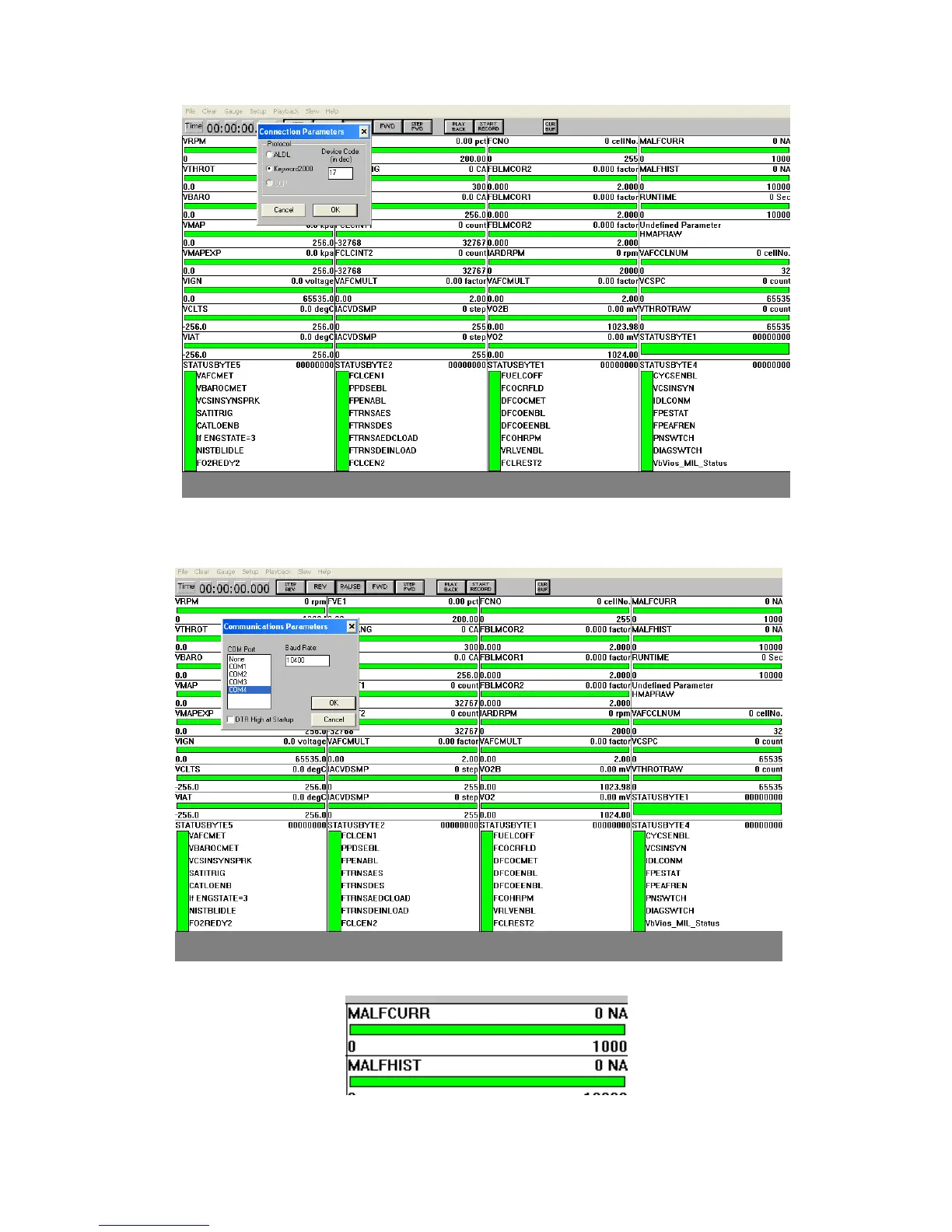
(5) If the software interface cannot display real-time communication data in the case of power, it needs to
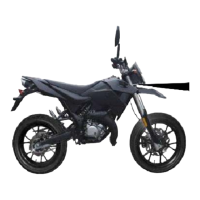
continue the following work, under "Setup" check whether there is problem with COM port connection
settings, and the usual settings are COM Port: 4, the Baud Rate: 10400; do not Select the DTR High at the
startup.
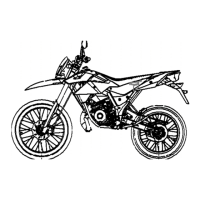
Then it can communicate properly, in the MALFCURR displays the current fault code while history fault
codes are displayed in MALFHIST
Inquire the fault code table for the corresponding fault.


 To Next Page