Zoom | 136Applications
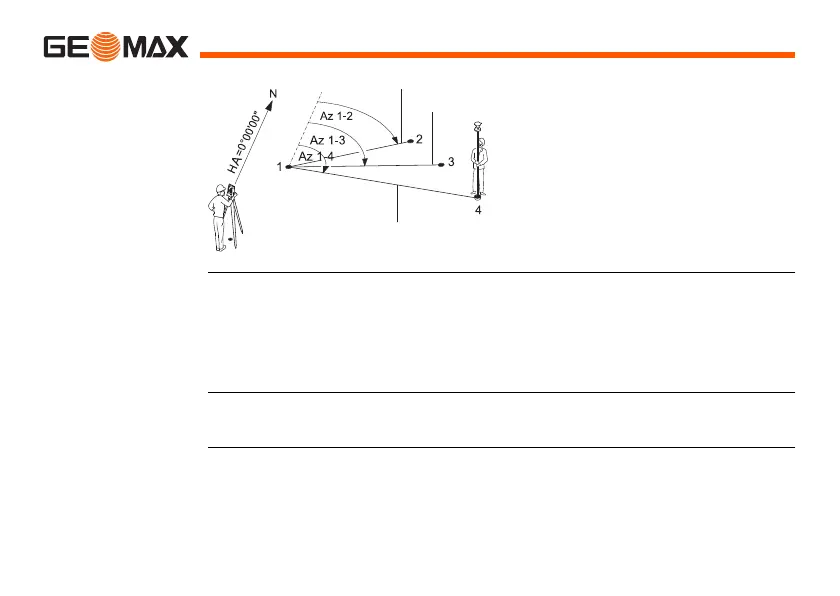
Radial method
Access 1) Select Apps from the MAIN MENU.
2) Select Missing Line Meas. from the APPS menu.
3) Complete application pre-settings. Refer to "8 Applications - Getting
Started".
4) Select Polygon or Radial.
Missing line
measurements
After completing the measurements required, the MLM RESULT screen will
appear.
1-4 Target points
SD 1-2 Slope distance from 1-2
SD 1-3 Slope distance from 1-3
SD 1-4 Slope distance from 1-4
Az 1-2 Azimuth from 1-2
Az 1-3 Azimuth from 1-3
Az 1-4 Azimuth from 1-4
CP Center point



 To Next Page
 Loading...









