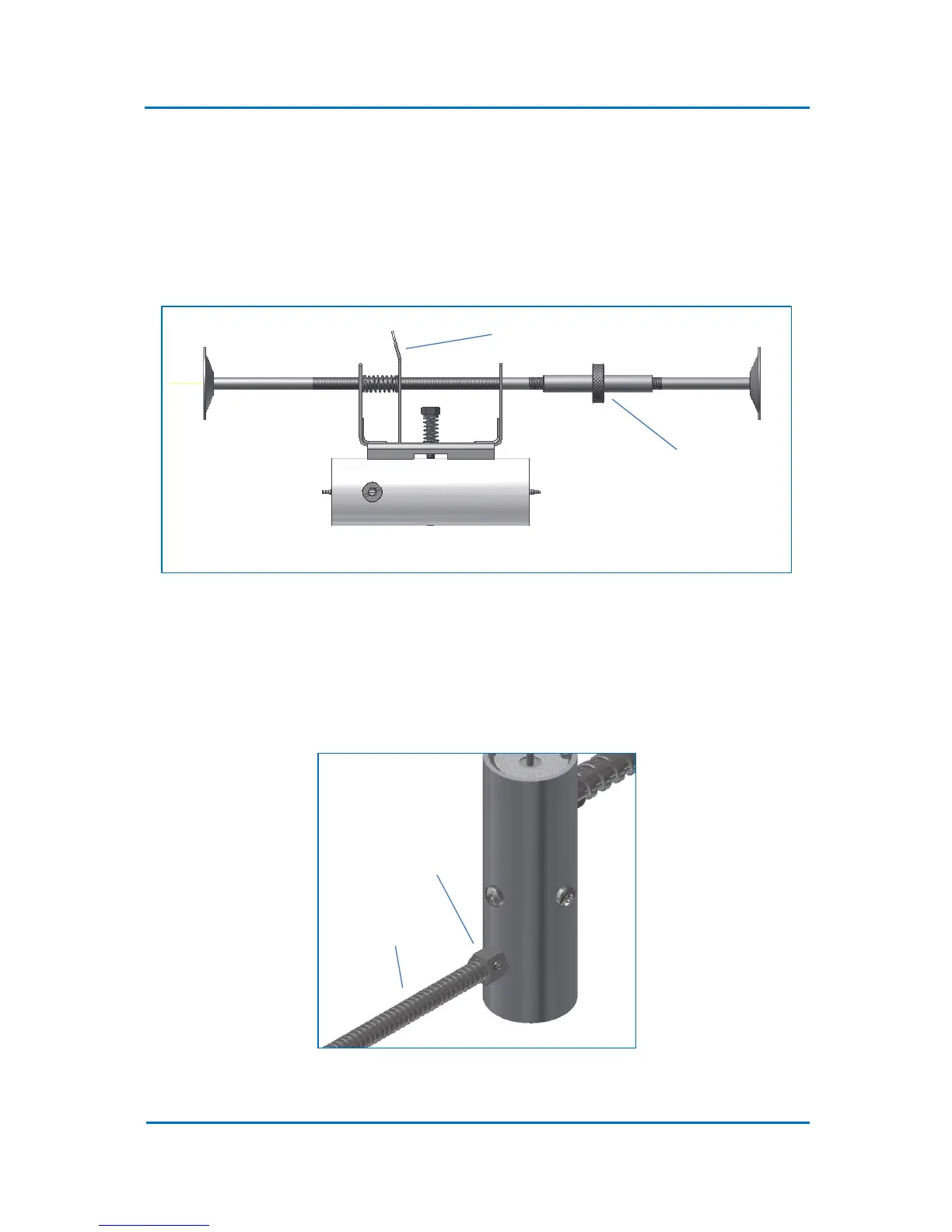
Figure 4.7
6. Position the trap/mounting stand assembly (Fig. 4.8) within the oven in a way that suits the
installation configuration. The trap mounting stand can be positioned either vertically or
horizontally. While holding both lower and upper stands, turn the adjustment knob till the
stand pads are fixed firmly against the oven side or top/bottom panels.
Fig. 4.8
7. To change the trap position along the stand, move the trap while pushing the tension lever.
Release the lever when trap is in the desired position.
8. Fix the flexible Exhaust Pipe to the Exhhaust using the set screw supplied with the trap (4.9).
Band the pipe in such way that its end can be brought outside the GC.
Fig. 4.9



 To Next Page