Preventive Maintenance
61
4.3.3 Power supply checks
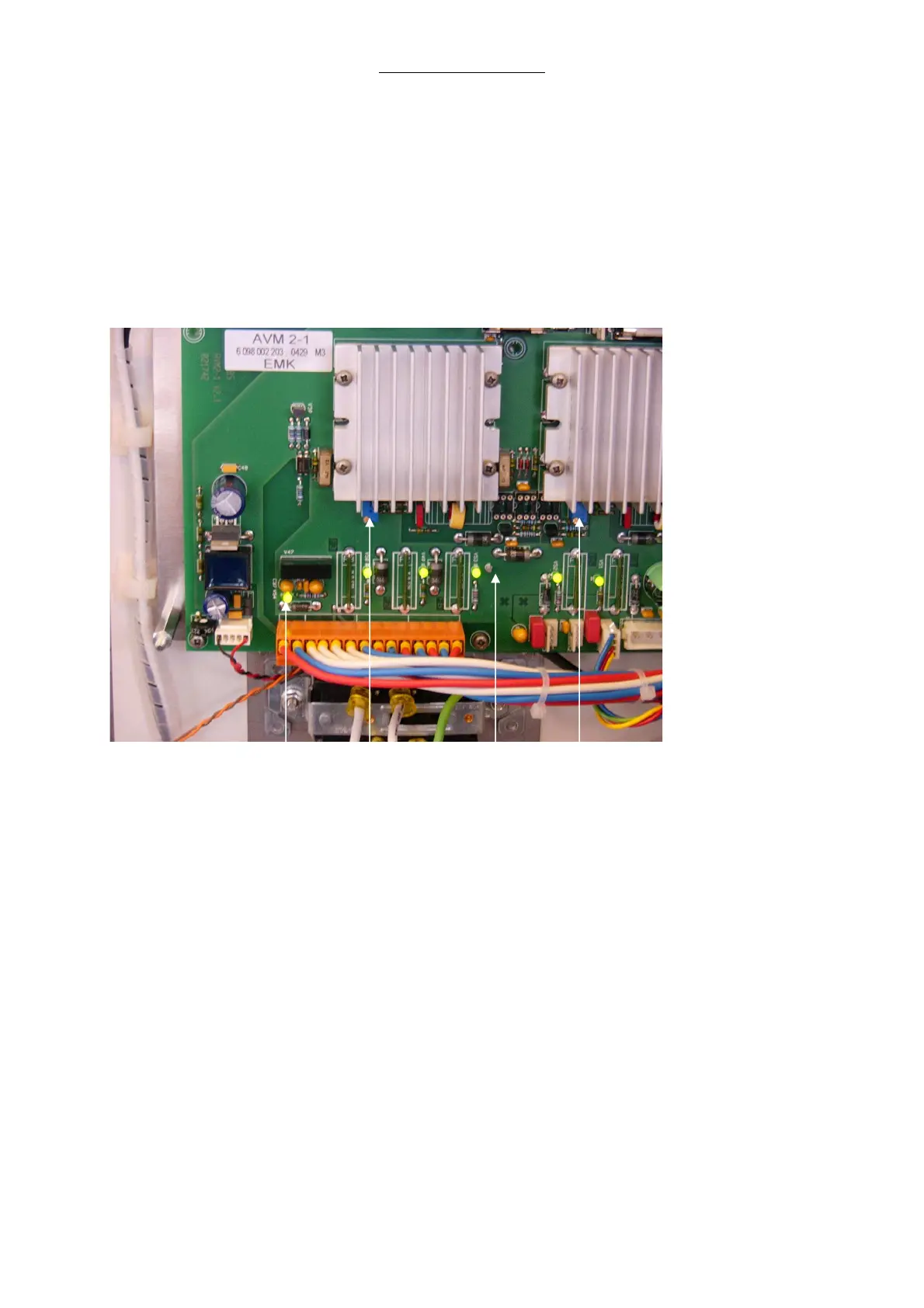
1 Remove the screws from the upper panel. Swing the door open exposing the power supply PC
board. The power supply assembly is attached to the door.
2 Carefully remove the plastic shield.
Warning: AC voltage is present
3 Adjust P1 on the power supply board for +5.2 VDC. Use the ground pin located to the right as
meter ground.
V 54 P 2 Ground P 1
Fig. 19 Power Supply Board
4 Adjust P2 on the power supply board for +12.5 VDC. Use the ground pin located to the right as
meter ground.
5 Verify that the V54 LED is illuminated, indicating -12 VDC.
6 Reinstall the plastic shield to the Power supply assembly.



 To Next Page