Preventive Maintenance
70
4.6.1 System Testing
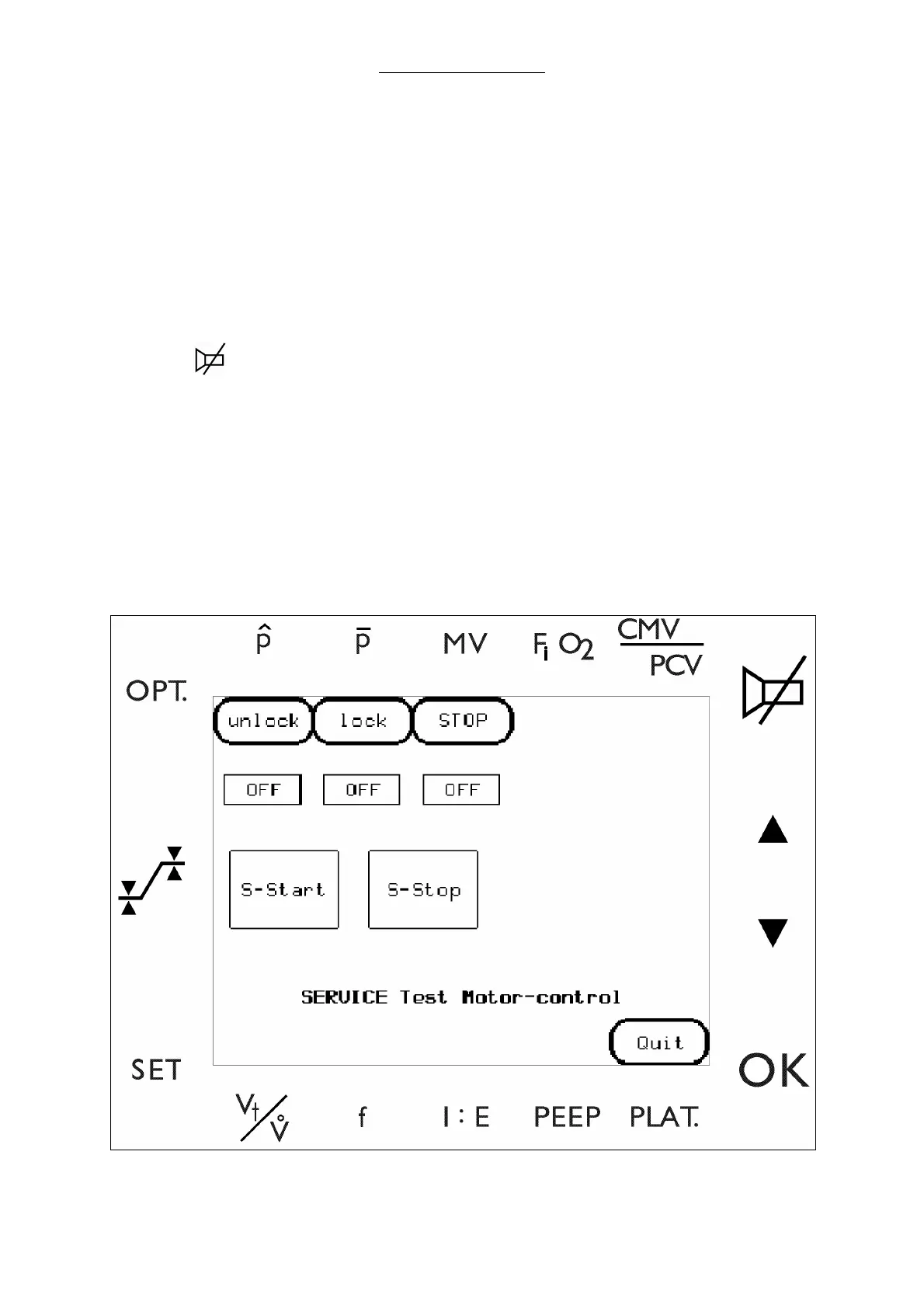
1 Conduct Motor Control test. (Skip to step 1-f if already in the Test menu)
Note: Skip to step 2 if you have a unit without the patient module motor
a Select the Select the keys.
i)
SET
ii)
OPT.
iii)
iv)
OK
b Select KEYCODE to enter the diagnostic screens.
c Enter a valid key code to invoke the service software.
d Advance from this window to the main menu by pressing ENTER.
e Select TEST MENU.
f Select MOTOR.
Fig. 26 Patient Module, motor control screen



 To Next Page