Preventive Maintenance
78
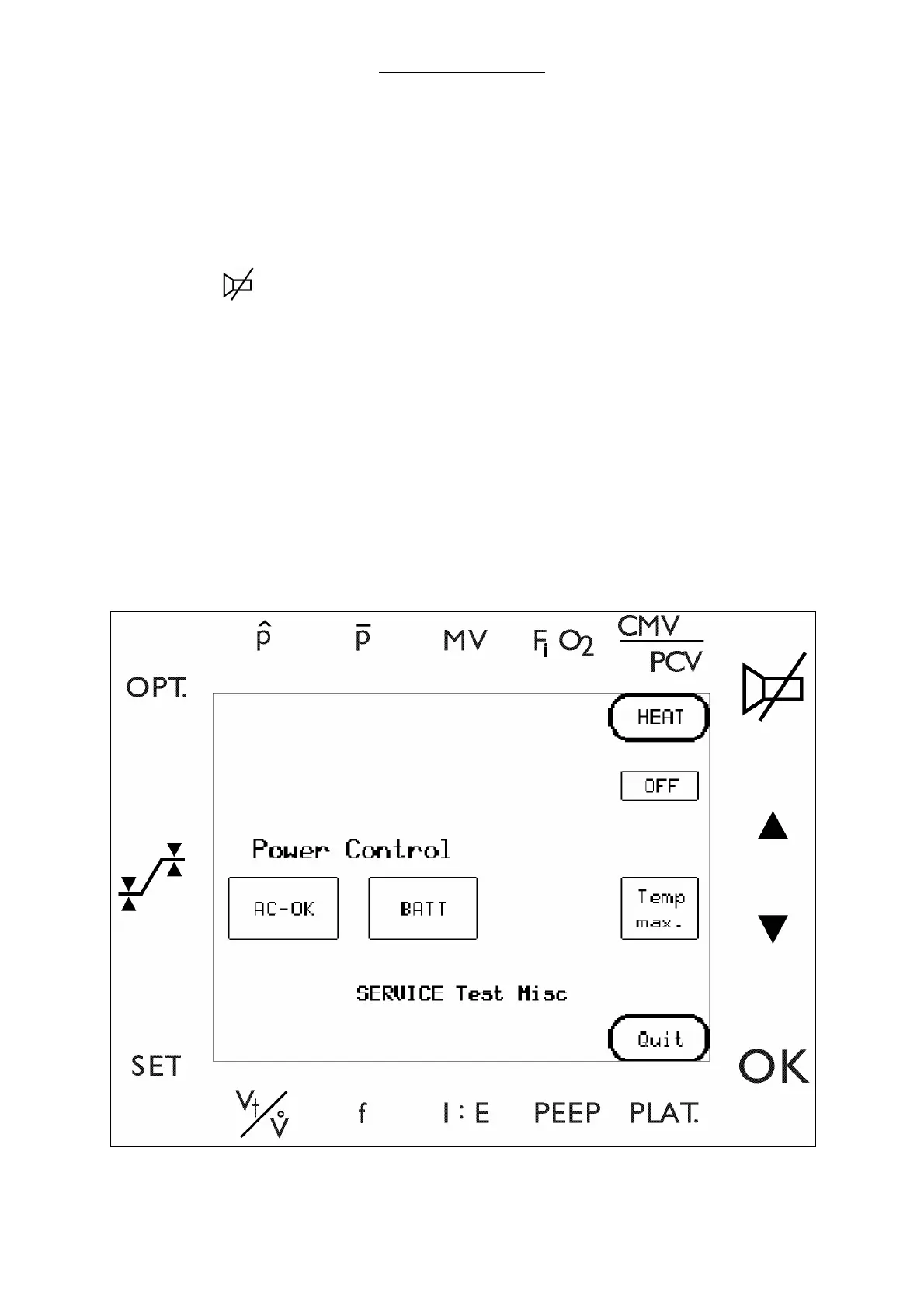
5 Conduct Power control test (Skip to step 5-e if already in the Test menu.)
a Select the Select the keys.
i)
SET
ii)
OPT.
iii)
iv)
OK
b Select KEYCODE to enter the diagnostic screens.
c Enter a valid key code to invoke the service software.
d Advance from this window to the main menu by pressing ENTER. Select TEST MENU.
e Select MISC.
f Unplug the AC mains cable and verify the AC-OK indicator illuminates.
g Plug in the AC and verify the BATT (charging) indicator illuminates.
h Select QUIT to return to the test menu.
Fig. 33 Power and Heater Control screen



 To Next Page