Preventive Maintenance
66
4.4 Service Software
Calibration and testing is accomplished through software driven service diagnostics. The current
software version is displayed in the main menu.
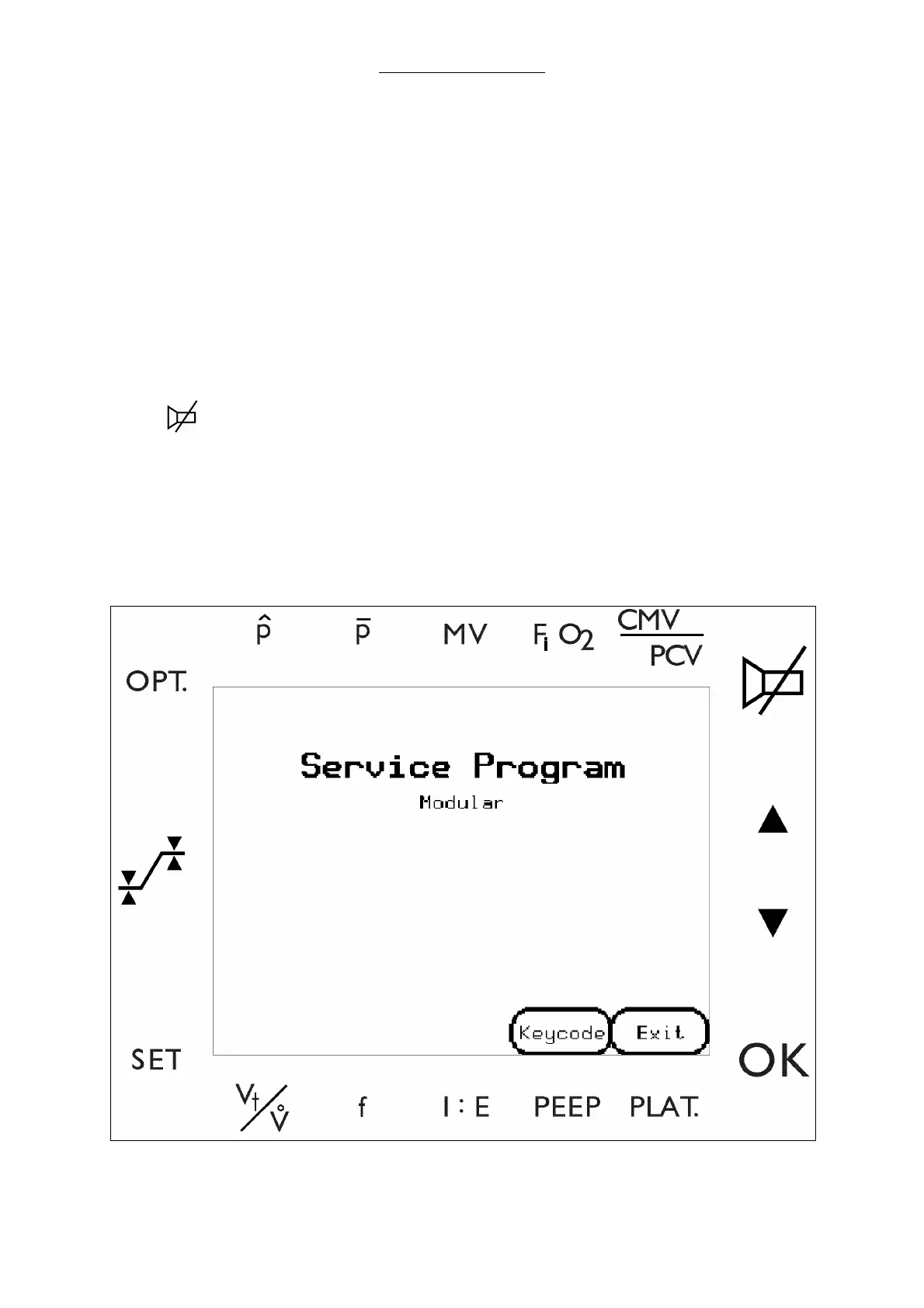
To enter the service software
1 Turn off the Mains switch. Set the Switch to standby. Turn on the mains switch.
2 Select the keys
a
SET
b
OPT.
c
d
OK
One at a time and in sequence, while waiting for the indicator to advance. After each key is
pressed, an asterisk (*) will appear in the lower left corner of the screen. When boot up is
completed, the Modular
+
enters the service mode.
3 Select Key code.
Fig. 22 Initialization screen



 To Next Page