Preventive Maintenance
67
To Exit the Service Software
1 To exit the service software, select the Exit (or Quit key in advanced screens) to return to the
Initialization screen menu
2 Shut down the Modular
+
after each diagnose software session by turning off the mains switch.
4.5 Key code Access
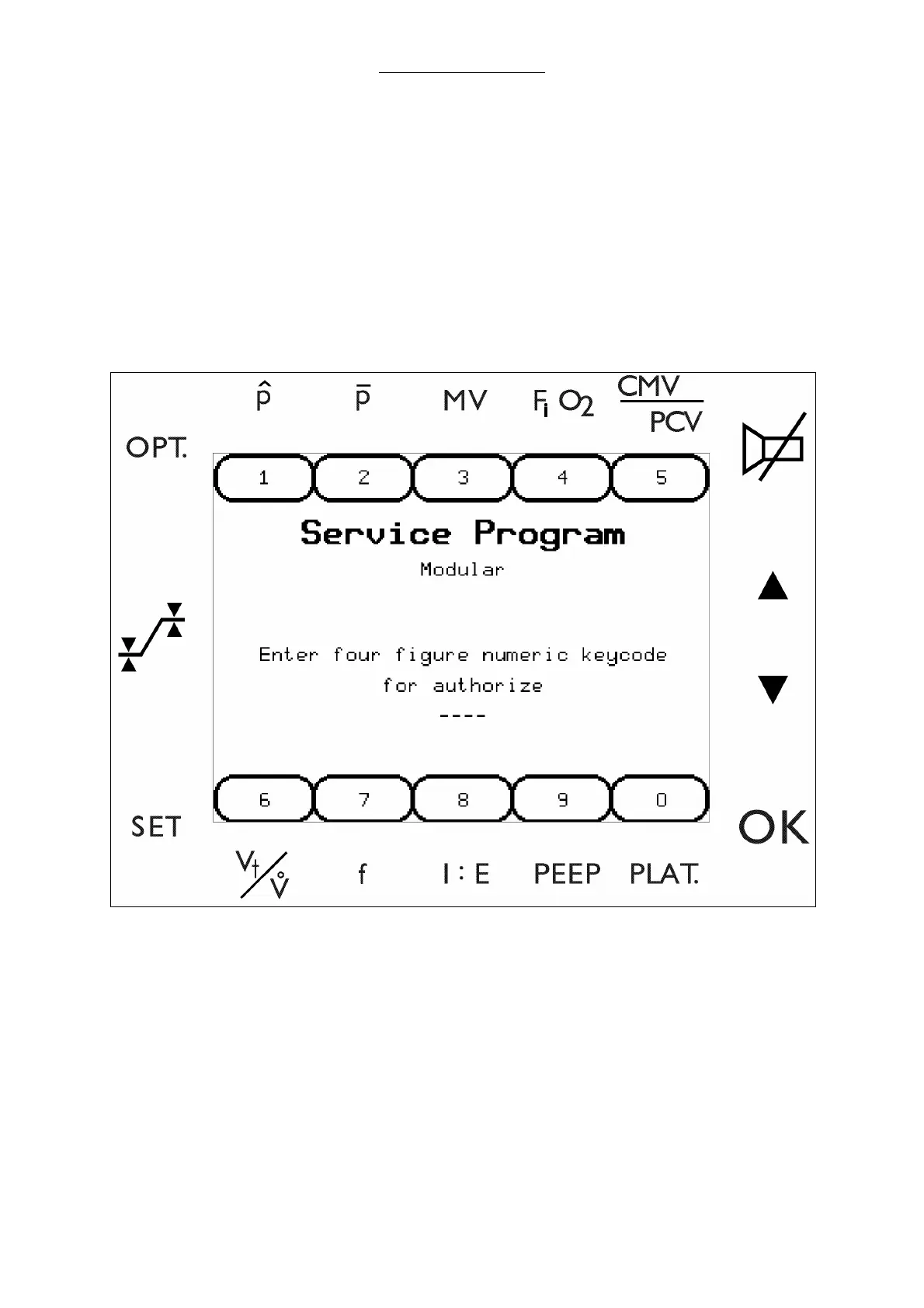
1 Enter a key code (provided during service training) to invoke the service software.
2 Advance from this window to the main menu by pressing OK
Fig. 23 Key code entry screen



 To Next Page