Preventive Maintenance
92
4.6.2.6 Internal Flow Sensor Calibration
Caution: The three procedures “Proportional Valve Calibration”, “Internal Flow Sensor
Calibration” and “Characteristic of the Proportional Valve” must always be
performed together in the order as in the manual, never individually.
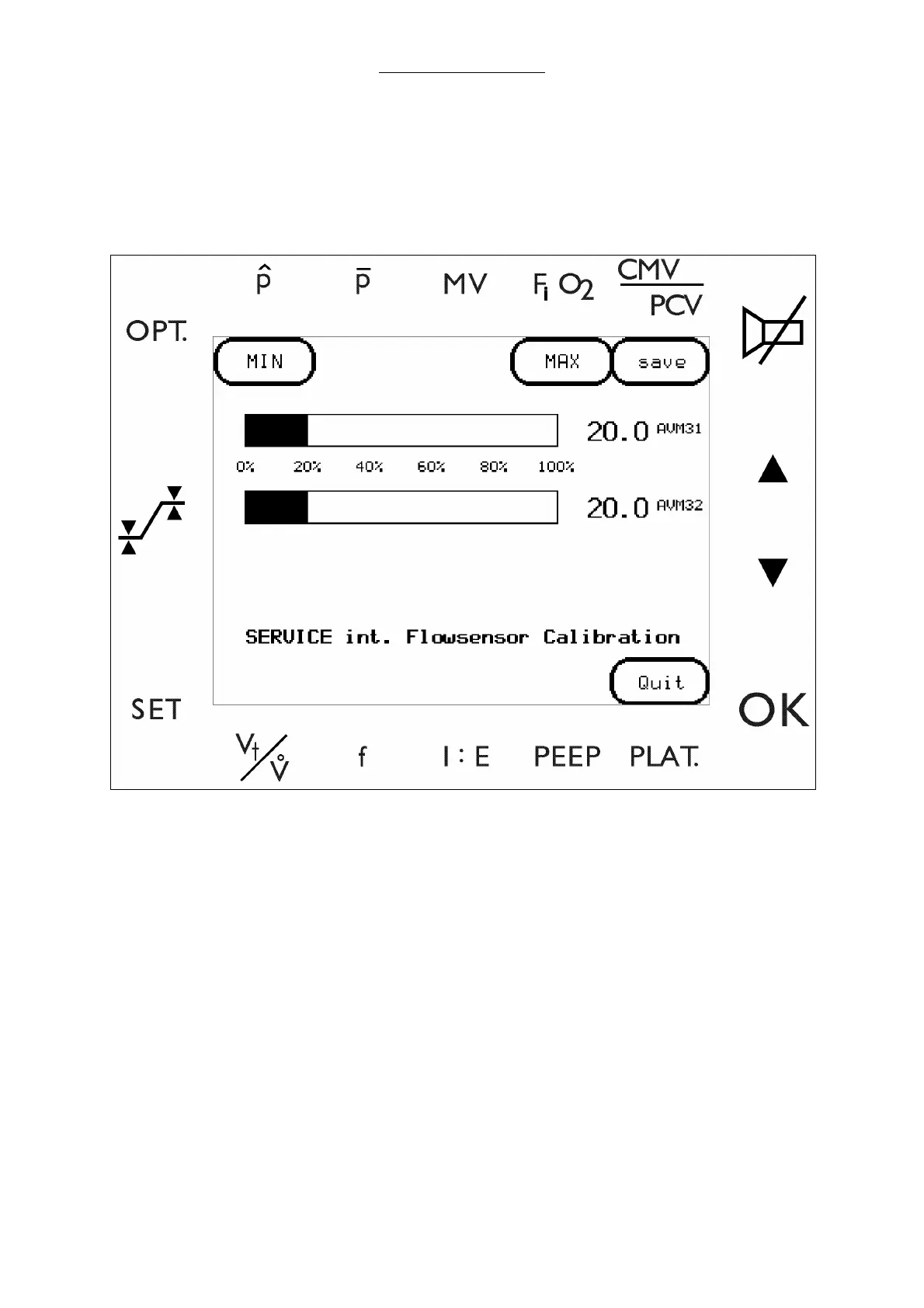
1 Select FLOW.INT to enter the Internal flow sensor screen sensor screen.
Fig. 42 Internal Flow Sensor Calibration Screen
2 Adjust minimum range calibration.
a Select MIN to apply a zero flow.
b Select MIN again to record the value.
3 Adjust maximum range calibration.
a Select MAX to apply the maximum flow.
b Select MAX again to record the value.
4 Select MIN again to close the valve.
5 Select SAVE to store the values into the memory.
6 Select QUIT to return to the main menu.



 To Next Page