Preventive Maintenance
88
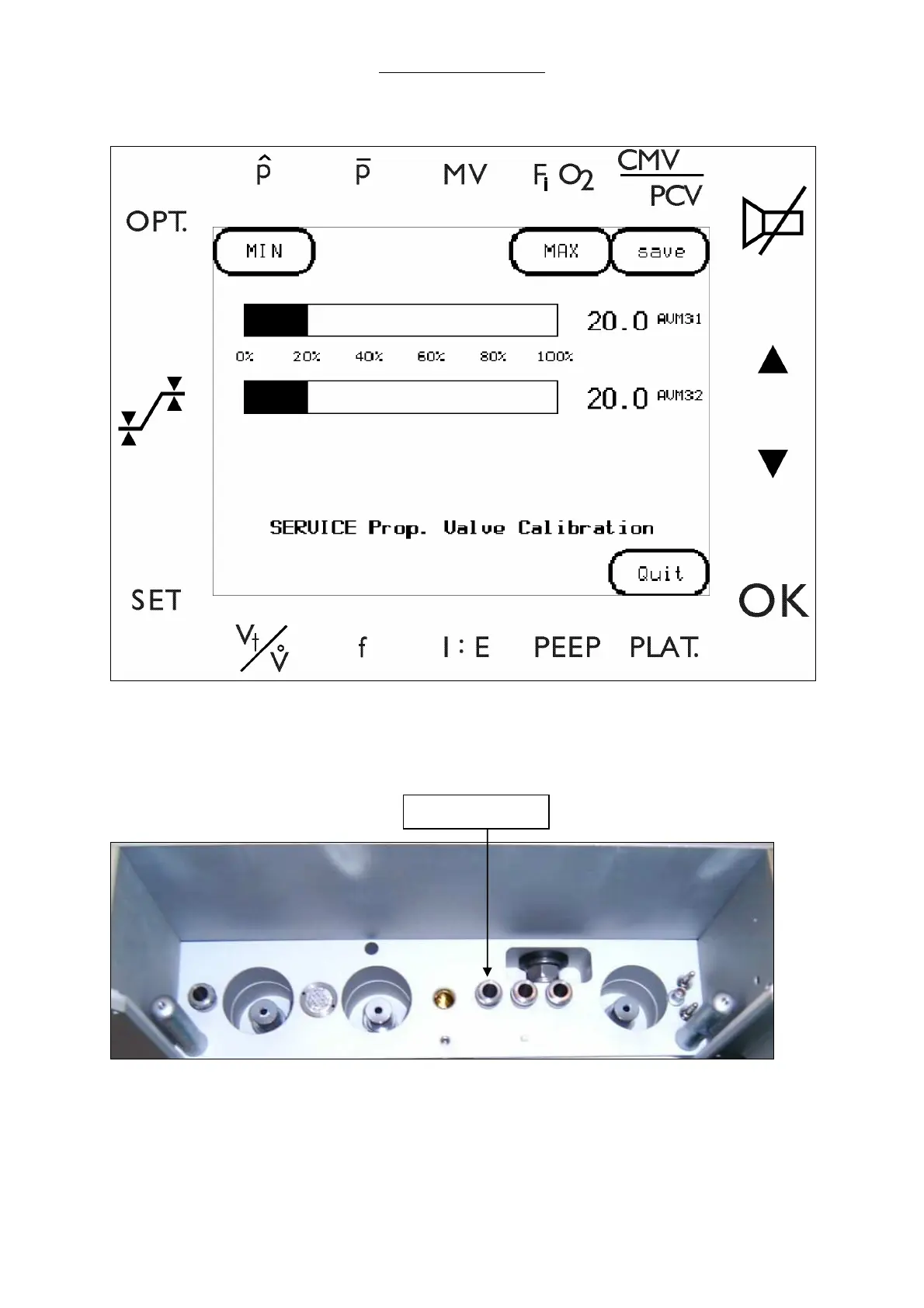
2 Select PROP.V to enter the Proportional Valve screen.
Fig. 38 Proportional Valve Calibration screen
3 Adjust minimum range calibration.
a Attach an external flow meter to the drive gas outlet of the docking station. Verify zero flow.
Fig. 39 Docking Station, drive gas outlet
b Select MIN to close the proportional valve.
c Turn the P.V.OFF potentiometer (P1, AVM 3-2) until screen pointer shows 3.
d Select MIN twice to record the value.
Drive Gas Outlet



 To Next Page