Preventive Maintenance
89
4 Adjust the maximum range calibration.
a Select MAX to open the Proportional valve.
b Turn the P.V.GAIN potentiometer (P2, AVM 3-2) until screen pointer shows 97.
c Select MAX twice to record the value.
5 Measure the gas flow at the drive gas outlet of the docking station.
a Verify that the flow is at least 75 (–5) l/min
b Select MIN to close the proportional valve.
c If the gas flow was within specification, skip the steps 14 and 15 and perform step 16. If the
flow rate was out of specification, go to step 14.
6 High-pressure regulator adjustment.
a Remove the Driving gas pressure source (AIR or O
2
).
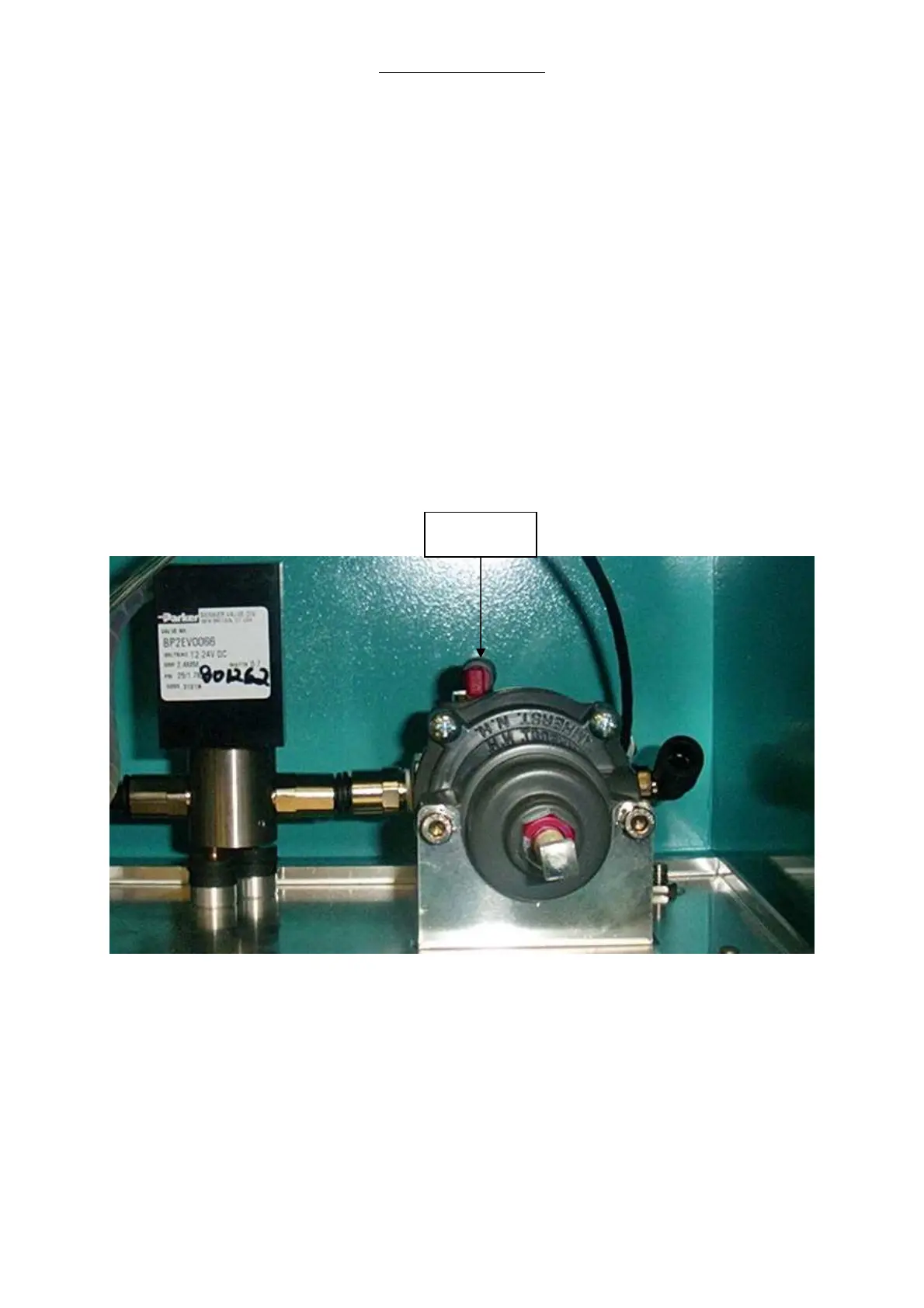
b Disconnect the red plug of the test port on top of the pressure regulator for the driving gas.
Fig. 40 Pressure Regulator for the Driving Gas with Test Port
c Attach a pressure gauge to the test port.
d Reconnect the Driving gas pressure source (AIR or O
2
).
e Adjust the high pressure regulator by loosing the locking nut on the regulator and turning the
adjustment screw until 200 ± 0.05 kPa (2 ± 0.05 bar; 29 ± 1 PSI) is displayed on the pressure
gauge. Retighten the locking nut.
f Remove the Driving gas pressure source (AIR or O
2
).
Test Port



 To Next Page