Preventive Maintenance
71
g Select UNLOCK and verify the patient Module moves away from the Docking station. Remove
the Patient module.
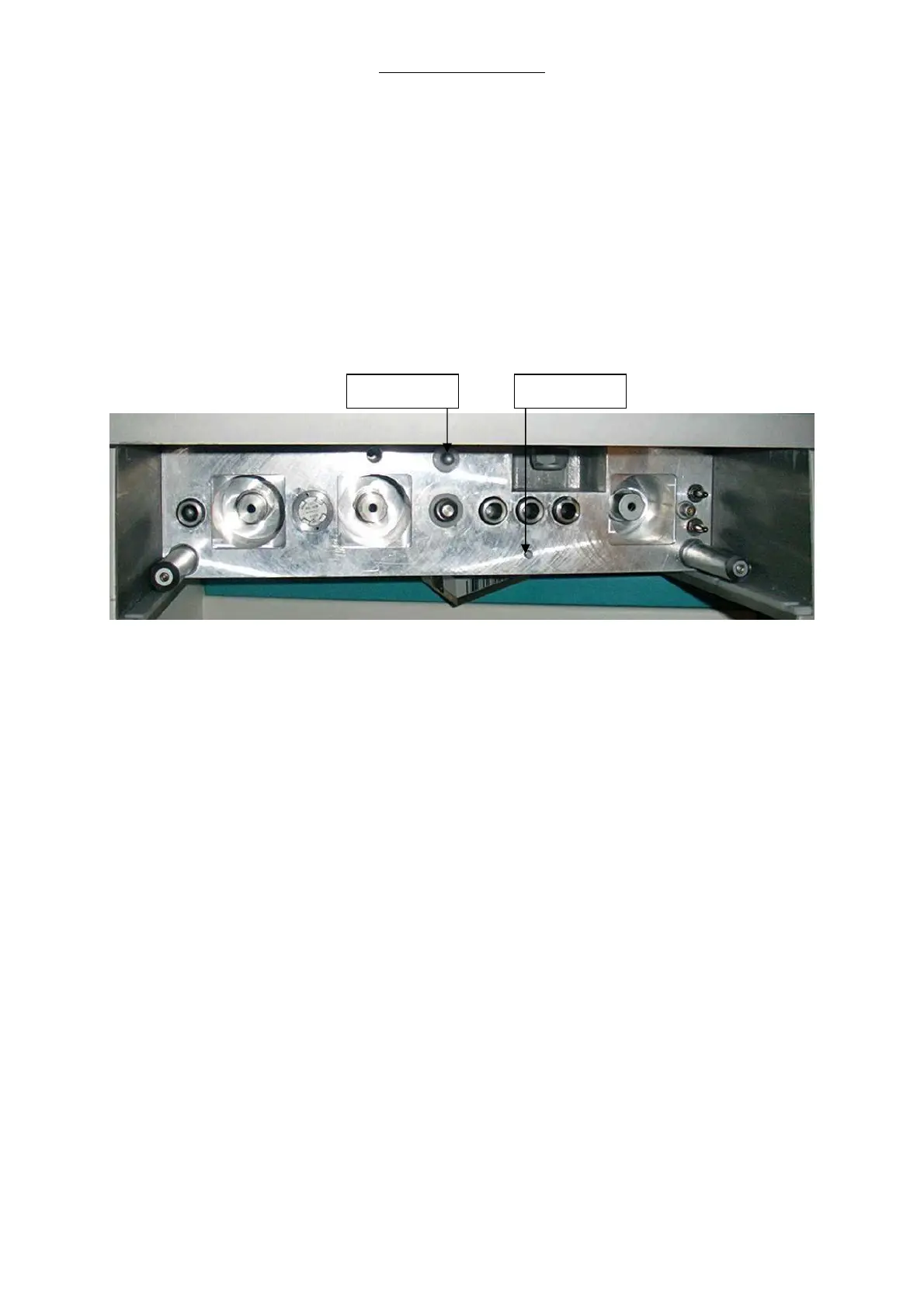
h With the Patient module removed, select the start button located on the inside surface of the
docking station
i Select the Stop button located on the inside of the docking station and verify that its screen
indicator illuminates
j Reinstall the Patient module and select UNLOCKED to secure it into the docking station. The
start and stop screen will illuminate.
k Select QUIT to return to the test menu.
Fig. 27 Docking station, Start/ Stop switches
Start switch Stop switch



 To Next Page