Preventive Maintenance
72
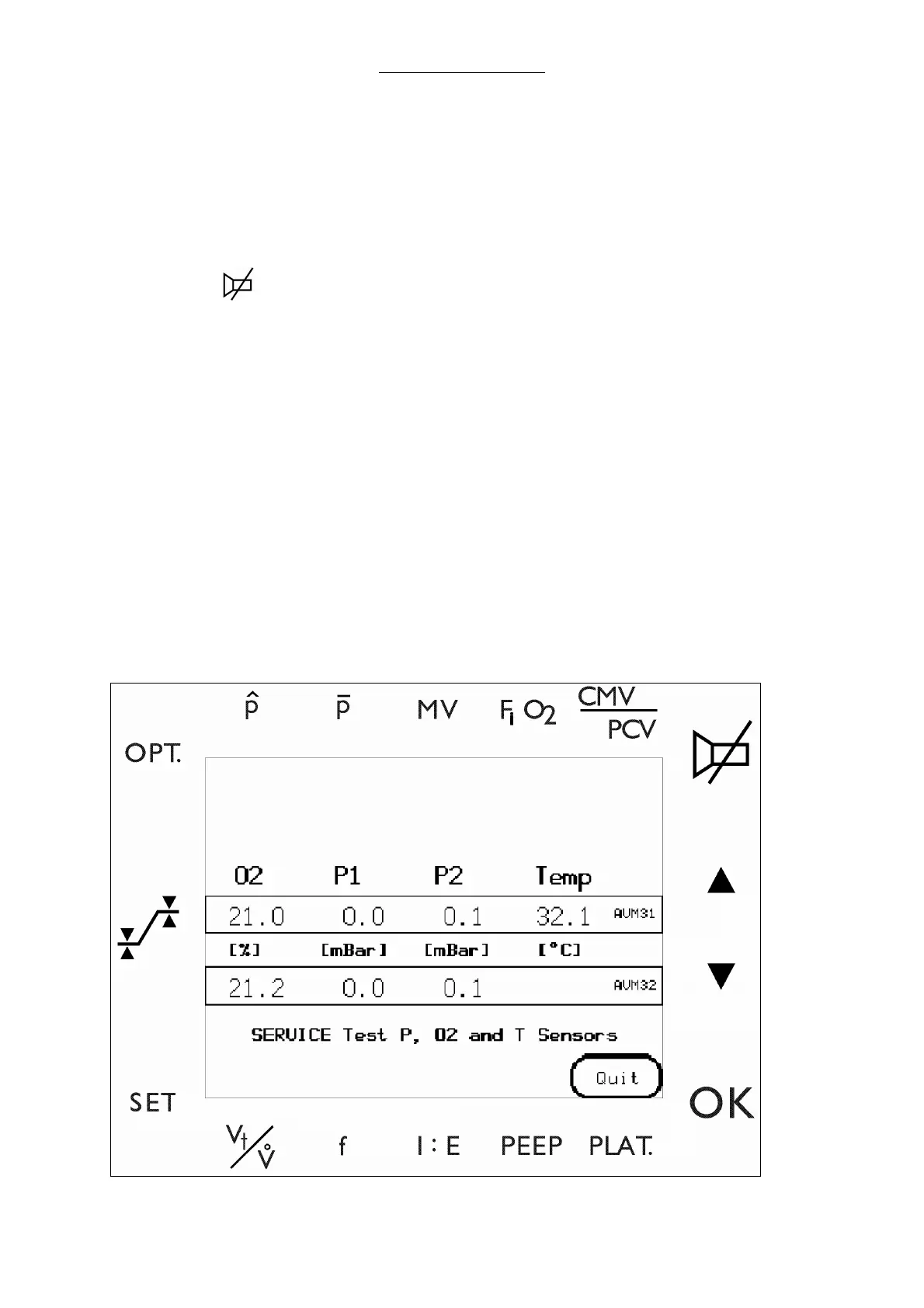
2 Conduct pressure, O
2
and temp sensor test. (Skip to step 1-f if already in the Test menu)
a Select the Select the keys.
i)
SET
ii)
OPT.
iii)
iv)
OK
b Select KEYCODE to enter the diagnostic screens.
c Enter a valid key code to invoke the service software.
d Advance from this window to the main menu by pressing ENTER.
e Select TEST MENU.
f Select the P, O
2
, °C key.
g Attach the all tubes to the Y-piece.
h Set the APL valve to MAX (fully closed)
i Remove the O2 cell from its mount.
j Verify that the O2 displays 21% ± 2 % after stabilization.
Fig. 28 Pressure, O
2
and Temperature screen



 To Next Page