Preventive Maintenance
83
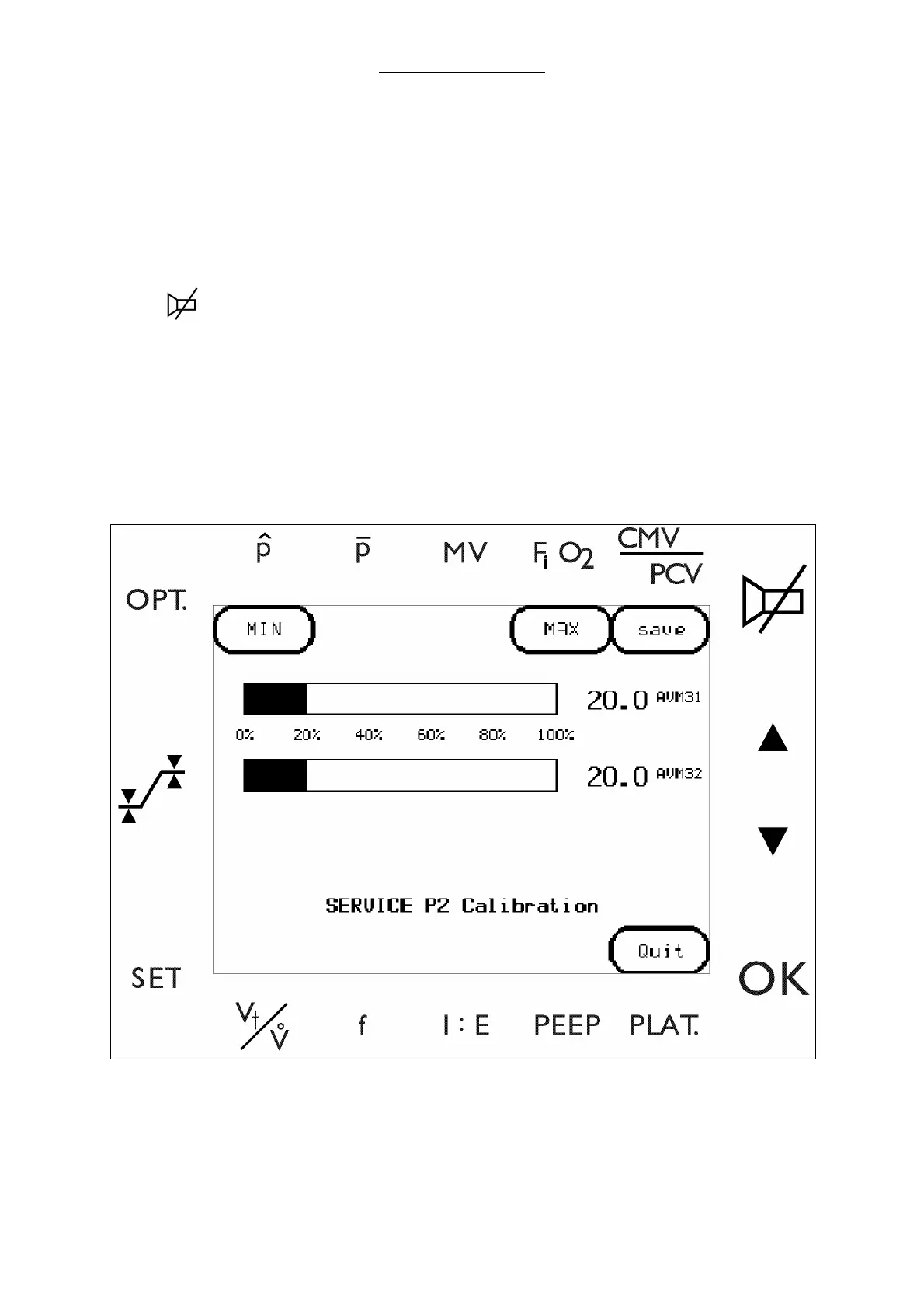
4.6.2.3 P2 Pressure sensor calibration
(Skip to Step 5 if already in the Main menu.)
1 Enter the Service Software by pressing the following keys prior to the end of the startup routine:
a
SET
b
OPT.
c
d
OK
2 Select KEYCODE to enter the diagnostic screens.
3 Enter a valid key code to invoke the service software.
Advance from this window to the main menu by pressing ENTER.
4 Select P2 sensor to enter the P2 sensor screen.
Fig. 36 P2 Calibration screen



 To Next Page