H E Y E R P a s i t h e c
Rev. 0.2 Draft – 12/09 HEYER Pasithec, Operator’s manual 23 / 106
3.4.5.2 Monitoring Area
The monitoring area has two parts: Patient waveform and parameters. See Fig. 3-7.
3.4.5.3 Parameters Setup Area
The parameter setup area contains 8 tiles of fixed vertical height and fixed horizontal width; each tile
contains the tile’s parameter value.
Each tile represents a location that may be highlighted by the navigator knob. Current parameter
settings are displayed in reverse video in the parameter window when a parameter tile is highlighted
(black text on white background). Rotating the navigator knob clockwise allows the user to increase
the setting while rotating the knob counterclockwise decreases the setting. When the selection
reaches its maximum or minimum setting, the minimum or maximum setting is displayed.
Pressing the navigator knob selects the parameter setting which is displayed as white text within a
black field. Parameter settings shall be in normal video unless the parameter tile has been selected or
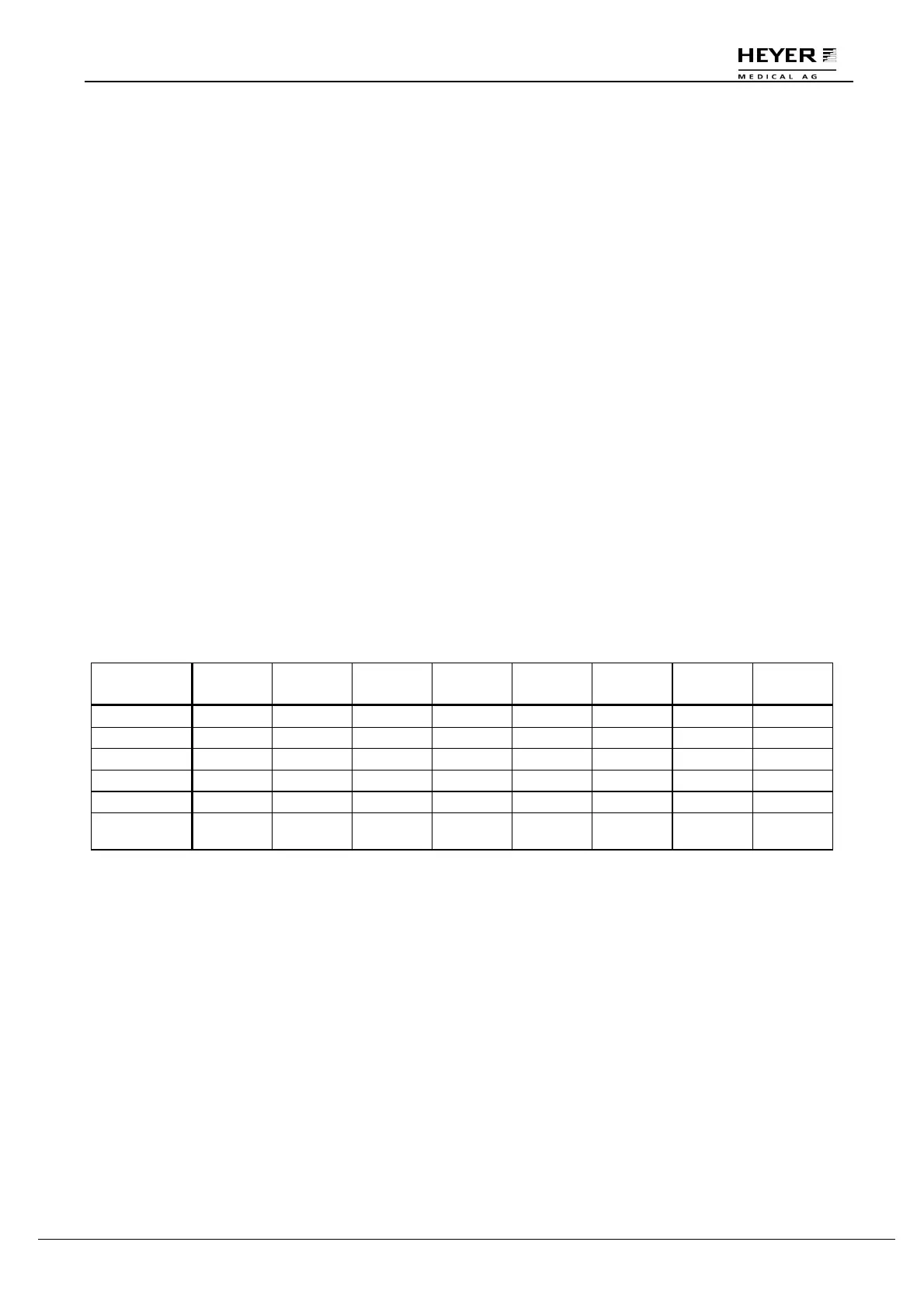
highlighted. Parameter tiles are populated per table 3-1 below.
A timeout shall occur when a parameter tile is selected or changed but not confirmed for 15 seconds.
Upon a timeout, the parameter setting reverts back to the previously confirmed value.
The parameter timeout shall be available for the following items:
• Ventilation Mode
• Patient Type
Table 3-1
In the following table ”Para.” is equated with “Parameter”.
Vent Mode
Para.
Setup 1
Para.
Setup 2
Para.
Setup 3
Para.
Setup 4
Para.
Setup 5
Para.
Setup 6
Para.
Setup 7
Para.
Setup 8
STANDBY Blank Blank Blank Blank Blank Blank Blank Blank
IPPV V
T
Freq. I:E T
P
PEEP Blank Blank Blank
PCV P
TARGET
Freq. I:E Blank PEEP Blank Blank T
SLOPE
SIMV V
T
Freq. T
INSP
T
P
PEEP ∆P Trigger T
SLOPE
PS Blank Freq
MIN
Blank Blank PEEP ∆P Trigger T
SLOPE
MANUAL /
AUTO
Blank Blank Blank Blank Blank Blank Blank Blank



 To Next Page