H E Y E R P a s i t h e c
56 / 106 HEYER Pasithec, Operator’s manual Rev. 0.2 Draft - 12/09
Step 4: Connect the oxygen sensor cable.
Connect one end of the cable (RJ11 connector) to the bottom of the oxygen sensor. Connect the other
end of the cable (round connector) to the oxygen sensor port at the side of the machine.
6.2.1 Connect CO
2
Monitor
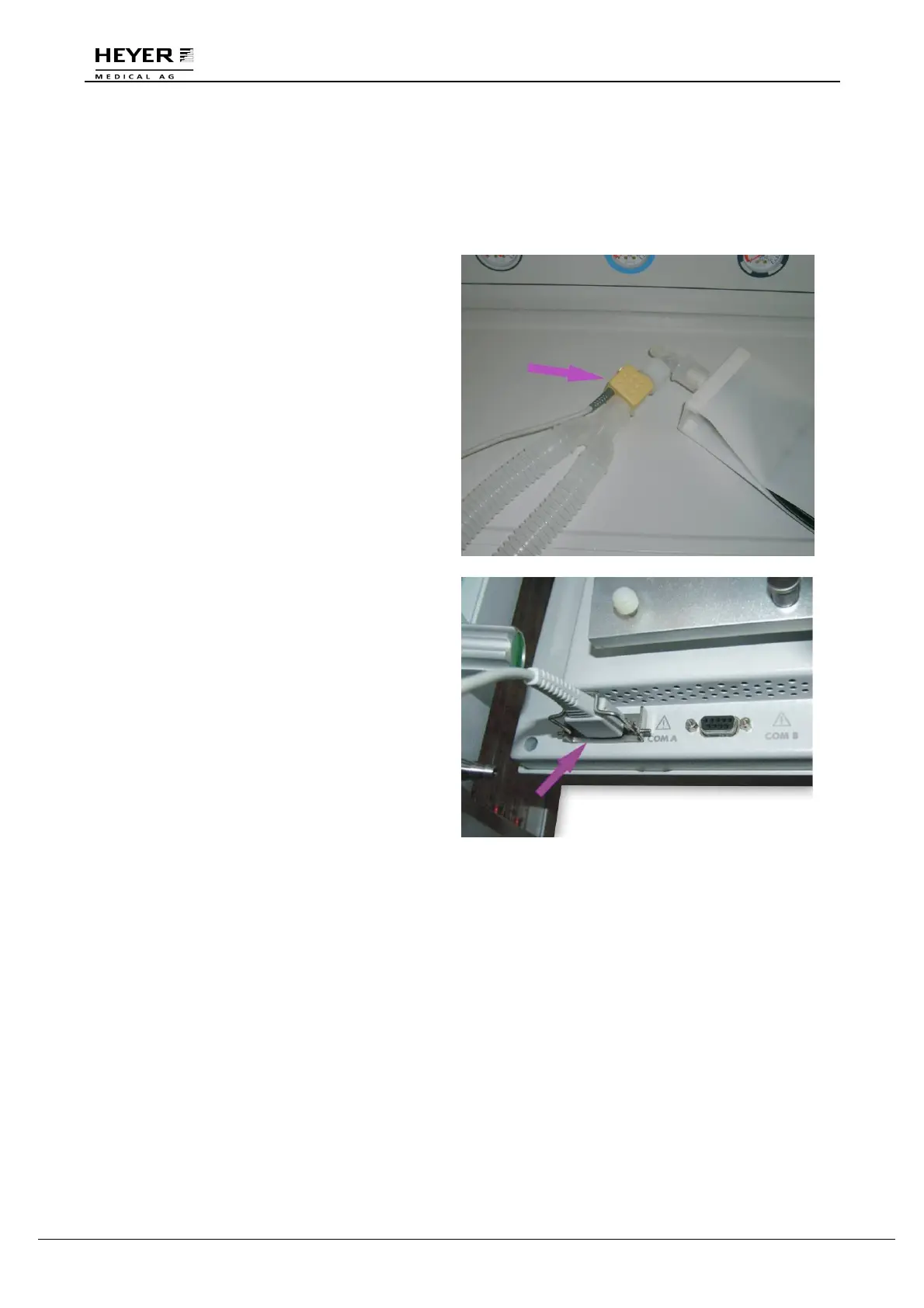
Step 1
Connect one end of the CO
2
monitor to the Y-
piece of the patient end and the other end to the
reservoir bag.
Step 2
Plug the data connecter into the COM A port at
the back of ventilator.



 To Next Page