H E Y E R P a s i t h e c
Rev. 0.2 Draft – 12/09 HEYER Pasithec, Operator’s manual 25 / 106
3.5 Menu
3.5.1 Operating Guide
When calibrating or carrying out other functions, an explanation of the process will be displayed on the
screen.
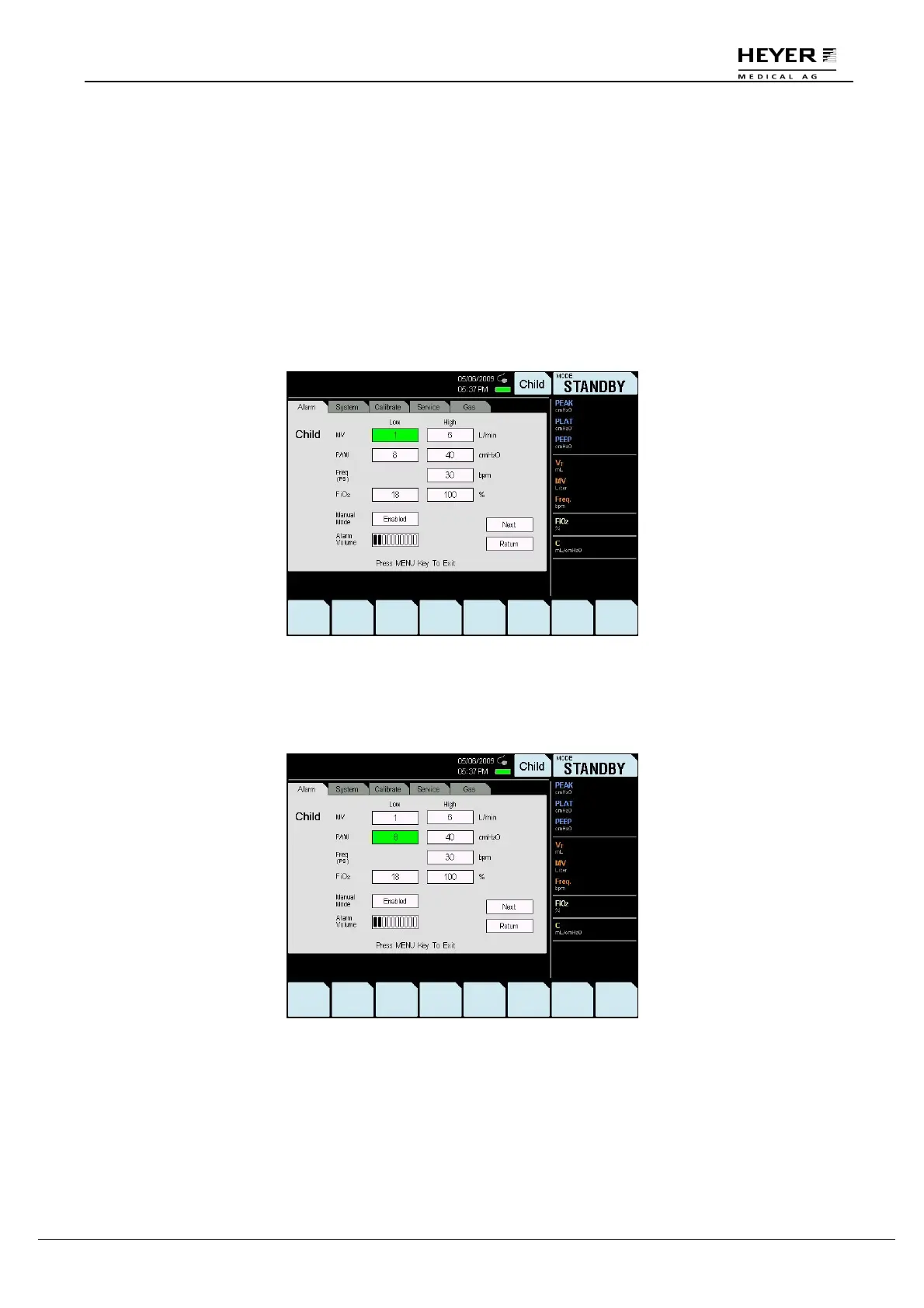
The following diagram is an example.
Step 1
When the MENU key is pressed, a “Menu” window is displayed on the screen.
Note: The “Menu” window opens in the last viewed menu.
The following example illustrates how to operate the settings.
Step 2
Turn the knob to select the Paw-Low option; the selected option will appear as black text on a green
background.



 To Next Page