H E Y E R P a s i t h e c
26 / 106 HEYER Pasithec, Operator’s manual Rev. 0.2 Draft - 12/09
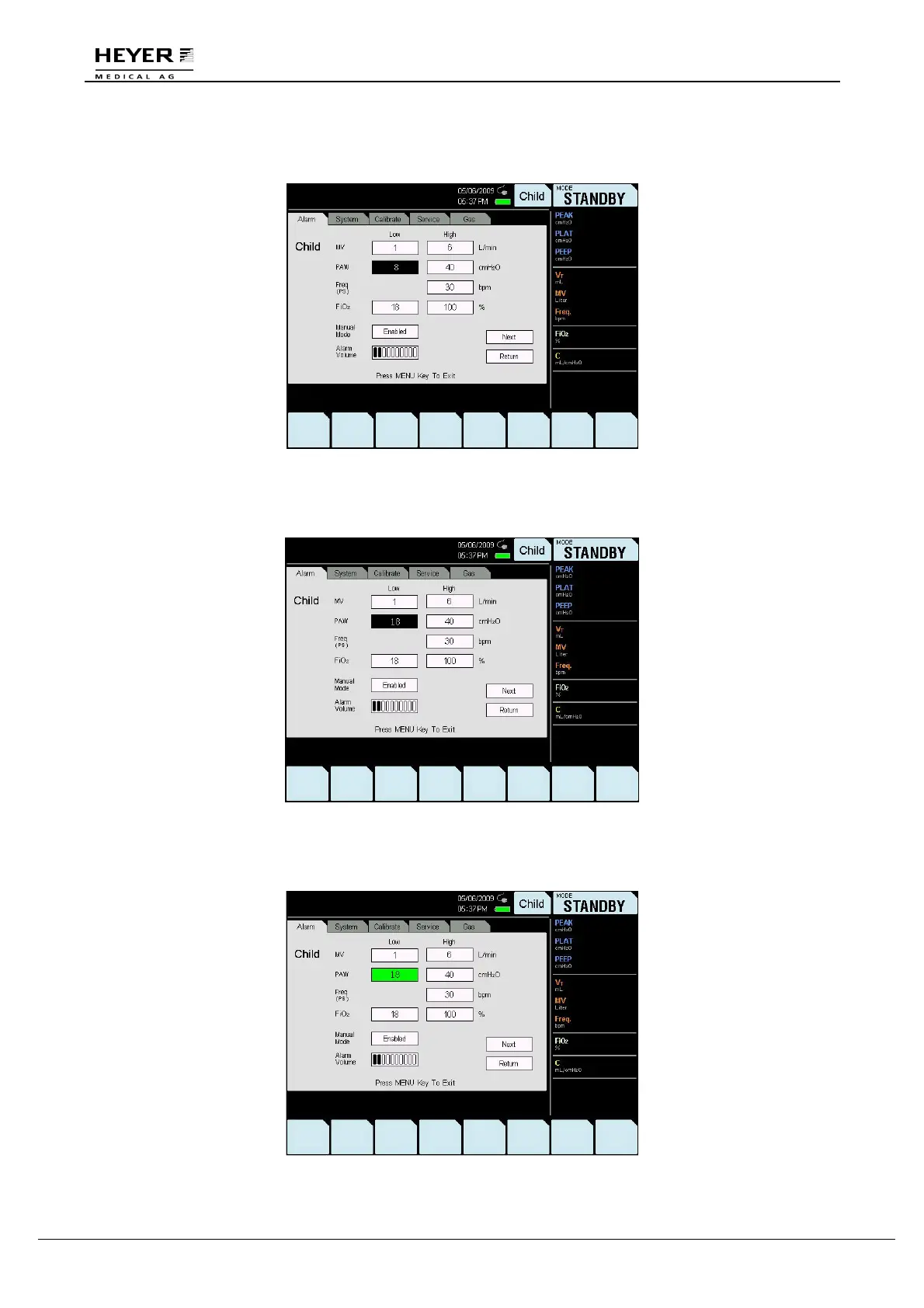
Step 3
Press the knob to enter the setting; the background will appear as white text on a black background.
Step 4
Turn the knob to select the setting.
Step 5
Press the knob to save the setting; the background will appear as black text on a green background.



 To Next Page