H E Y E R P a s i t h e c
Rev. 0.2 Draft – 12/09 HEYER Pasithec, Operator’s manual 41 / 106
4.1.6 Ventilation Mode Setup
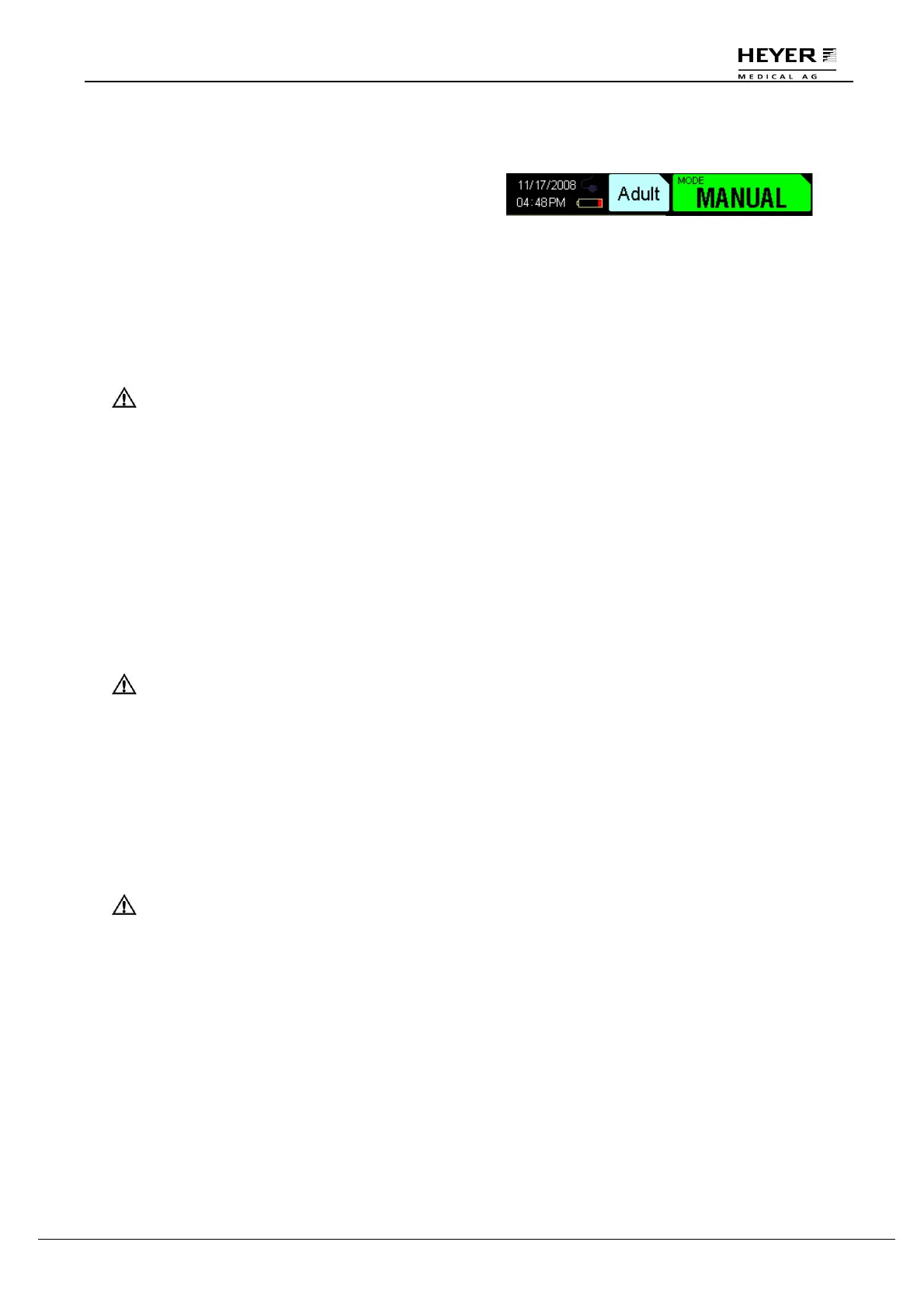
The current Ventilation mode is shown at top right
corner of the display, with the arrow pointed up.
STANDBY mode
IPPV mode
PCV mode
SIMV mode
PS mode
Manual mode
Step 1: Turn the knob and point the cursor to the current ventilation mode.
CAUTION Exit the menu before carrying out this step.
Step 2: Press the knob to ensure the grounding changed.
Step 3: Turn the knob to select the required ventilation mode.
Step 4: Press the knob for the pre-election state; setting parameters can then be changed.
Step 5: Point cursor to the ventilation mode and press the knob to save the setup.
4.1.7 Breathing Parameters Setup
Step 1: Turn the knob and point the cursor to the corresponding parameter.
CAUTION: Exit the menu before carrying out this step.
Step 2: Press the knob to ensure the grounding changed.
Step 3: Turn the knob to select the required ventilation mode.
Step 4: Press the knob to save the setup.
4.2 Start Mechanical Ventilation
WARNING: Before beginning, set the patient circuit installing and controlling correctly.
The following procedures assume that the system is on and the manual
reservoir gas is in ventilating mode.
Step 1: Check that the control settings coincide with the clinical settings.
Step 2: Select “Auto Ventilation”. To adjust settings, refer to section 4.1.6.
Step 3: If necessary, push the O
2
flush button to inflate the bellows.
4.2.1 Stop Mechanical Ventilation
Set ventilation mode to Manual or STANDBY mode.



 To Next Page