H E Y E R P a s i t h e c
40 / 106 HEYER Pasithec, Operator’s manual Rev. 0.2 Draft - 12/09
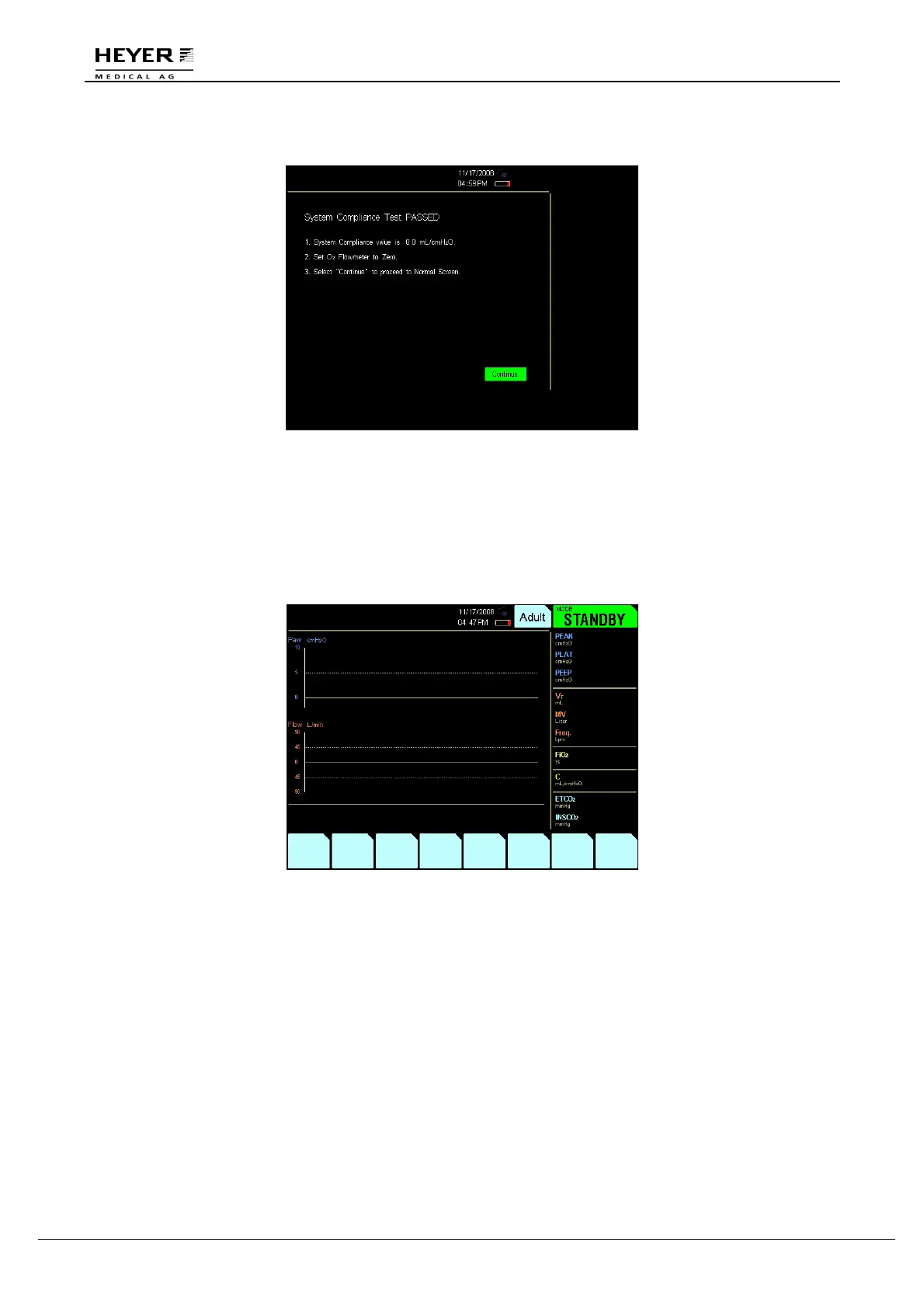
The following will appear after the Compliance Test is complete:
Figure 4-13 Compliance Test Complete interface
Complete the Compliance Test according to the instructions shown in Figure 4-13:
1. Set O
2
flowmeter to zero.
2. Select “Continue” to proceed to Normal Screen.
Click “Continue” and the STANDBY screen will appear:
Figure 4-14 STANDBY interface



 To Next Page