Basic Network Configuration 28
Doc: HMSI-27-309, Rev. 3.11Anybus Communicator PROFINET User Manual
4.3 PROFINET Settings
The file “\pnio.cfg” holds various PROFINET-related settings. The file is read once during startup, i.e.
the Anybus Communicator must be restarted in order for any changes to have effect (unless its contents
has been changed by an IO Controller/Supervisor via the DCP protocol. In such case, the settings will
have effect immediately).
4.4 IP Access Control
It is possible to specify which IP addresses that are permitted to connect to the Anybus Communicator.
This information is stored in the system file “\ip_accs.cfg”.
Note: * (asterisk) may be used as a wildcard to select IP series.
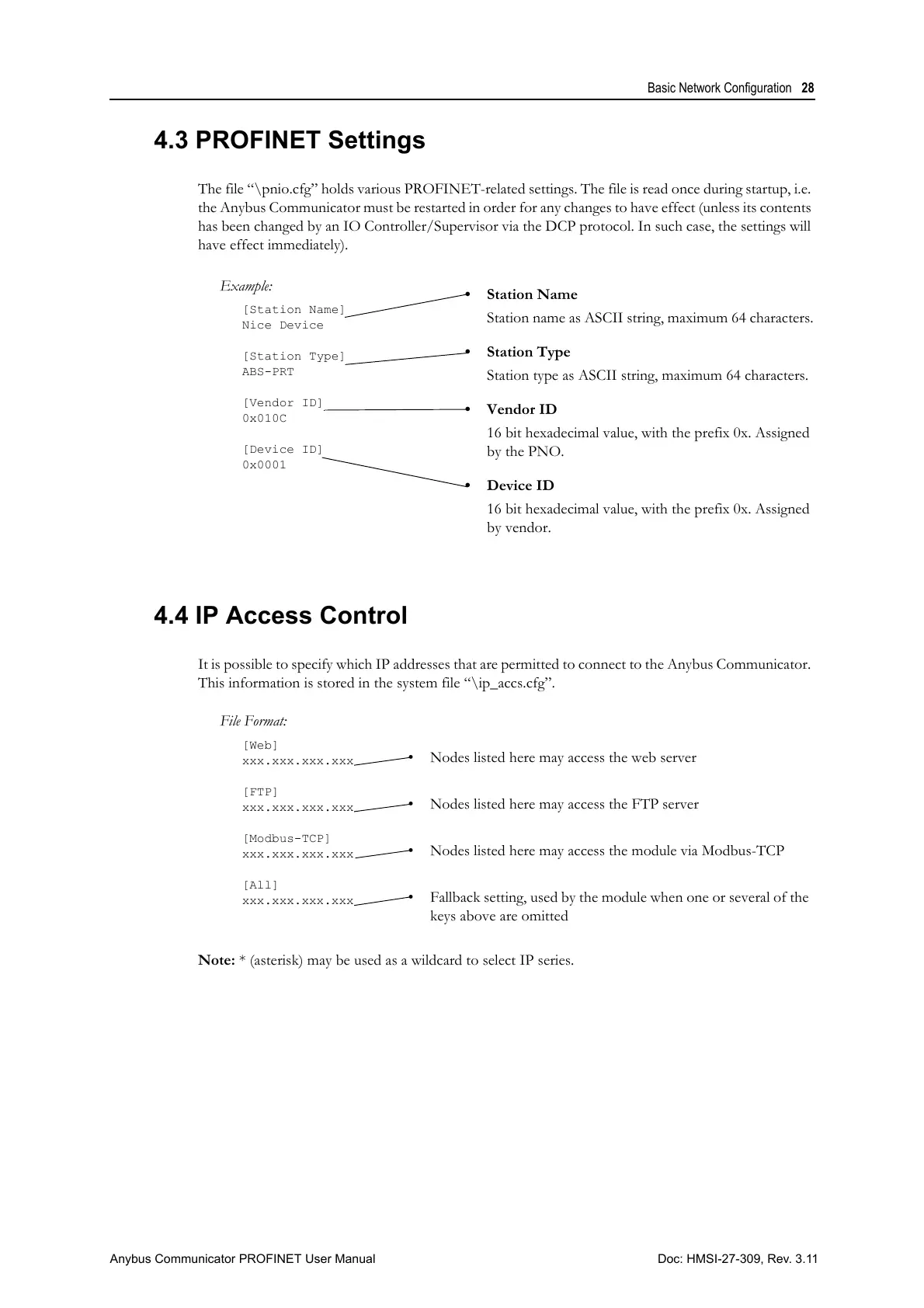
Example:
[Station Name]
Nice Device
[Station Type]
ABS-PRT
[Vendor ID]
0x010C
[Device ID]
0x0001
• Station Name
Station name as ASCII string, maximum 64 characters.
• Station Type
Station type as ASCII string, maximum 64 characters.
• Vendor ID
16 bit hexadecimal value, with the prefix 0x. Assigned
by the PNO.
• Device ID
16 bit hexadecimal value, with the prefix 0x. Assigned
by vendor.
File Format:
[Web]
xxx.xxx.xxx.xxx
[FTP]
xxx.xxx.xxx.xxx
[Modbus-TCP]
xxx.xxx.xxx.xxx
[All]
xxx.xxx.xxx.xxx
• Nodes listed here may access the web server
• Nodes listed here may access the FTP server
• Nodes listed here may access the module via Modbus-TCP
• Fallback setting, used by the module when one or several of the
keys above are omitted



 To Next Page