FTP Server 31
Doc: HMSI-27-309, Rev. 3.11Anybus Communicator PROFINET User Manual
5.2 FTP Connection Example (Windows Explorer)
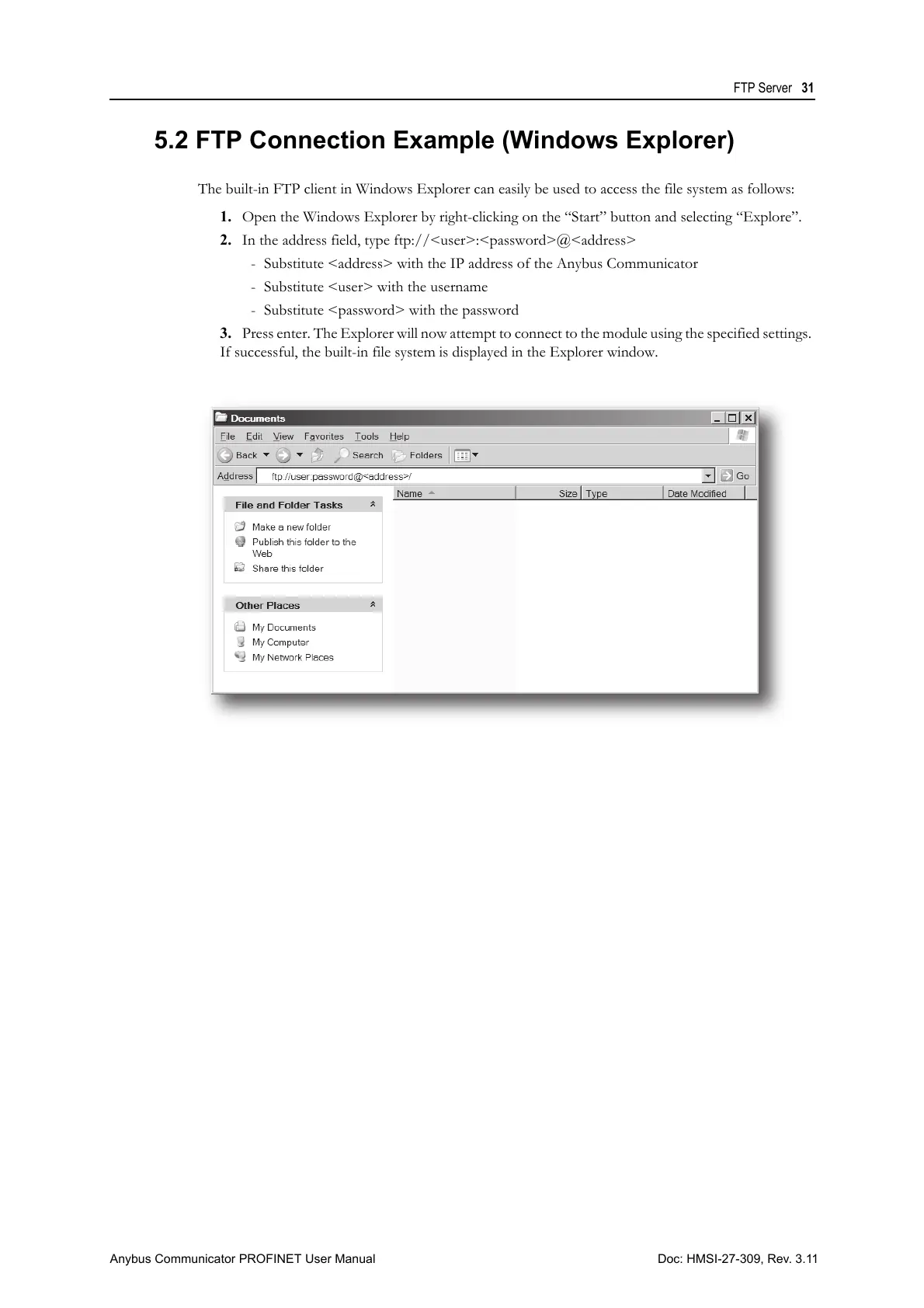
The built-in FTP client in Windows Explorer can easily be used to access the file system as follows:
1. Open the Windows Explorer by right-clicking on the “Start” button and selecting “Explore”.
2. In the address field, type ftp://<user>:<password>@<address>
- Substitute <address> with the IP address of the Anybus Communicator
- Substitute <user> with the username
- Substitute <password> with the password
3. Press enter. The Explorer will now attempt to connect to the module using the specified settings.
If successful, the built-in file system is displayed in the Explorer window.



 To Next Page