Web Server 33
Doc: HMSI-27-309, Rev. 3.11Anybus Communicator PROFINET User Manual
6.2 Authorization
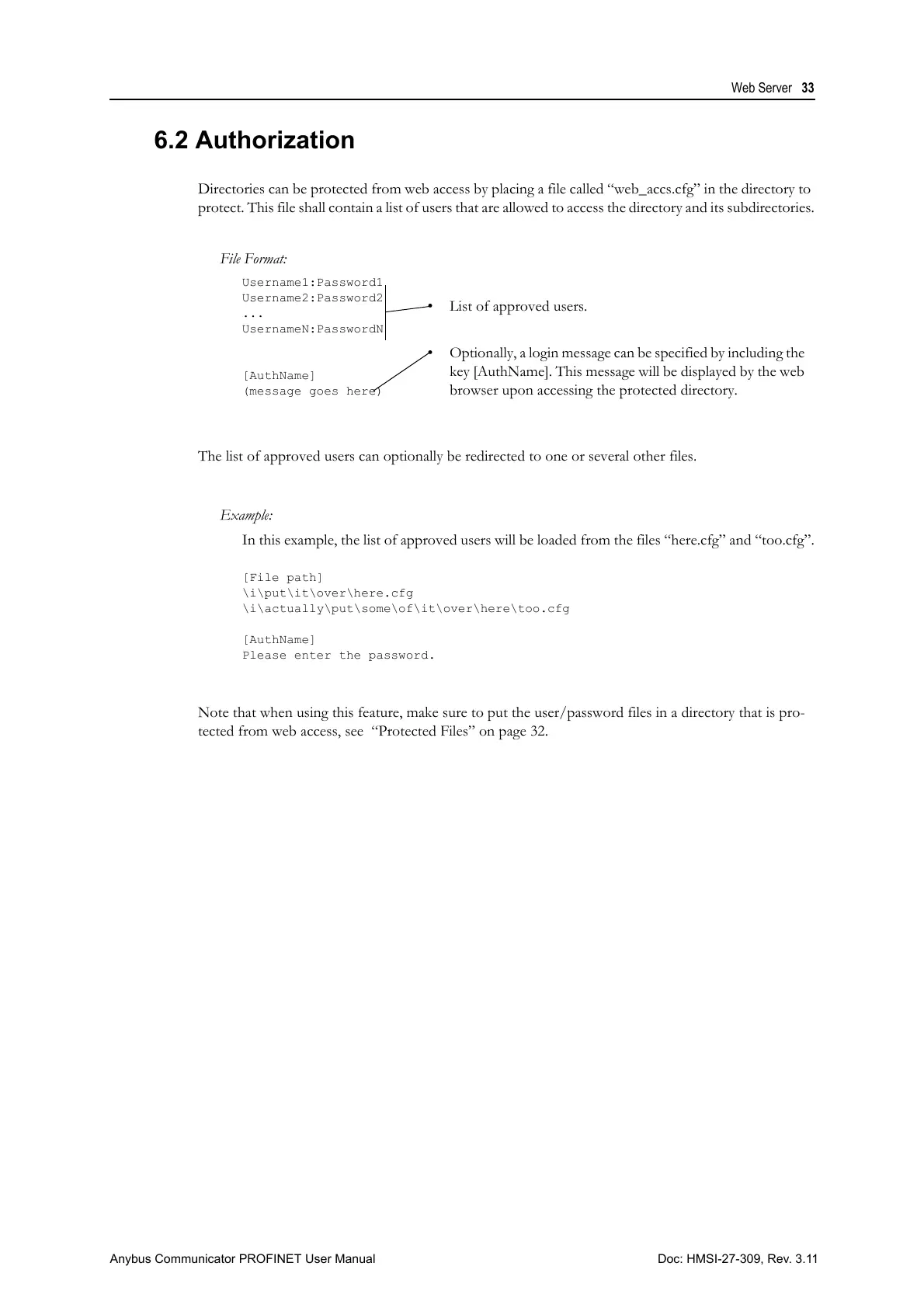
Directories can be protected from web access by placing a file called “web_accs.cfg” in the directory to
protect. This file shall contain a list of users that are allowed to access the directory and its subdirectories.
The list of approved users can optionally be redirected to one or several other files.
Example:
In this example, the list of approved users will be loaded from the files “here.cfg” and “too.cfg”.
[File path]
\i\put\it\over\here.cfg
\i\actually\put\some\of\it\over\here\too.cfg
[AuthName]
Please enter the password.
Note that when using this feature, make sure to put the user/password files in a directory that is pro-
tected from web access, see “Protected Files” on page 32.
File Format:
Username1:Password1
Username2:Password2
...
UsernameN:PasswordN
[AuthName]
(message goes here)
• List of approved users.
• Optionally, a login message can be specified by including the
key [AuthName]. This message will be displayed by the web
browser upon accessing the protected directory.



 To Next Page