Configuration Wizards 91
Doc: HMSI-27-309, Rev. 3.11Anybus Communicator PROFINET User Manual
19.3 Wizard - Modbus RTU Master
This wizard can be used to create a Modbus-RTU-based network configuration based on certain infor-
mation about the subnetwork. The online help system explains each configuration step in detail.
• Important Notes:
Many OEM devices do not fully comply with the Modbus standard. For example, they may im-
plement a variation of this standard or be limited to the use of specific Modbus commands other
than the ones used by this wizard. In all cases, the user should consult the documentation of the
devices that shall be used on the subnetwork for information about their serial communication
requirements, and if necessary contact the manufacturer of the device to obtain further informa-
tion about the serial communication protocol.
In the event that the wizard doesn’t handle a particular Modbus command required by a device,
it is possible to specify this command manually as a transaction in the Anybus Configuration
Manager.
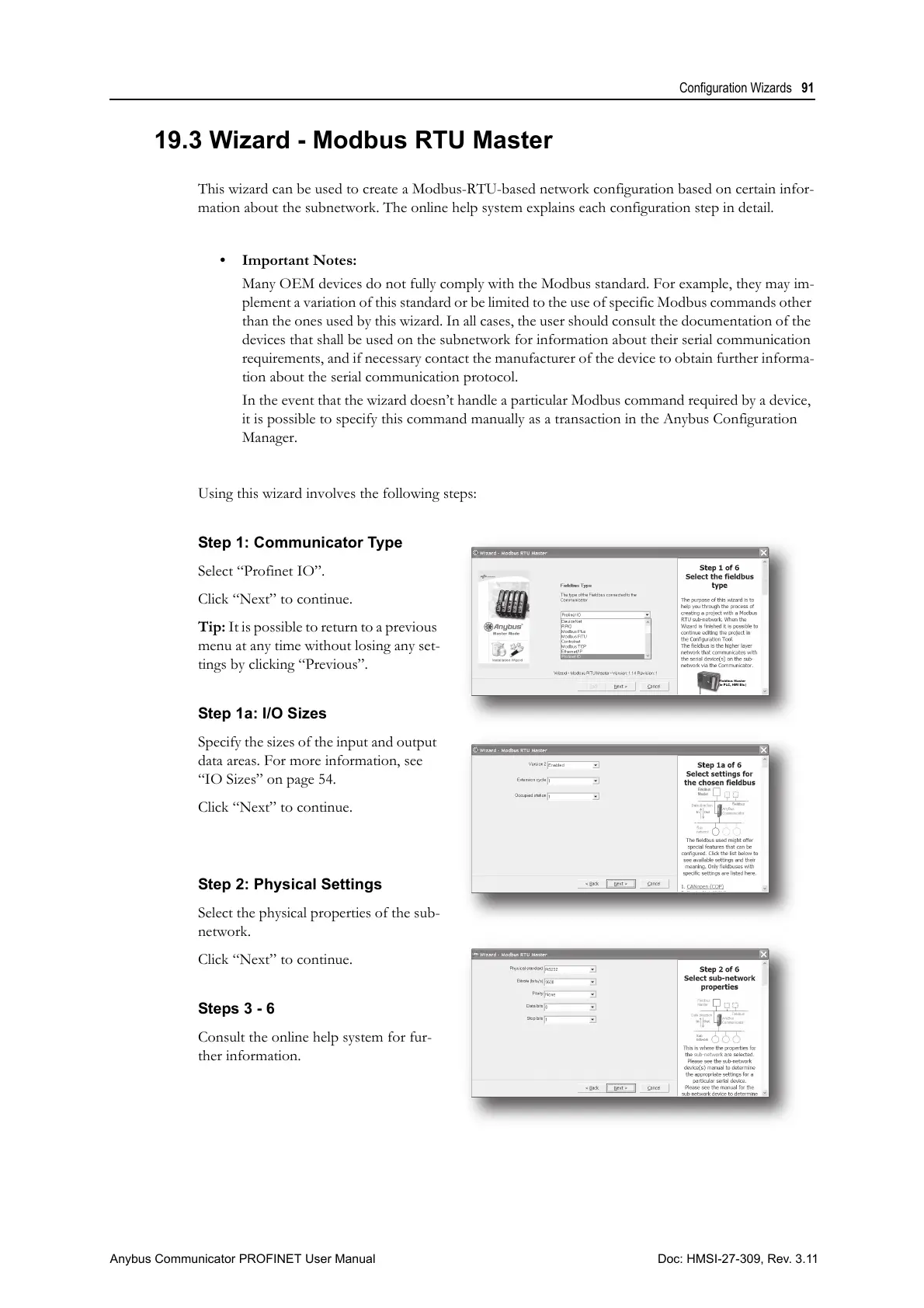
Using this wizard involves the following steps:
Step 1: Communicator Type
Select “Profinet IO”.
Click “Next” to continue.
Tip: It is possible to return to a previous
menu at any time without losing any set-
tings by clicking “Previous”.
Step 1a: I/O Sizes
Specify the sizes of the input and output
data areas. For more information, see
“IO Sizes” on page 54.
Click “Next” to continue.
Step 2: Physical Settings
Select the physical properties of the sub-
network.
Click “Next” to continue.
Steps 3 - 6
Consult the online help system for fur-
ther information.



 To Next Page