Basic Network Configuration 29
Doc: HMSI-27-309, Rev. 3.11Anybus Communicator PROFINET User Manual
4.5 Anybus IPconfig (HICP)
The Anybus Communicator supports the HICP protocol used by the Anybus IPconfig utility from
HMS, which can be downloaded free of charge from the HMS website. This utility may be used to con-
figure the network settings of any Anybus product connected to the network. Note that if successful,
this will replace the settings currently stored in the configuration file (“ethcfg.cfg”).
Upon starting the program, the network
is scanned for Anybus products. The net-
work can be rescanned at any time by
clicking “Scan”. In the list of detected de-
vices, the Anybus Communicator will ap-
pear as “ABC-PRT”. To alter its network
settings, double-click on its entry in the
list.
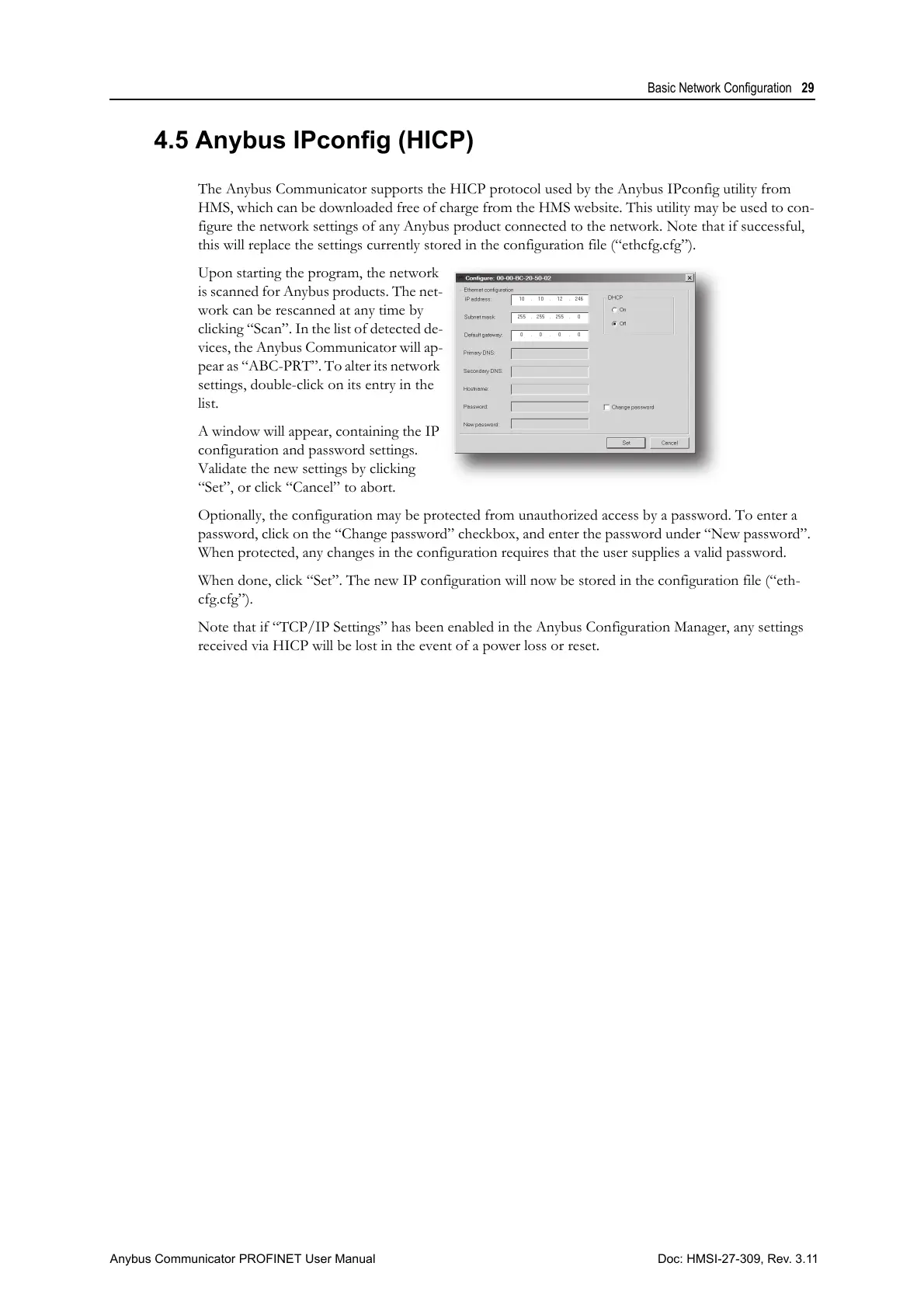
A window will appear, containing the IP
configuration and password settings.
Validate the new settings by clicking
“Set”, or click “Cancel” to abort.
Optionally, the configuration may be protected from unauthorized access by a password. To enter a
password, click on the “Change password” checkbox, and enter the password under “New password”.
When protected, any changes in the configuration requires that the user supplies a valid password.
When done, click “Set”. The new IP configuration will now be stored in the configuration file (“eth-
cfg.cfg”).
Note that if “TCP/IP Settings” has been enabled in the Anybus Configuration Manager, any settings
received via HICP will be lost in the event of a power loss or reset.



 To Next Page