Transactions 29
Doc: HMSI-27-309, Rev. 3.11Anybus Communicator PROFINET User Manual
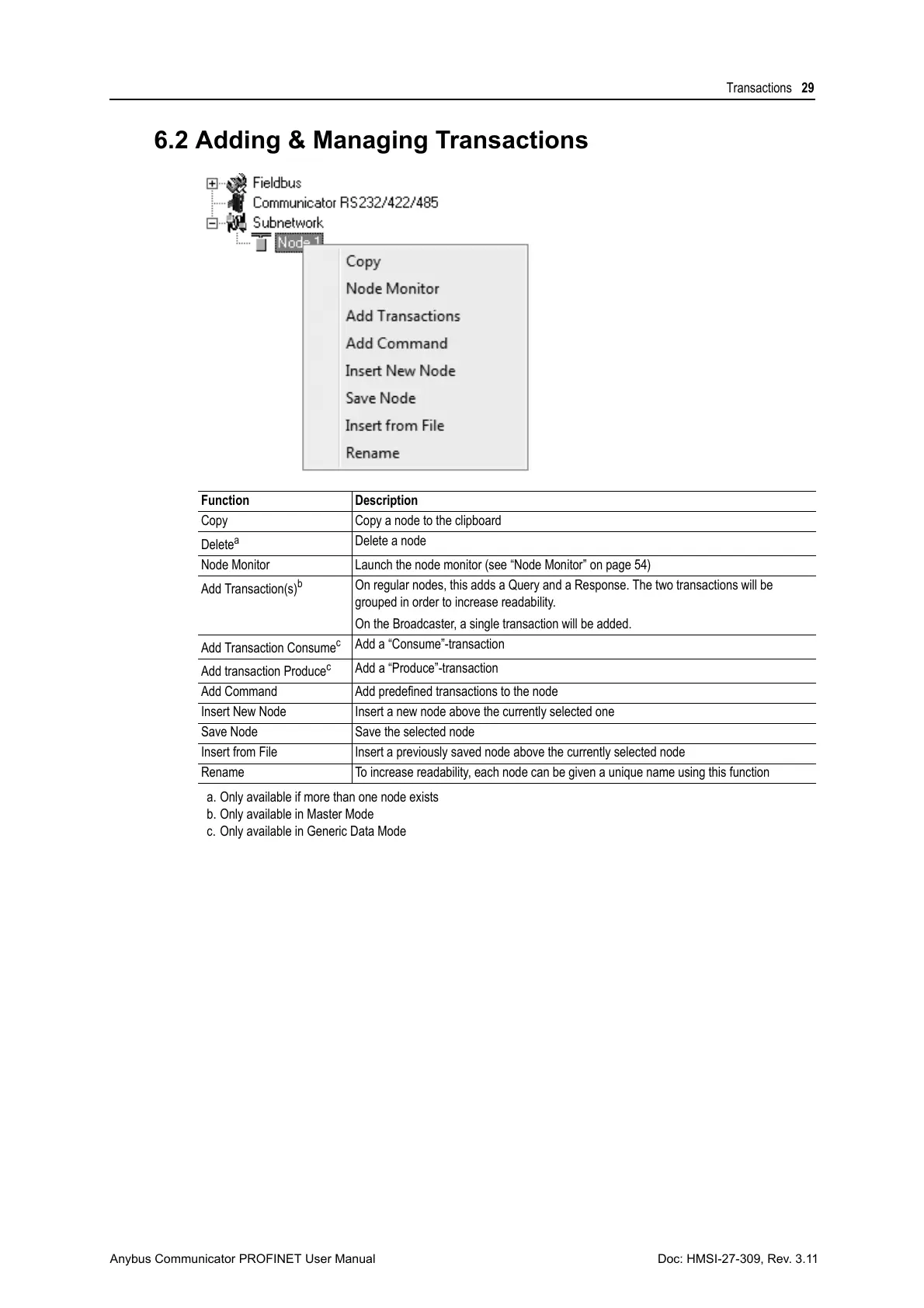
6.2 Adding & Managing Transactions
Function Description
Copy Copy a node to the clipboard
Delete
a
a. Only available if more than one node exists
Delete a node
Node Monitor Launch the node monitor (see “Node Monitor” on page 54)
Add Transaction(s)
b
b. Only available in Master Mode
On regular nodes, this adds a Query and a Response. The two transactions will be
grouped in order to increase readability.
On the Broadcaster, a single transaction will be added.
Add Transaction Consume
c
c. Only available in Generic Data Mode
Add a “Consume”-transaction
Add transaction Produce
c
Add a “Produce”-transaction
Add Command Add predefined transactions to the node
Insert New Node Insert a new node above the currently selected one
Save Node Save the selected node
Insert from File Insert a previously saved node above the currently selected node
Rename To increase readability, each node can be given a unique name using this function



 To Next Page