Doc: HMSI-27-309, Rev. 3.11Anybus Communicator PROFINET User Manual
Chapter 10
10. Basic Settings
10.1 Fieldbus Settings
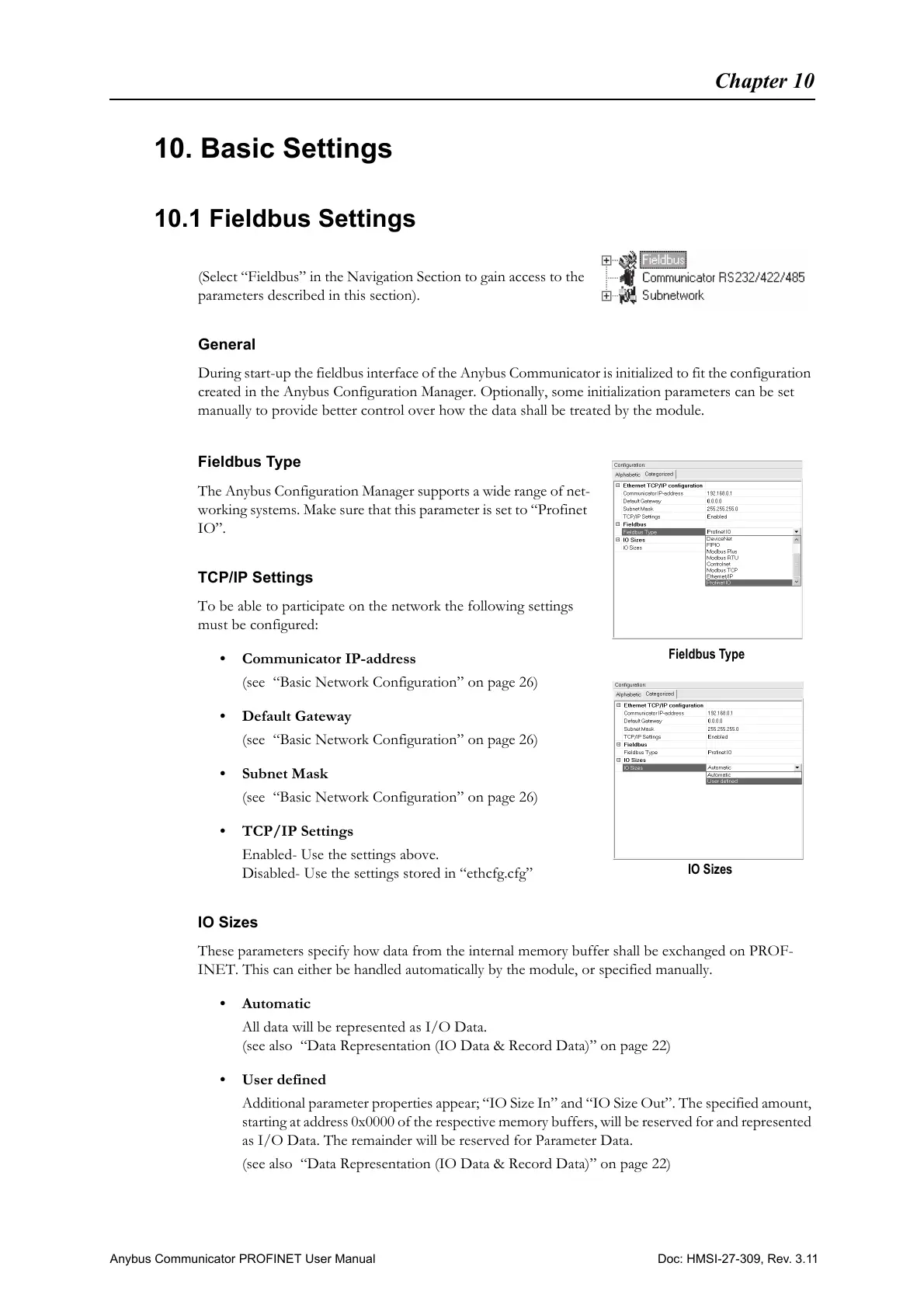
(Select “Fieldbus” in the Navigation Section to gain access to the
parameters described in this section).
General
During start-up the fieldbus interface of the Anybus Communicator is initialized to fit the configuration
created in the Anybus Configuration Manager. Optionally, some initialization parameters can be set
manually to provide better control over how the data shall be treated by the module.
Fieldbus Type
The Anybus Configuration Manager supports a wide range of net-
working systems. Make sure that this parameter is set to “Profinet
IO”.
TCP/IP Settings
To be able to participate on the network the following settings
must be configured:
• Communicator IP-address
(see “Basic Network Configuration” on page 26)
•Default Gateway
(see “Basic Network Configuration” on page 26)
• Subnet Mask
(see “Basic Network Configuration” on page 26)
• TCP/IP Settings
Enabled- Use the settings above.
Disabled- Use the settings stored in “ethcfg.cfg”
IO Sizes
These parameters specify how data from the internal memory buffer shall be exchanged on PROF-
INET. This can either be handled automatically by the module, or specified manually.
•Automatic
All data will be represented as I/O Data.
(see also “Data Representation (IO Data & Record Data)” on page 22)
• User defined
Additional parameter properties appear; “IO Size In” and “IO Size Out”. The specified amount,
starting at address 0x0000 of the respective memory buffers, will be reserved for and represented
as I/O Data. The remainder will be reserved for Parameter Data.
(see also “Data Representation (IO Data & Record Data)” on page 22)
Fieldbus Type
IO Sizes



 To Next Page