Doc: HMSI-27-309, Rev. 3.11Anybus Communicator PROFINET User Manual
Chapter 19
19. Configuration Wizards
19.1 General
When creating a new subnetwork configuration, the Anybus Configuration Manager provides a choice
between starting out with a blank configuration, or using a predefined template, a.k.a a wizard.
The wizard automatically creates a subnetwork configuration based on information supplied by the user,
i.e the user simply has to “fill in the blanks”. Note however that this will only work when the subnetwork
fits the wizard profile; in all other cases the “Blank Configuration” option must be used.
19.2 Selecting a Wizard Profile
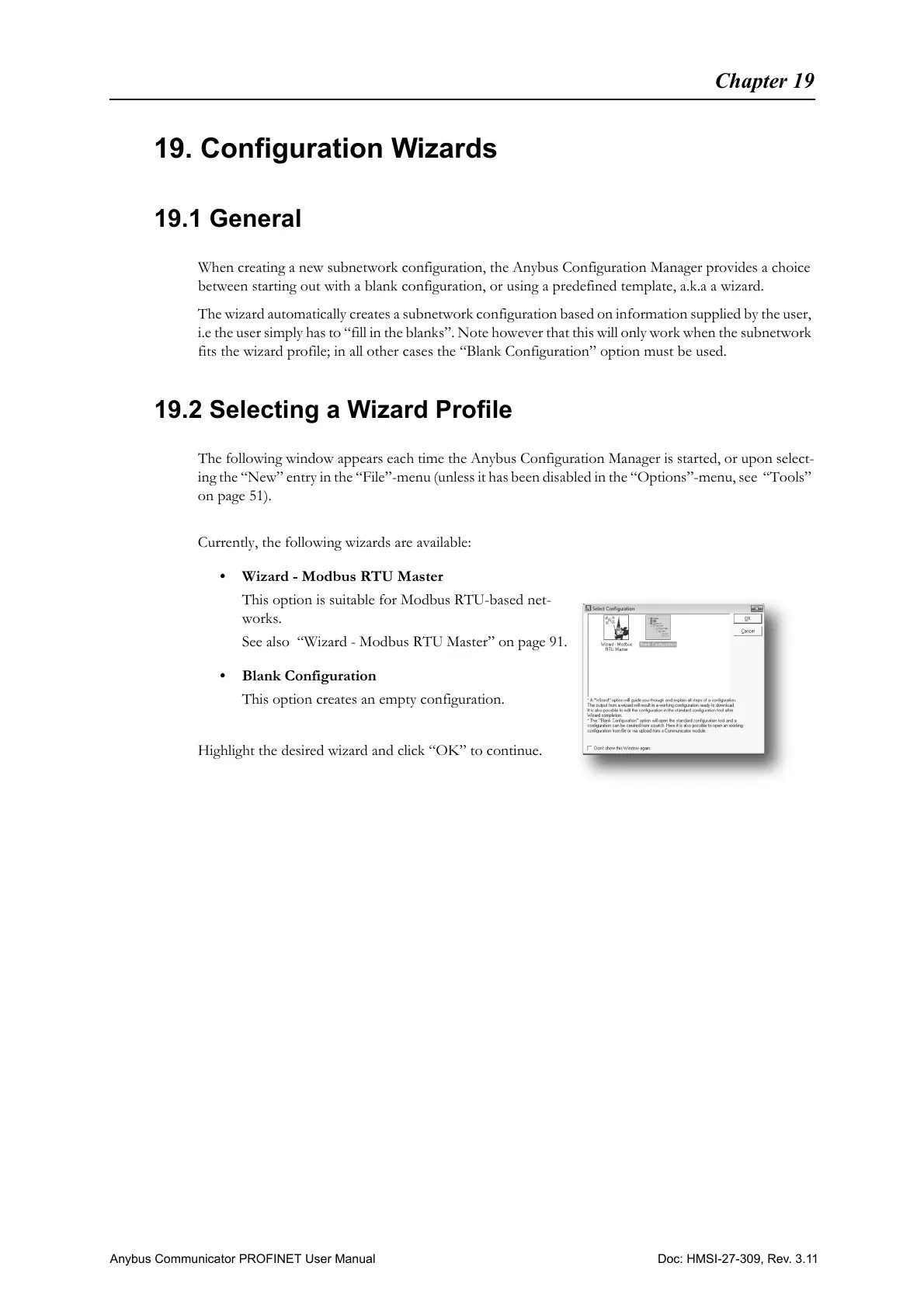
The following window appears each time the Anybus Configuration Manager is started, or upon select-
ing the “New” entry in the “File”-menu (unless it has been disabled in the “Options”-menu, see “Tools”
on page 51).
Currently, the following wizards are available:
• Wizard - Modbus RTU Master
This option is suitable for Modbus RTU-based net-
works.
See also “Wizard - Modbus RTU Master” on page 91.
• Blank Configuration
This option creates an empty configuration.
Highlight the desired wizard and click “OK” to continue.



 To Next Page