Navigating ACM 20
Doc: HMSI-27-309, Rev. 3.11Anybus Communicator PROFINET User Manual
3.1.1 Drop-down Menus
File
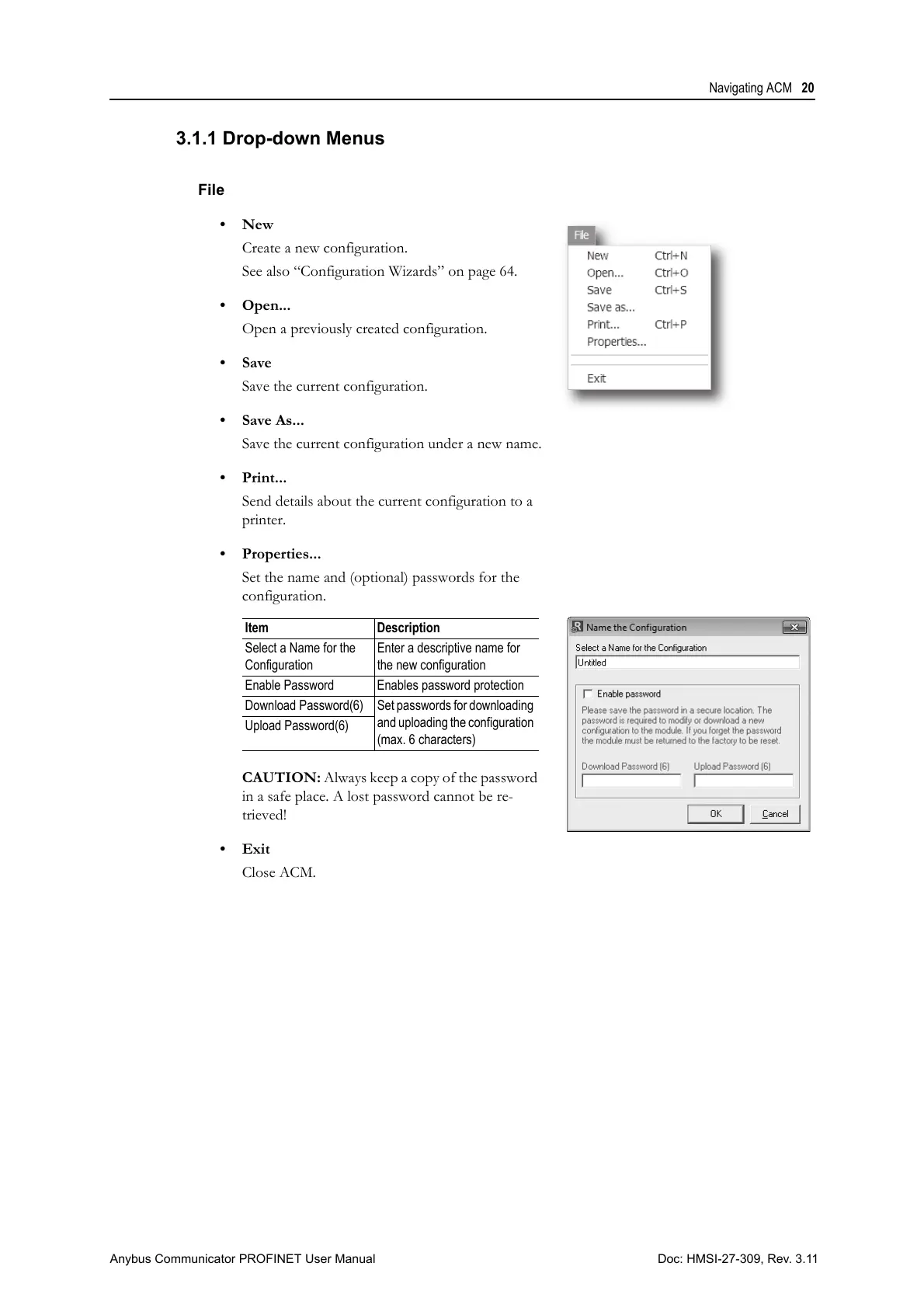
•New
Create a new configuration.
See also “Configuration Wizards” on page 64.
• Open...
Open a previously created configuration.
•Save
Save the current configuration.
• Save As...
Save the current configuration under a new name.
•Print...
Send details about the current configuration to a
printer.
• Properties...
Set the name and (optional) passwords for the
configuration.
CAUTION: Always keep a copy of the password
in a safe place. A lost password cannot be re-
trieved!
•Exit
Close ACM.
Item Description
Select a Name for the
Configuration
Enter a descriptive name for
the new configuration
Enable Password Enables password protection
Download Password(6) Set passwords for downloading
and uploading the configuration
(max. 6 characters)
Upload Password(6)



 To Next Page