Commands 42
Doc: HMSI-27-309, Rev. 3.11Anybus Communicator PROFINET User Manual
8.2.1 Drop-down Menu
File
This menu features the following entries:
• Select
Add the currently selected Command to the node.
•Exit
Exit without adding a command to the node.
Command
This menu is used to manage the commands in the list:
•Add Command
Add a custom command to the list, and open the new command in the Command Editor.
See also “The Command Editor” on page 43.
• Edit Command
Edit the currently selected command using the Command Editor.
See also “The Command Editor” on page 43.
• Delete Command
Delete the currently selected command from the list. Note that some commands are fixed and
cannot be deleted.
8.2.2 Toolbar Icons
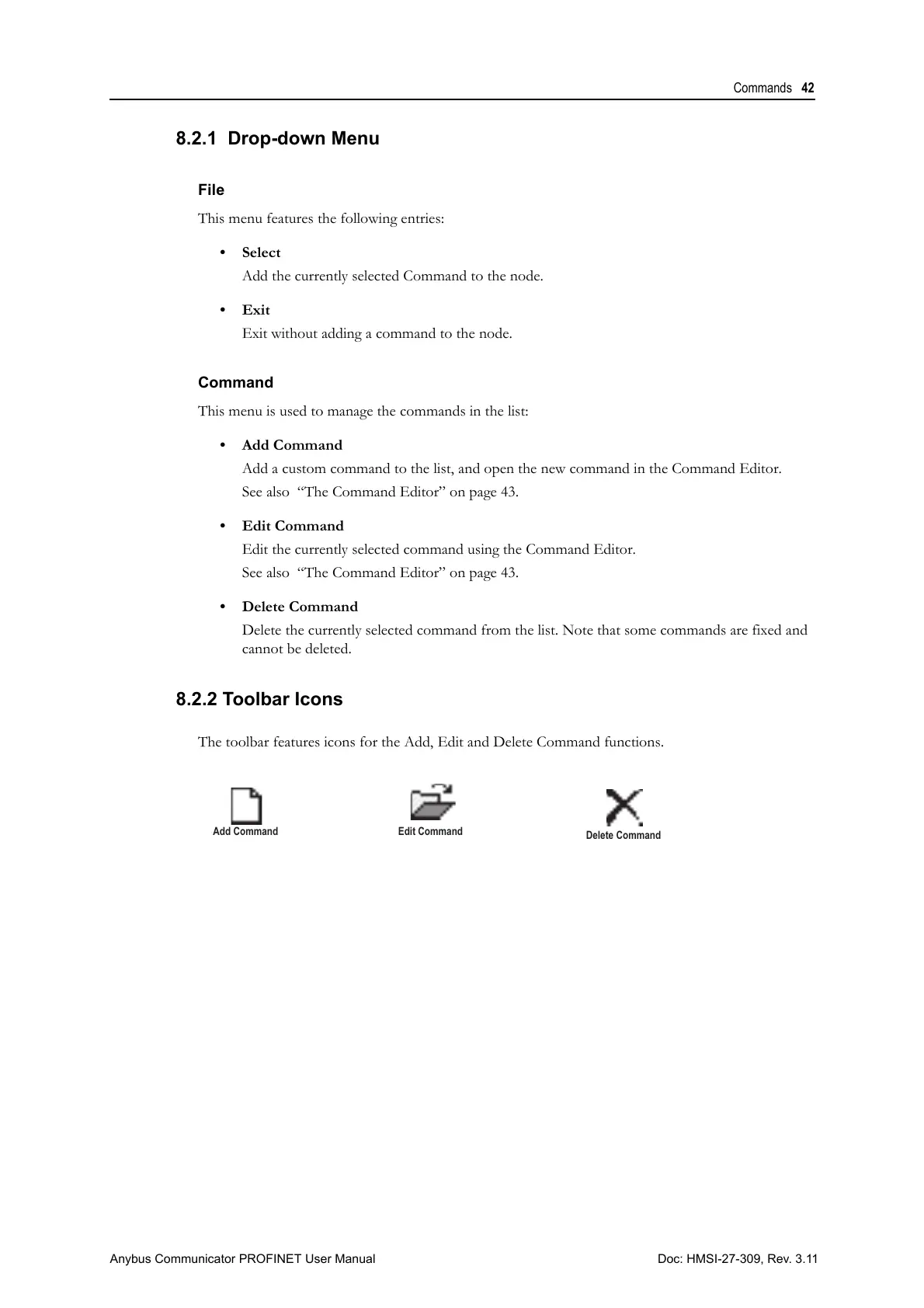
The toolbar features icons for the Add, Edit and Delete Command functions.



 To Next Page