ThinPrep
®
Integrated Imager Operator’s Manual
3.33
USER INTERFACE
From the User Preferences screen, press Save Changes to retain your preference now, or continue
to set your next preference.
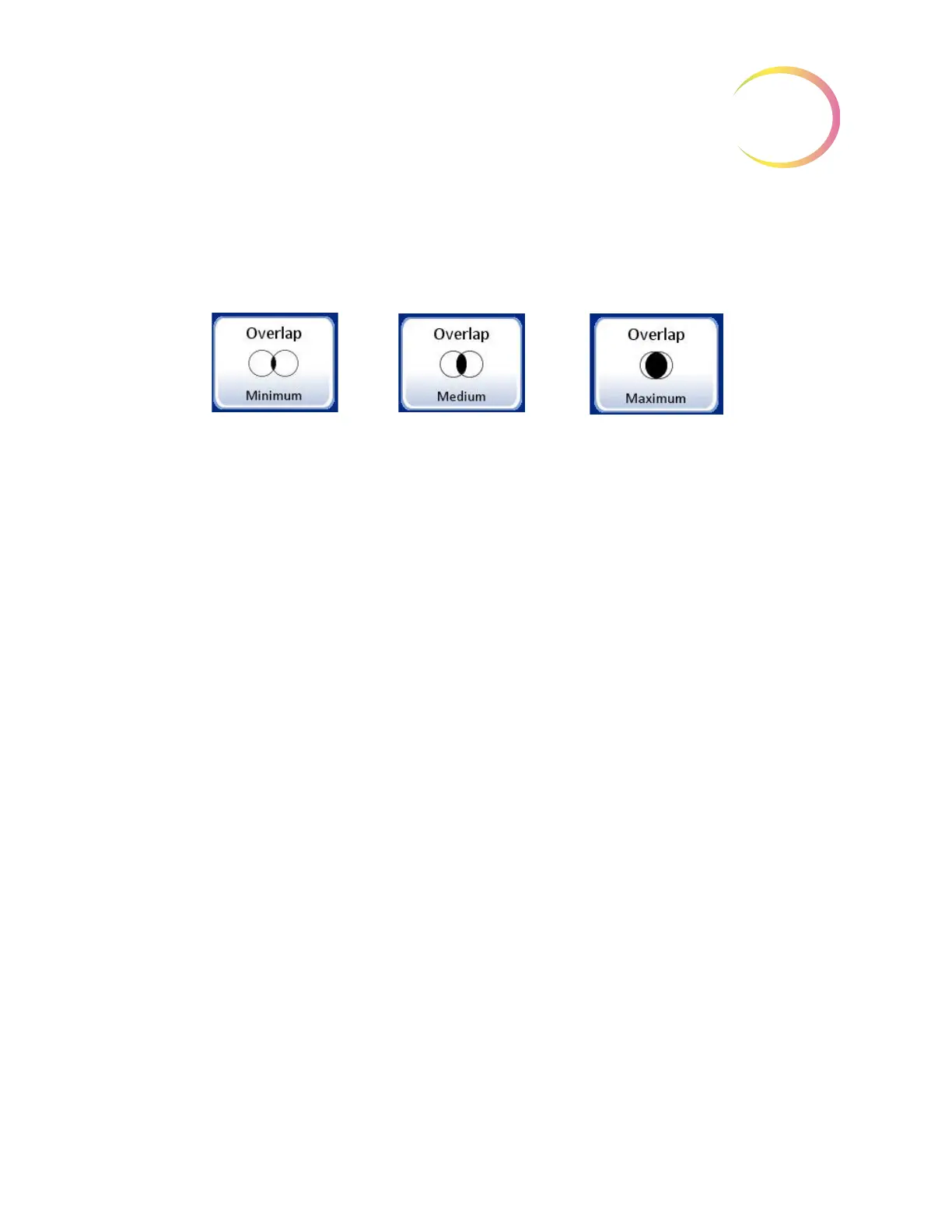
Overlap
Figure 3-52 Select Auto Scan Overlap
Auto Scan overlap may be selected. This sets how much the fields of view overlap from field to field
or row to row during Auto Scan of the cell spot. (Default is minimum.)
Press the
Overlap
button repeatedly to change between the choices of minimum, medium or
maximum overlap. (
Figure 3-52.) To view the selection through the eyepieces, ensure the 10X
objective is in position, load a slide in the slide holder for reference, and press the
Preview
button.
From the User Preferences screen, press Save Changes to retain your preference now, or continue
to set your next preference.
Ty p e
The Auto Scan function presents the entire cell spot in a defined path at 10X magnification. Three
types of scan motion are selectable:
• Automatic Start/Stop
• Semiautomatic Start/Stop
• Manual
+



 To Next Page