ThinPrep
®
Integrated Imager Operator’s Manual
3.35
USER INTERFACE
Figure 3-54 Automatic Scan Mode Preview
Continue to adjust and preview the stage speed and length of pause for viewing until they are
satisfactory. Press the
Done
button to save the settings and return to the User Preferences screen.
From the User Preferences screen, press Save Changes to retain your preference now, or continue
to set your next preference.
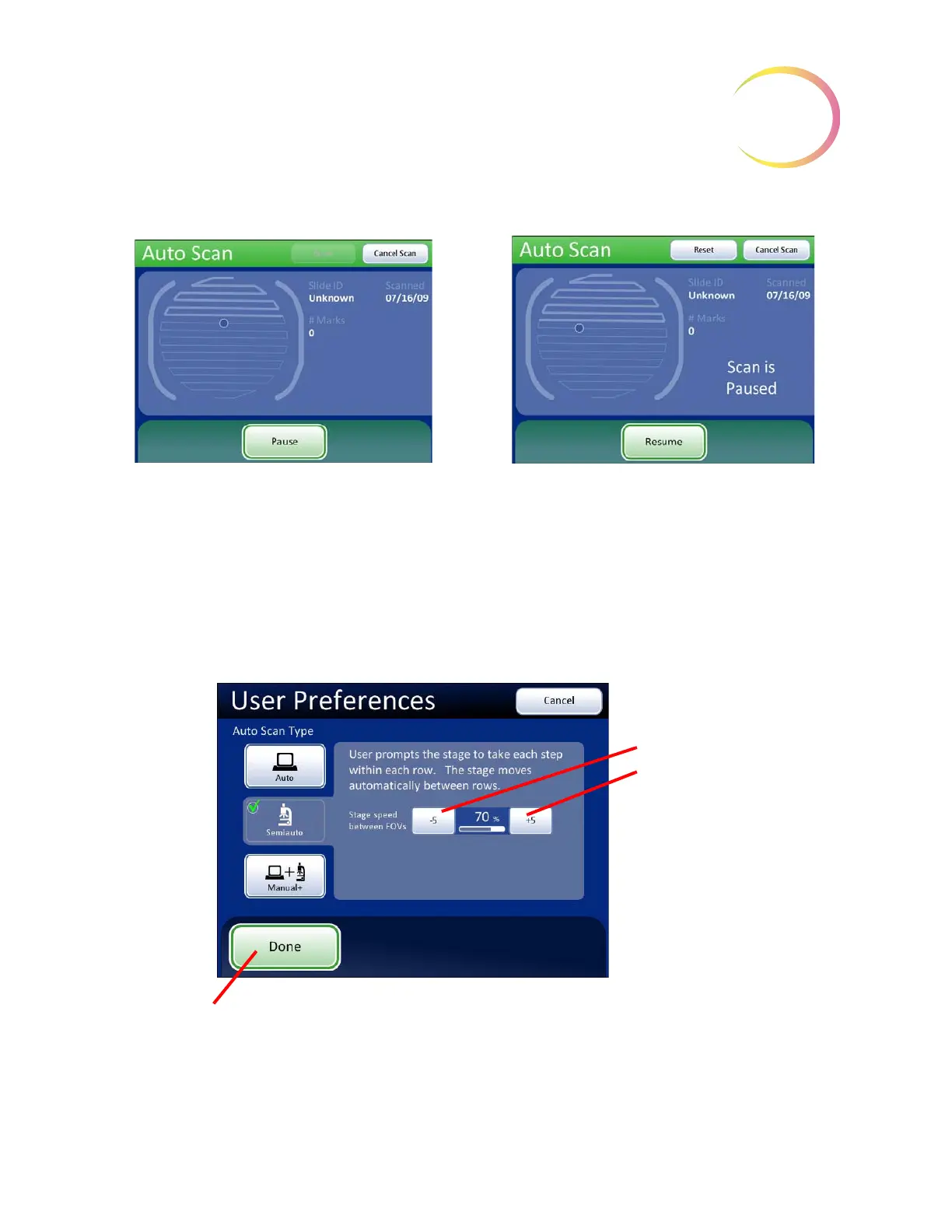
Auto Scan - Semiautomatic Start/Stop
Figure 3-55 Select Semiautomatic Start/Stop Scan
Scan in motion
Scan paused
Stage speed
Slower
Faster
Done
. Save setting adjustments and
return to User Preferences screen.



 To Next Page