OPERATION
4.20
ThinPrep
®
Integrated Imager Operator’s Manual
Auto Locate presents the same 22 fields of interest that have been identified by the Integrated Imager.
(The coordinates are stored as part of the slide data record.) If electronic marks have been made
during previous review(s), they are indicated as highlighted areas on the graphic interface.
More electronic marks may be added, up to a total of 30 on a slide. No previous electronic marks
can be eliminated.
The operator may review marks, perform an Auto Scan, complete review, or skip to the Auto Locate
Complete screen.
To leave Auto Locate before all 22 fields of view have been viewed, press the
Skip
button. This will
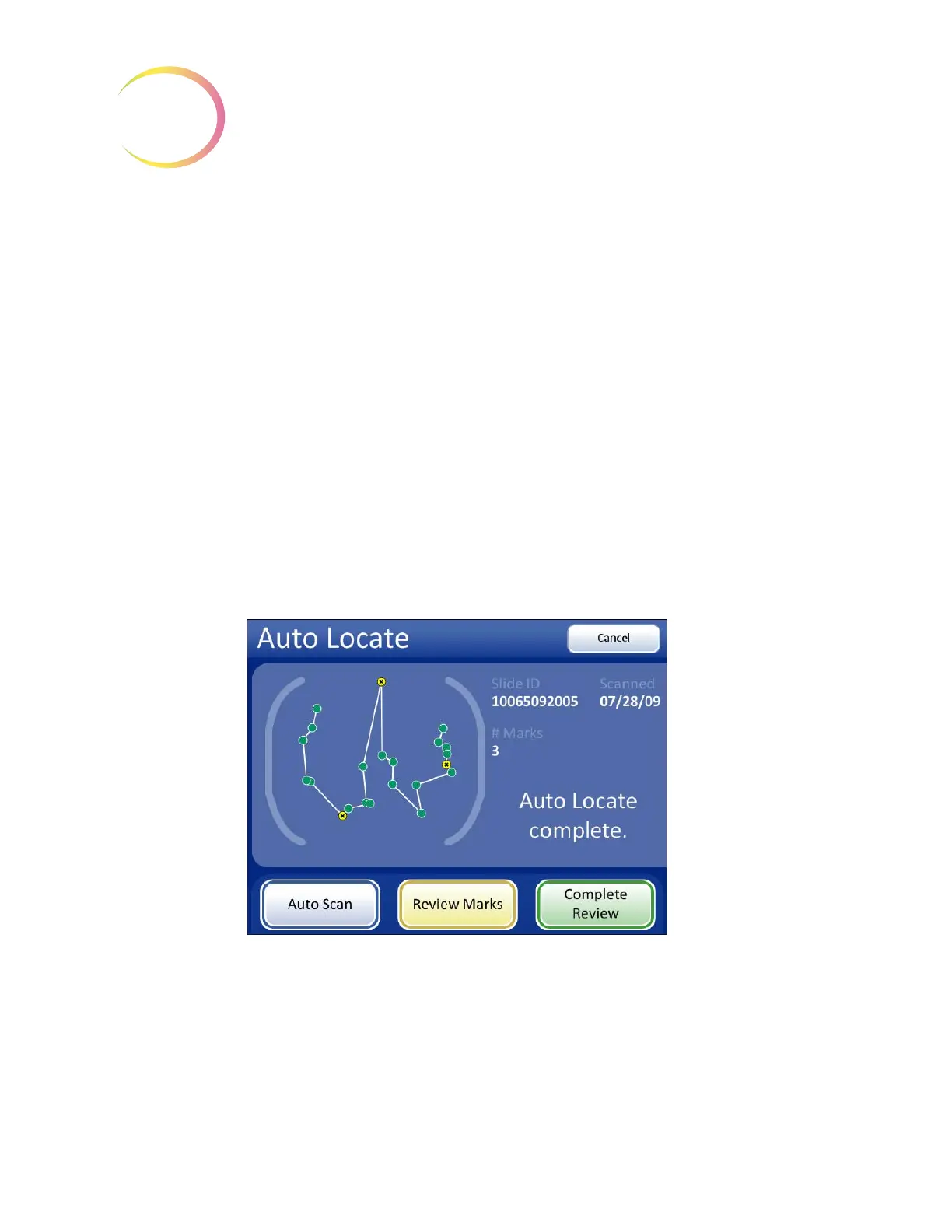
transition to the Auto Locate Complete screen (
Figure 4-22).
At completion of a subsequent Auto Locate the operator may:
• Auto Scan if any marks were made or further review is desired
• review electronic marks
• complete the review if no marks were made and no further review is desired
• press the
Cancel
button to cancel the review (No slide review data will be written to the data-
base.)
Figure 4-22 Auto Locate Complete - Subsequent Review
During Auto Scan of a subsequent review, the operator may review marks, pause and resume scan-
ning, electronically mark and unmark new locations. (Electronic marks from previous reviews can-
not be deleted.) The
Cancel Scan
button will cancel the scan and transition to the Auto Locate
Complete screen. See
Figure 4-23.



 To Next Page