USER INTERFACE
3.12
ThinPrep
®
Integrated Imager Operator’s Manual
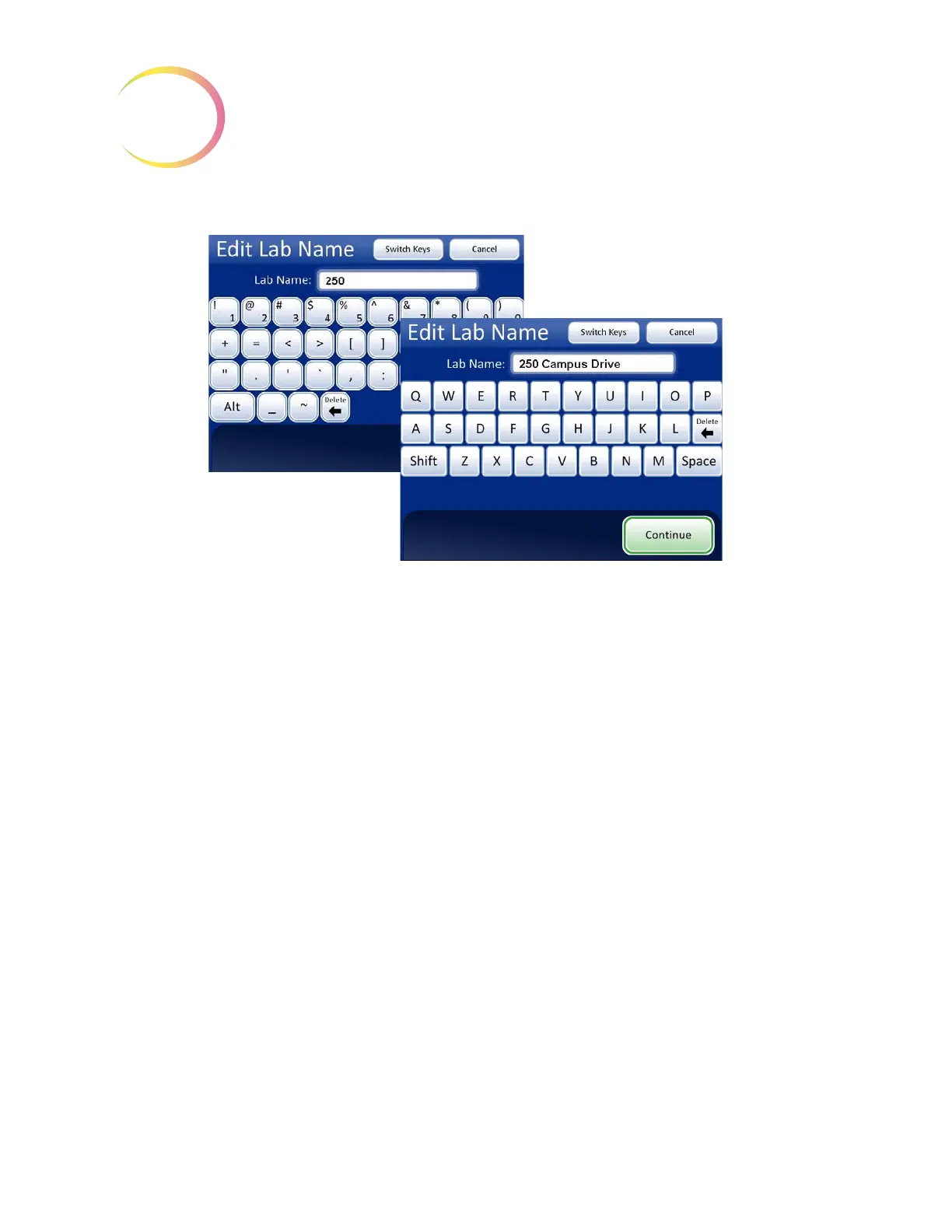
Figure 3-18 Enter Lab Name Example
Press the
Continue
button to save and return to the System Settings screen.
Note:
If a lab name is used, the name will appear on every report that is generated by the Integrated
Imager (usage history, system errors). It is not necessary to enable a lab name.



 To Next Page