800-13897 - A - 01/2013
Live View | 45
Menu items include:
• Single Camera: Switch to a full-screen display of the selected camera by drop-down
submenu.
• Multi Camera: Switch between different multi-camera display modes by drop-down
submenu.
• Next Screen: When displaying less than the maximum number of cameras in Live View,
select this option to switch to the next camera display.
• Playback: Enter Playback mode of the selected camera.
• PTZ: Enter PTZ control mode of the selected camera.
• Digital Zoom: Enter Digital Zoom interface of the selected camera.
• Menu: Enter Main menu.
• Start Auto-switch: Enable multi-camera sequence in Live View mode.
Note The dwell time of the Live View configuration should be set before using Start
Auto-switch function.
Using the Digital Zoom
To use digital zoom in Live View mode:
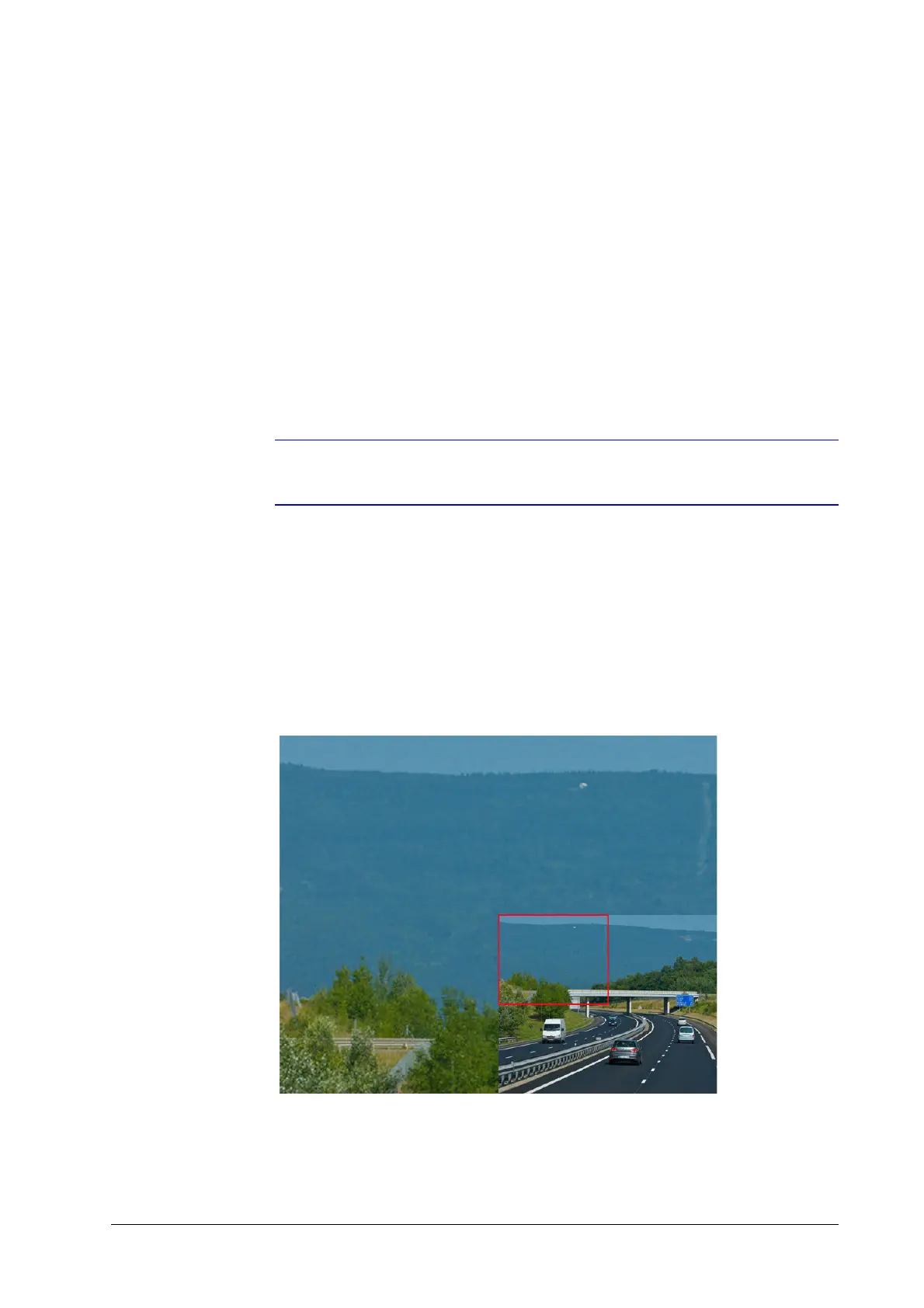
1. Right-click the mouse in Live View mode, and then click Digital Zoom.
2. Drag the red box to the desired area for zooming.
The zoomed image will be magnified by 4 times (see Figure 3-2).
Figure 3-2 Digital Zoom



 To Next Page
 Loading...


