'HILEULOODWLQJ
Defibrillating a Patient
3-3
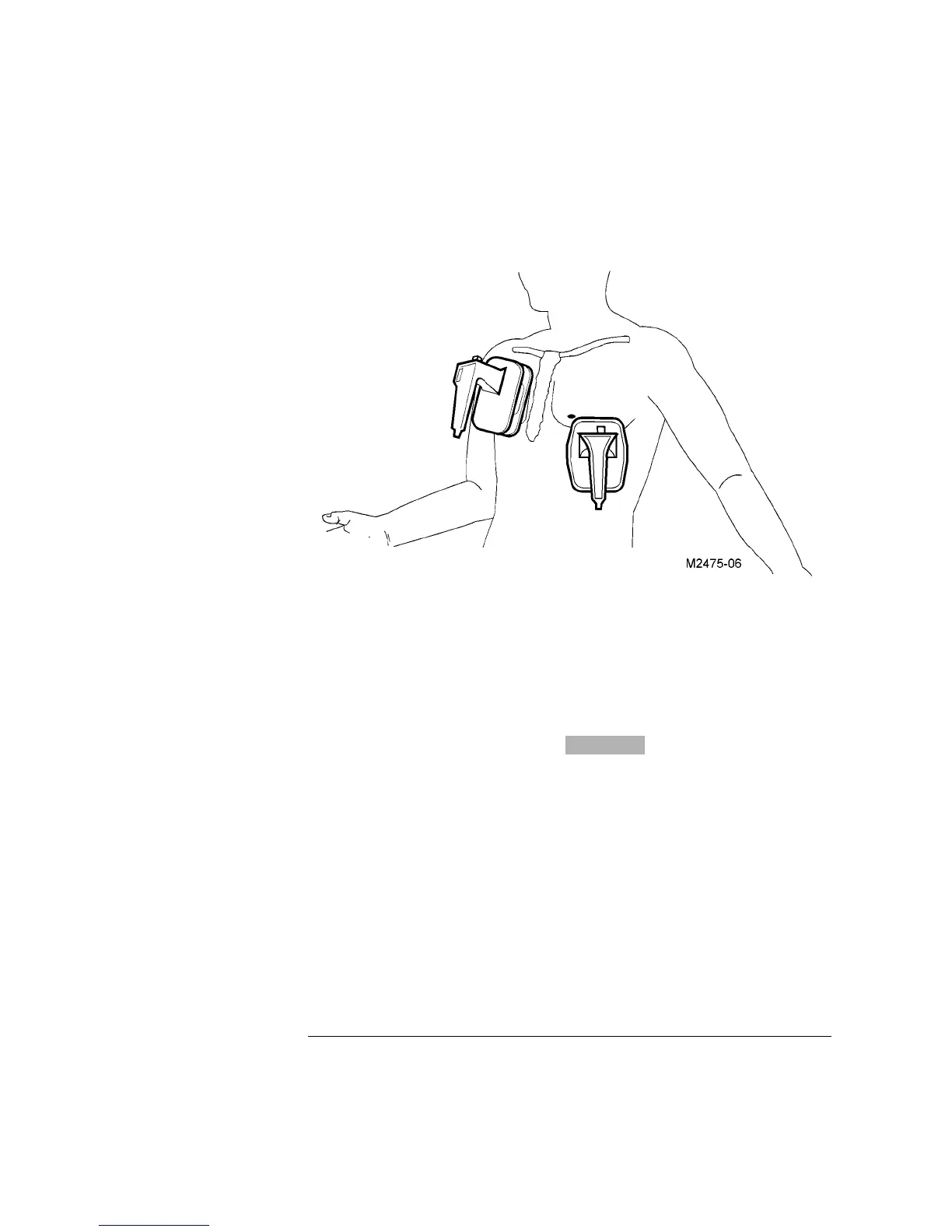
Figure 3-1
Placing the Paddles for Defibrillation
3-1
2. Charge
1 Press Charge on either the Apex paddle or on the instrument front panel.
2 Call out “Clear!" to alert personnel to stand away from the patient.
3 Wait for the charge done indicators: light and Charge Done tone.
When the unit is armed, the monitor shows the Delivered Energy available (in
joules).
If the defibrillator does not charge, refer to “If the Defibrillator does not Charge” on
page 12-3
CHARGE DONE



 To Next Page