ENWW Starting the ink mixing system (IMS) software 27
Starting the ink mixing system (IMS) software
To start the IMS software, double-click the Indimix V5.5 icon.
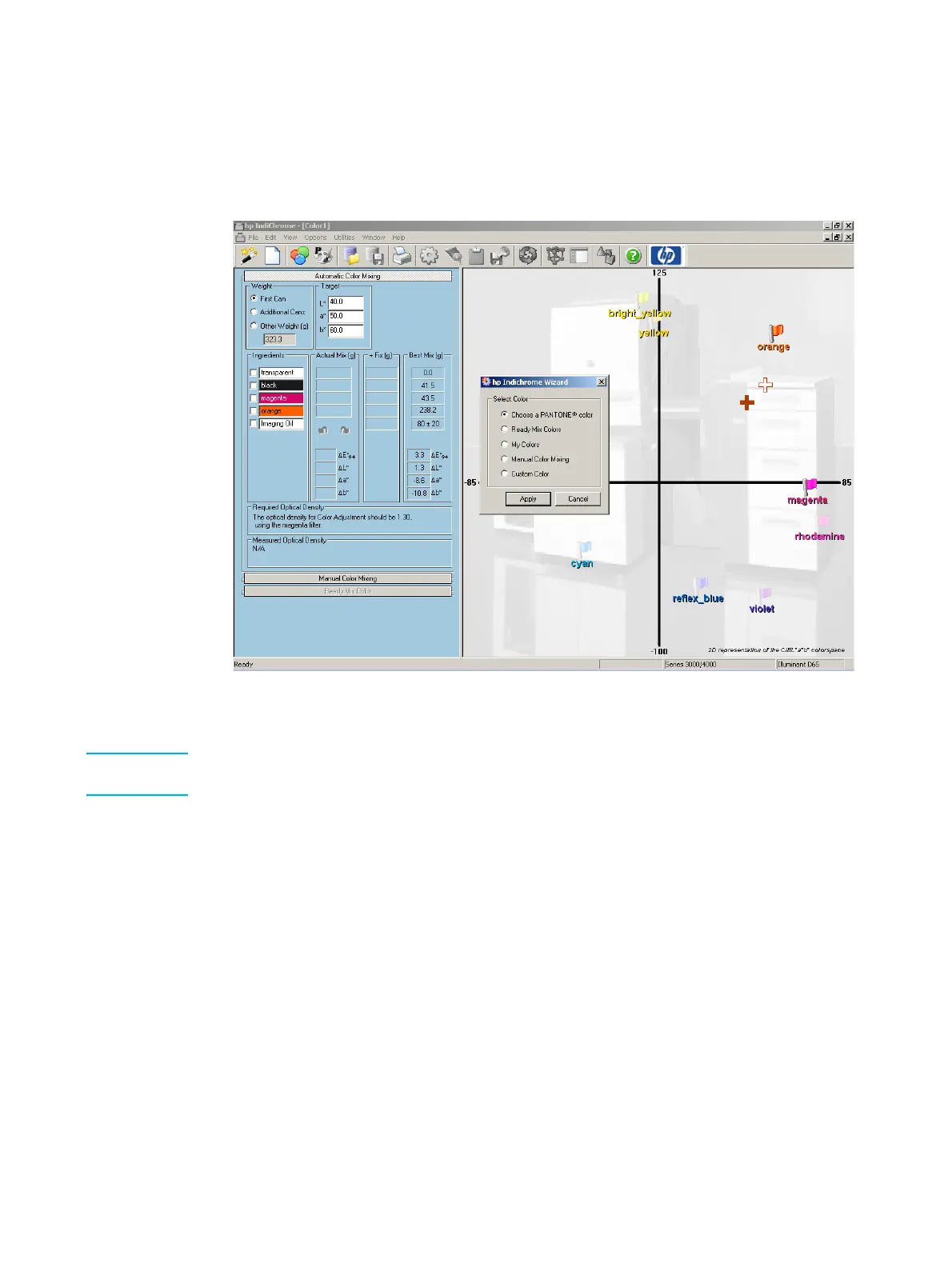
The following window appears:
hp IndiChrome window
The hp IndiChrome Wizard window is open when the IMS software starts.
Note If the X-Rite densitometer is not connected properly, a message appears informing you to
connect the densitometer, and restart the IMS software.



 To Next Page