60 Chapter 4 General procedures ENWW
Comparing different ink mix results
After each measurement, the result location is added to the 2D color space and the fix
weights are available to change the resultant color. Each subsequent measurement is
labeled by number.
To compare different ink mix results, do the following steps:
1 Right-click on one of the measurement results required for the comparison, and select
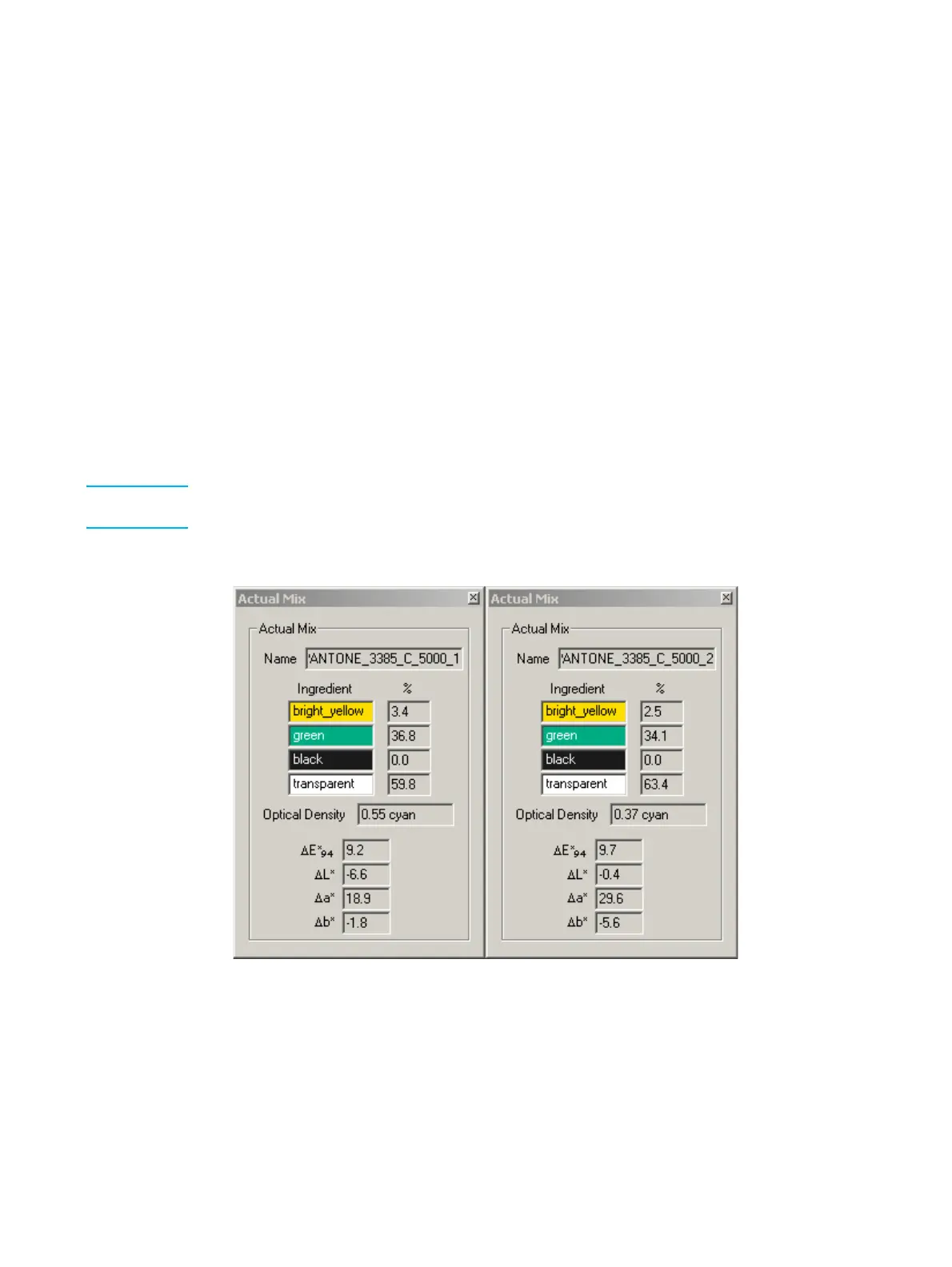
Properties from the pop-up menu: The Actual Mix window for that measurement
result appears.
The Actual Mix window displays the following details:
• The name linked to the measurement
• The ingredients of the mix as a percentage
• The optical density
• The change from the target color (∆E*
94
) and the difference from the previous
measurement (∆L*, ∆a*, ∆b*)
Note It may be required to zoom into the 2D color space to correctly differentiate and select the
different mix results. (See "Zoom into 2D color space" on page 81.)
2 Repeat step 1 for the other measurement results.
Measurement comparison example
3 Close the Actual Mix windows at the end of the comparison.



 To Next Page