ENWW Excluding a basic color from the ink mix 73
Excluding a basic color from the ink mix
Note Excluding a basic color only works in automatic color mixing procedures.
The basic colors, which are available for mixing new colors, are displayed with colored
flags on the 2D color space.
To make a basic color unavailable for the ink mix, do the following steps:
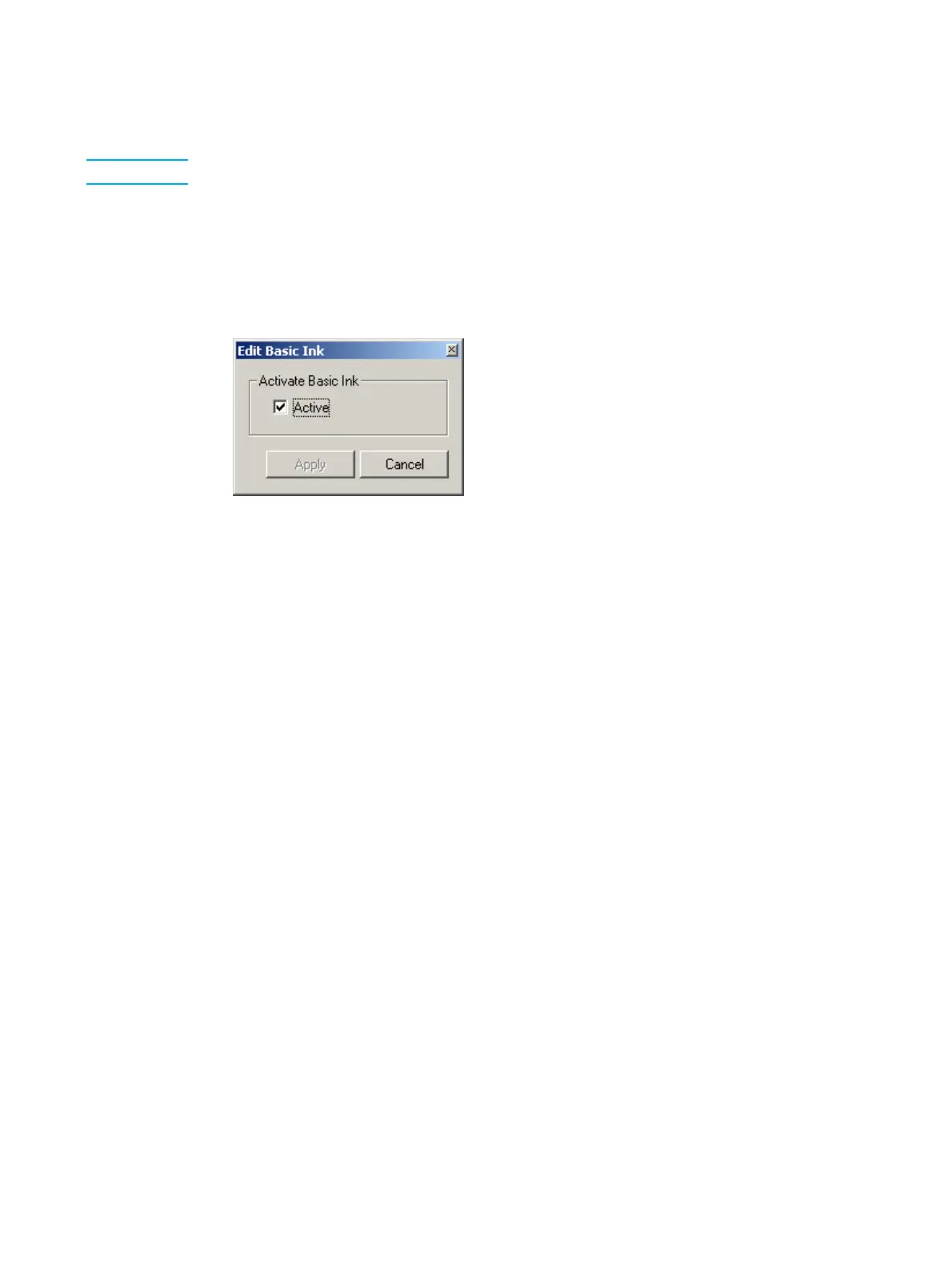
1 Right-click on the basic color and select Properties from the pop-up menu. The Edit
Basic Ink window appears.
Edit Basic Ink window
2 Clear the Active check box and click Apply.
The inactive color’s flag is changed to gray, and the color, if present in the ink mix, is
removed from the ink mix.
To restore the availability of a basic color, do the following steps:
1 Right-click on the basic color and select Properties from the pop-up menu. The Edit
Basic Ink window appears.
2 Set the Active check box and click Apply.
The color’s flag is restored to its color and the color is now available for the ink mix.



 To Next Page