36 Chapter 4 General procedures ENWW
Measuring a color
The spectrophotometer samples color data from any clean, dry surface that is reasonably
flat and smooth. The target eye should be able to rest flat and steady on the sample area.
Because the opening is just 6 mm (0.24 inch) in diameter, it can rest sufficiently flat on
many curved surfaces.
As a general rule, surfaces with bulky, rough, or loose-weave textures do not provide good
results.
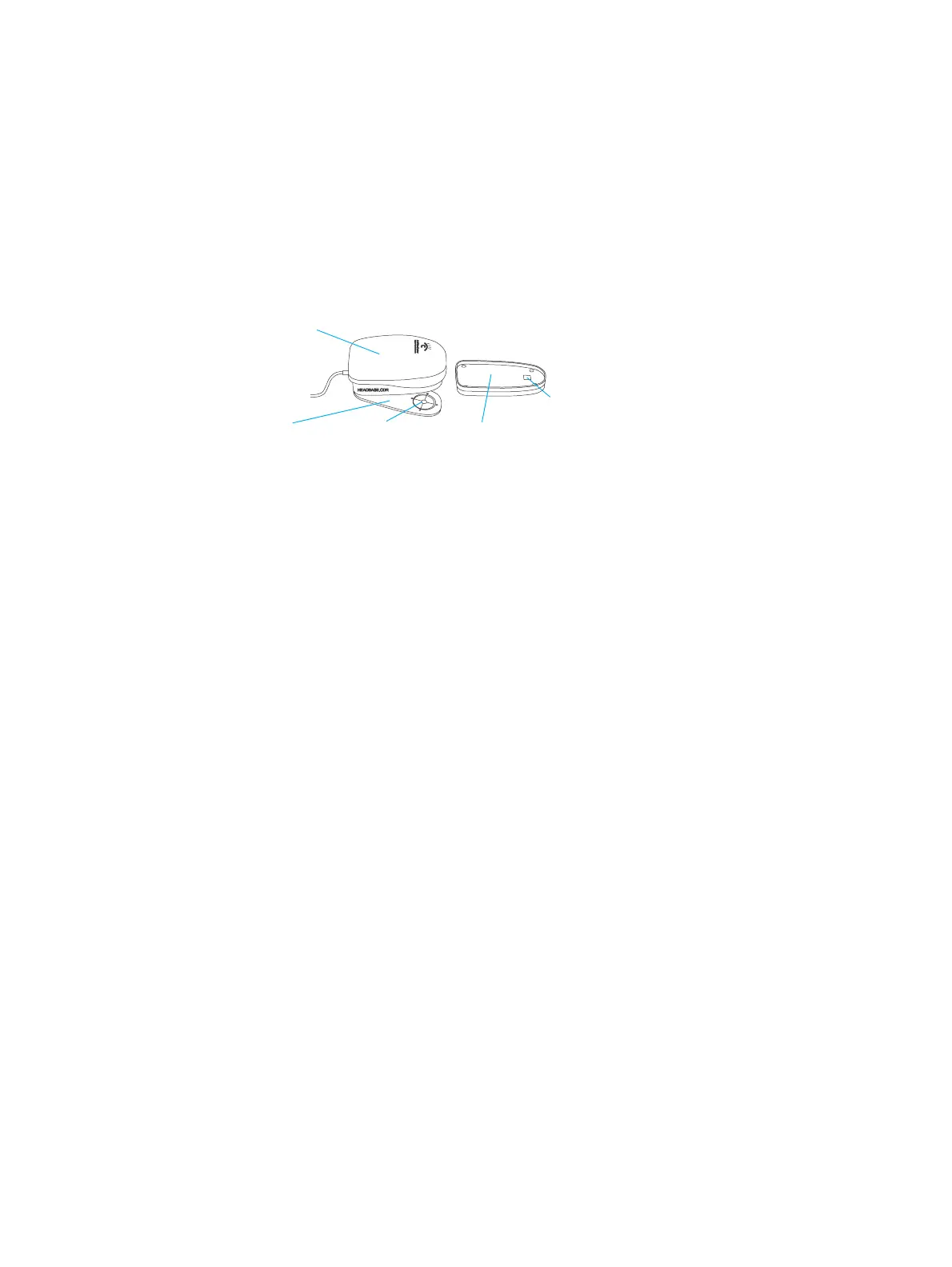
Spectrophotometer
To measure a color:
1 Clear the sample surface of any dirt, dust, or moisture.
2 Place the spectrophotometer shoe directly on the surface, aligning the target eye
opening over a continuous patch of the desired color.
3 Press the spectrophotometer head down onto the shoe, and hold it closed.
4 Hold the head down until the spectrophotometer stops vibrating. Make sure that you
hold the spectrophotometer still for the entire measurement. Any movement affects
the reading accuracy.
5 Raise the spectrophotometer off the sample area, and carefully return it to its base.
Head
Shoe
Target eye
Calibration
reference base
White reference
area



 To Next Page