ENWW Adjusting the ink mix from the printed output 55
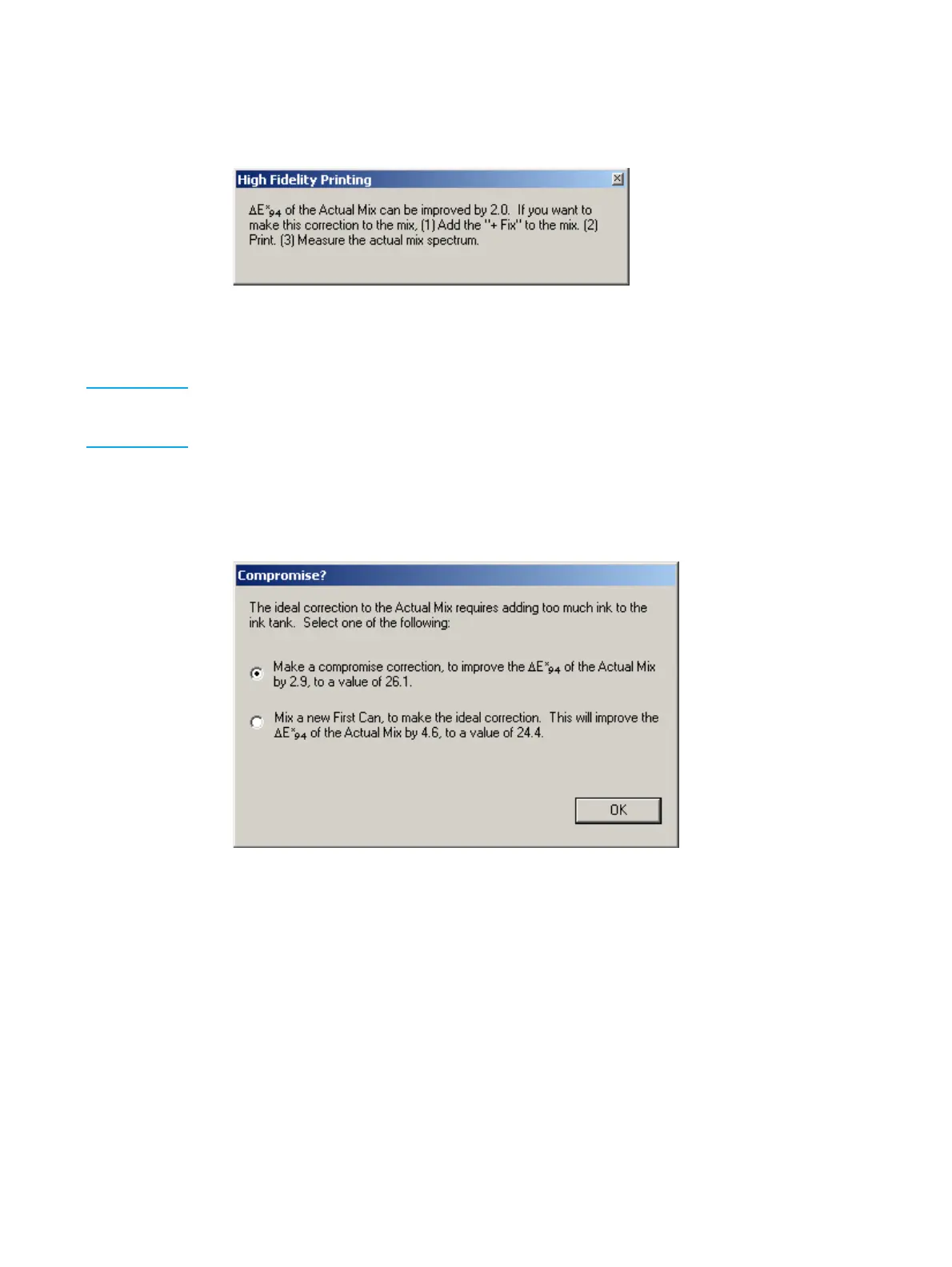
Match can be improved by a fix can
The following message appears:
Fix can improvement possible report
Close the message and prepare and install the fix can. Print a new sample page and start
the comparison again from ‘Adjusting the ink mix from the printed output’ on page 53.
Note If the fix can requires less than 25 grams of ink, you can use a test tube provided with the IMS
software to mix the required ink quantity with imaging oil, and pour the mix into the ink tank.
This will save you from using of a full ink can.
Fix can would add too much ink to the ink tank
The following message appears:
Compromise window
The calculated ink weights needed to correct printed color would add to much ink to the
ink tank. The choice is as follows:
z Select Make a compromise correction . . . and click OK – create a compromise fix can
that won’t put too much ink in the ink tank. (The software displays the ink weights for
the "compromise" fix can.) Prepare and install the fix can. Print a new sample page
and start the comparison again from ‘Adjusting the ink mix from the printed output’ on
page 53.
z Select Mix a new First Can . . . and click OK – instead of trying to "fix" the ink mix, you
can create a new "first" can. (The software displays the ink weight for the new "first"
can.) Prepare and install the new first can. Print a new sample page and start the
comparison again from ‘Adjusting the ink mix from the printed output’ on page 53.



 To Next Page