ENWW Saving and loading the HP IndiChrome window customization 87
Displaying the 2D color space background bitmap
The background bitmap displays behind the axis of the 2D color space panel when the
Show Bitmap Background menu item (on the Configuration submenu of the View
menu) is selected.
Saving and loading the HP IndiChrome window customization
Different customizations of the HP IndiChrome window can be saved and loaded as
required.
Note The HP IndiChrome window always opens with the default look.
Saving the customization
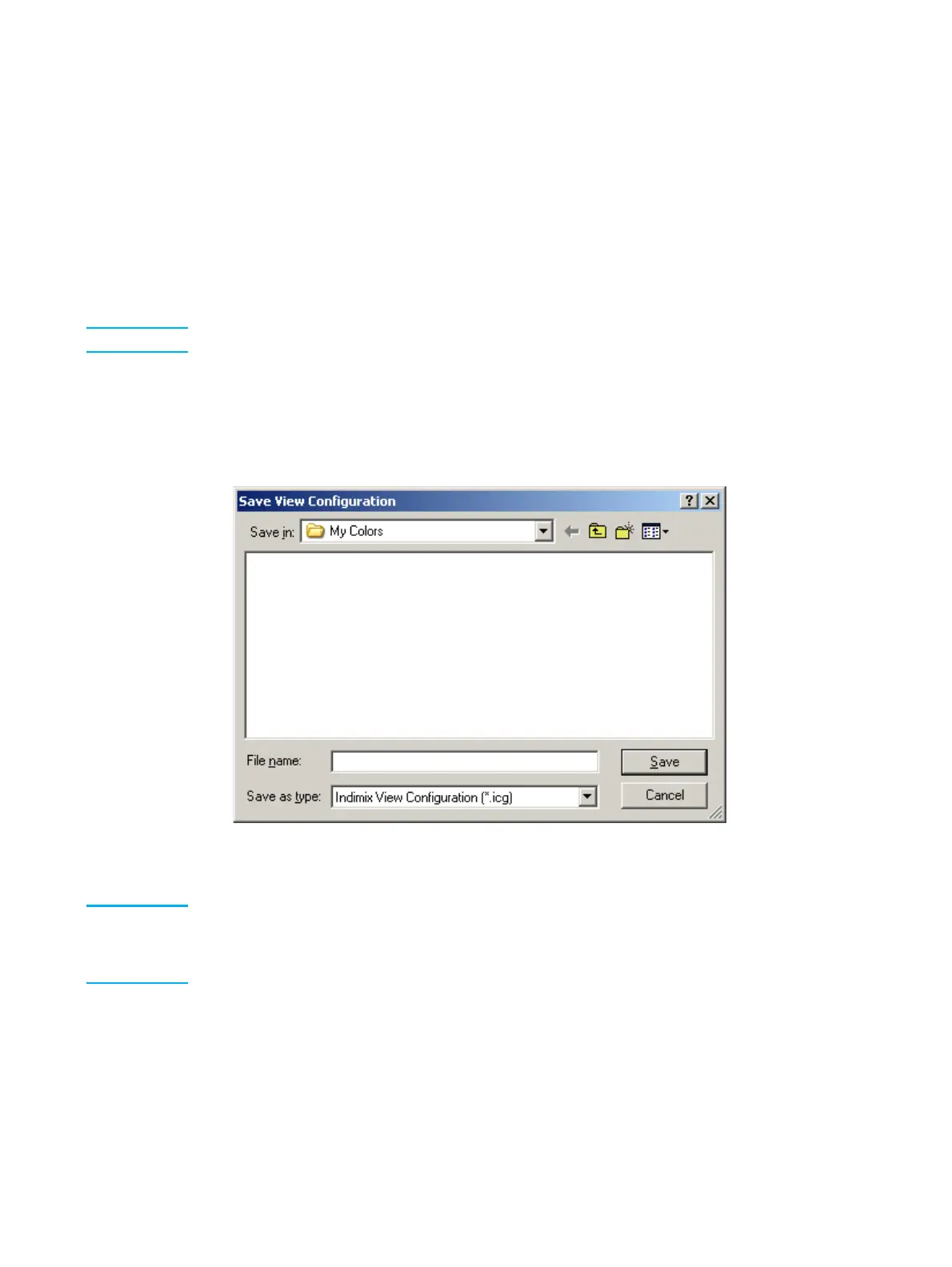
1 From the Configuration submenu of the View menu, select Save Configuration.
The Save View Configuration window appears.
Save View Configuration window
2 Type in a File name and Click Save.
Note You can set the custom configuration as default by choosing View, Configuration, Set Current
Settings as Default.
You can return to the original settings by choosing View, Configuration, Restore Original
Settings.



 To Next Page