80 Chapter 5 Additional IMS procedures ENWW
Color information summary
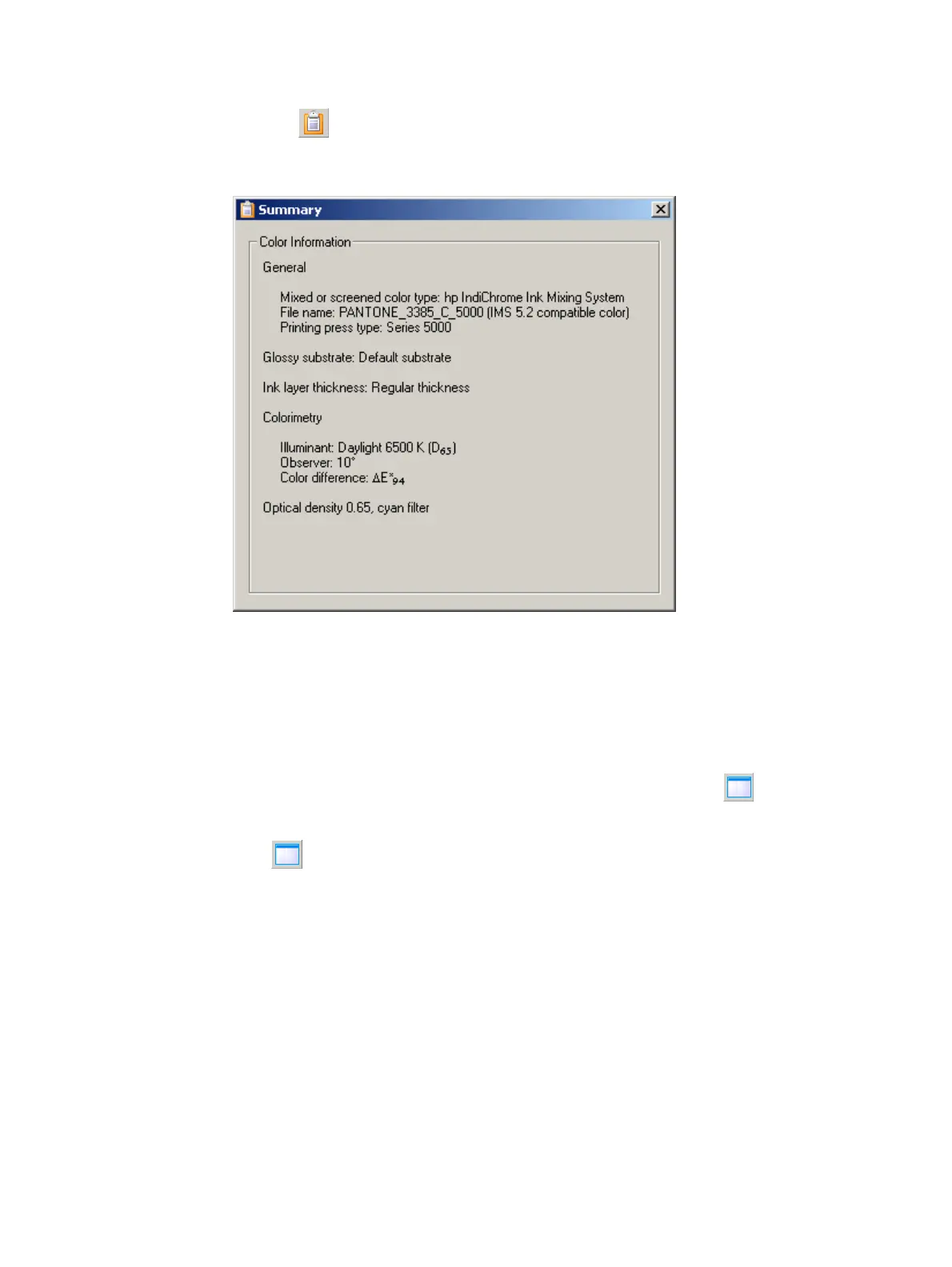
Click the button. The Summary window appears.
Alternatively, from the View menu, click Summary.
Summary window
The Summary window displays the settings of the Color Matching parameters.
Close the window to continue work.
Increase/decrease view of 2D color space
To increase the size of the 2D color space panel on your monitor, click . This hides the
color mixing information panel and allows the 2D color space panel to expand to the full
width of the window.
Click again to display the color mixing panel and reduce the 2D color space panel to
its previous size.



 To Next Page