32 Chapter 4 General procedures ENWW
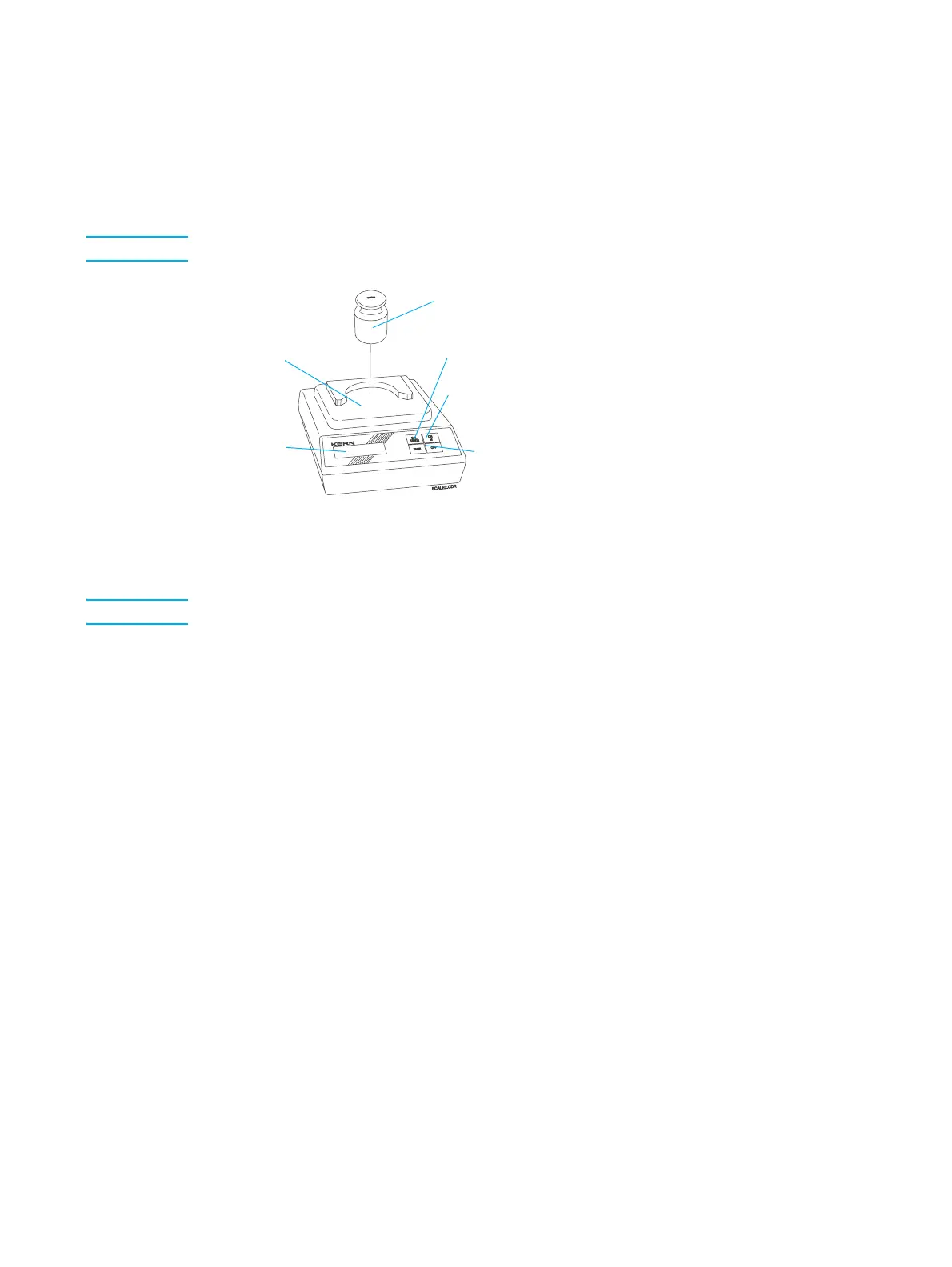
Calibrating the electronic scale
Calibrate the electronic scale once a day.
1 Connect the scale to a power source, and press the On button. Allow a one-minute
warm up period.
Note Do not put the adjusting weight on the scale.
Adjusting weight and scale
2 Press and hold the Cal/Mode button until the exact size (500.0) of the adjusting
weight appears flashing on the LCD display.
Note It may take up to two seconds for the scale to show results.
3 Press the Off button. The message CAL 0 appears on the display.
4 Place the adjusting weight in the center of the weighing pan. After a short while, the
message CAL F appears on the display for a short time.
The exact weight of the adjusting weight (that is, 500.0) should appear on the display
shortly afterwards.
If an adjusting error occurs or the wrong adjusting weight is used, the message
CAL E appears on the display. In this case, repeat this calibration procedure.
5 Put the 500 g adjusting weight in a safe place.
Adjusting
weight
Weighing
pan
LCD
display
Cal/Mode
button
On button
Off button



 To Next Page