ENWW Exporting and deleting ink workspace files 77
Exporting and deleting ink workspace files
Ink mix workspaces can be exported for use on other computers running the HP
IndiChrome ink mixing system.
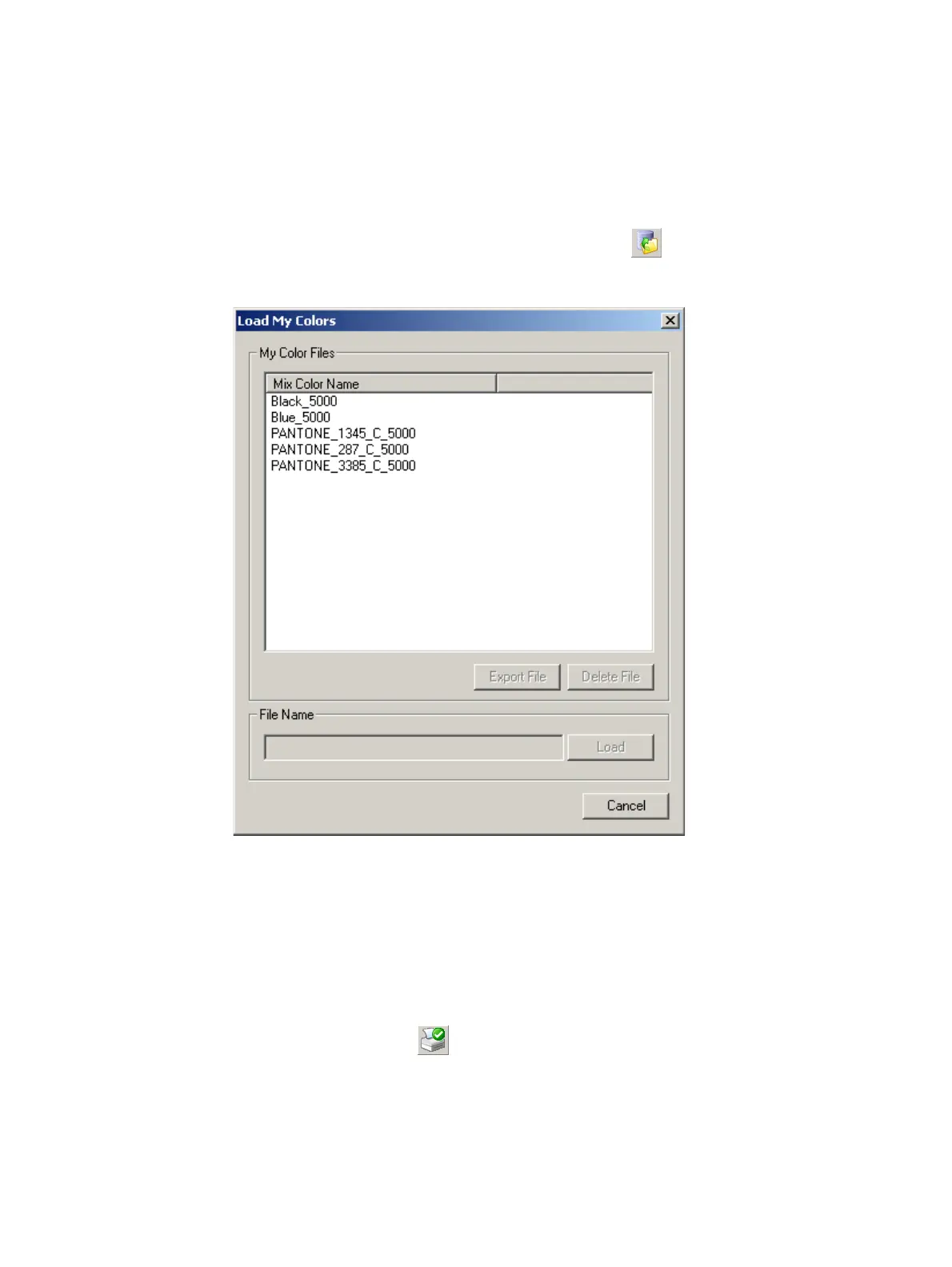
Exporting and deleting of ink workspace files can be performed whenever the Load My
Colors or Save My Colors windows are open.
For example, to open the Load My Colors window, select (or from the File menu, click
Open).
Load My Colors window
Select the required mix workspace name and click Export File or Delete File as required.
Printing the color workspace details
To print the color workspace details, perform the following steps:
1 From the File menu, click Print. A standard Print window appears.
Alternatively, click the button.
2 Click Print. The print-out contains the details as seen on your screen.



 To Next Page