ENWW Detailed Ready Mix Workflow 67
Detailed Ready Mix Workflow
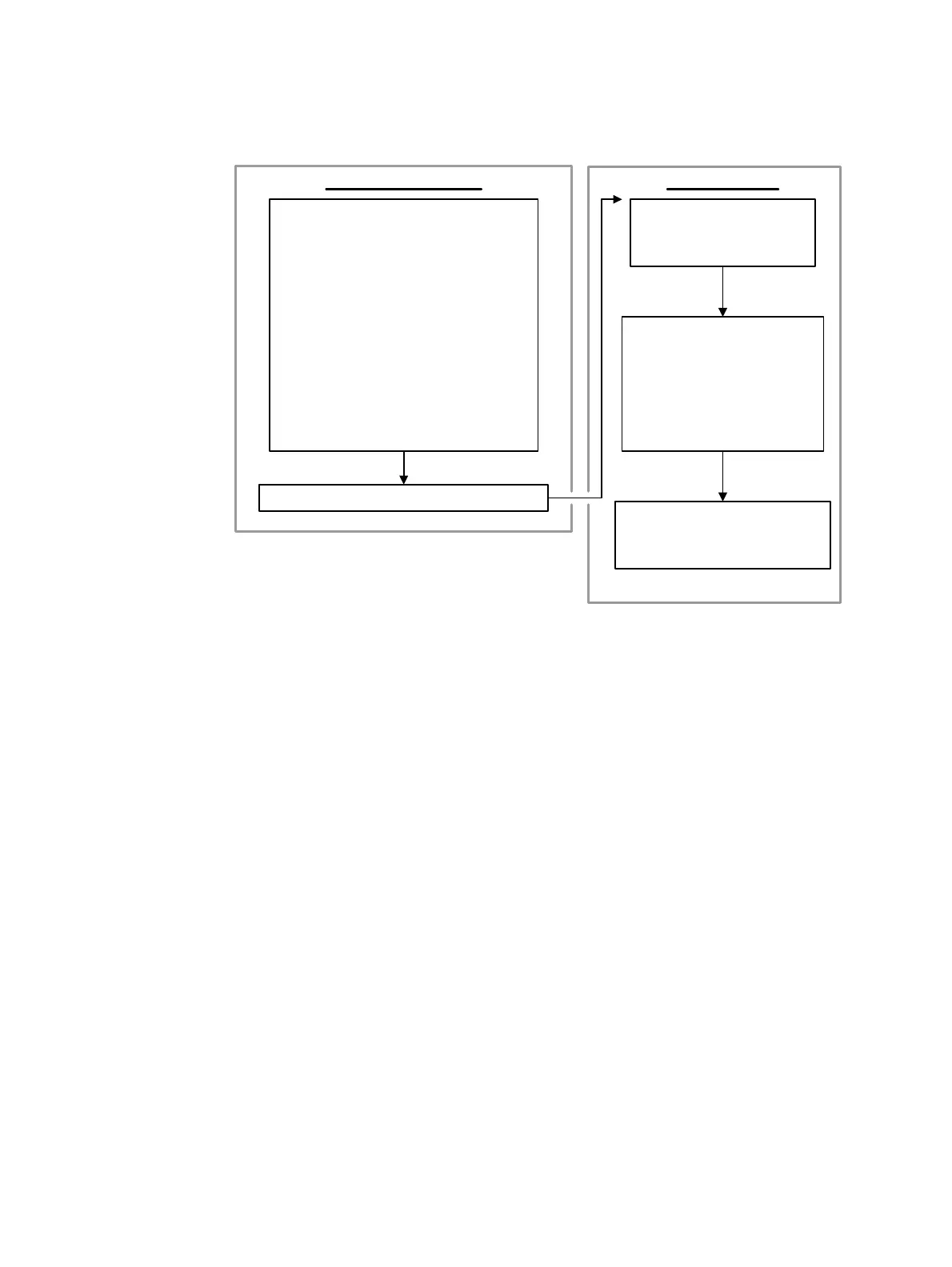
Detailed Ready Mix ink formulation method and production flow chart
Prepare the first can
·
Determine the target color and substrate type
·
Check default IMS color mixing parameters against needs
·
Send the ink definition file to the press
·
Mix the ink
Prepare the basic inks
Dispense the ingredients
Seal and shake the can
·
Prepare the press for test printing
Transfer the ink definition file
Clean the ink system
Assign ink parameters to the target ink tank
Add imaging oil
Add ink
Perform flush
Calibrate the ink density sensor
·
Perform color adjustment and visually inspect the printed color
Click on Additional cans
Prepare the RIP for the digital print
Save the used custom ink
INK FORMULATION PRODUCTION
Prepare additional cans
·
Specify the can capacity
·
Dispense the ingredients
·
Seal and shake the can
Prepare the press for printing with
the custom ink
·
Clean the ink system
·
Assign ink parameters to the target ink
tank
·
Change the OD spec value
·
Calibrate the ink density sensor
·
Perform color adjustment



 To Next Page