74 Chapter 5 Additional IMS procedures ENWW
Adding a new substrate
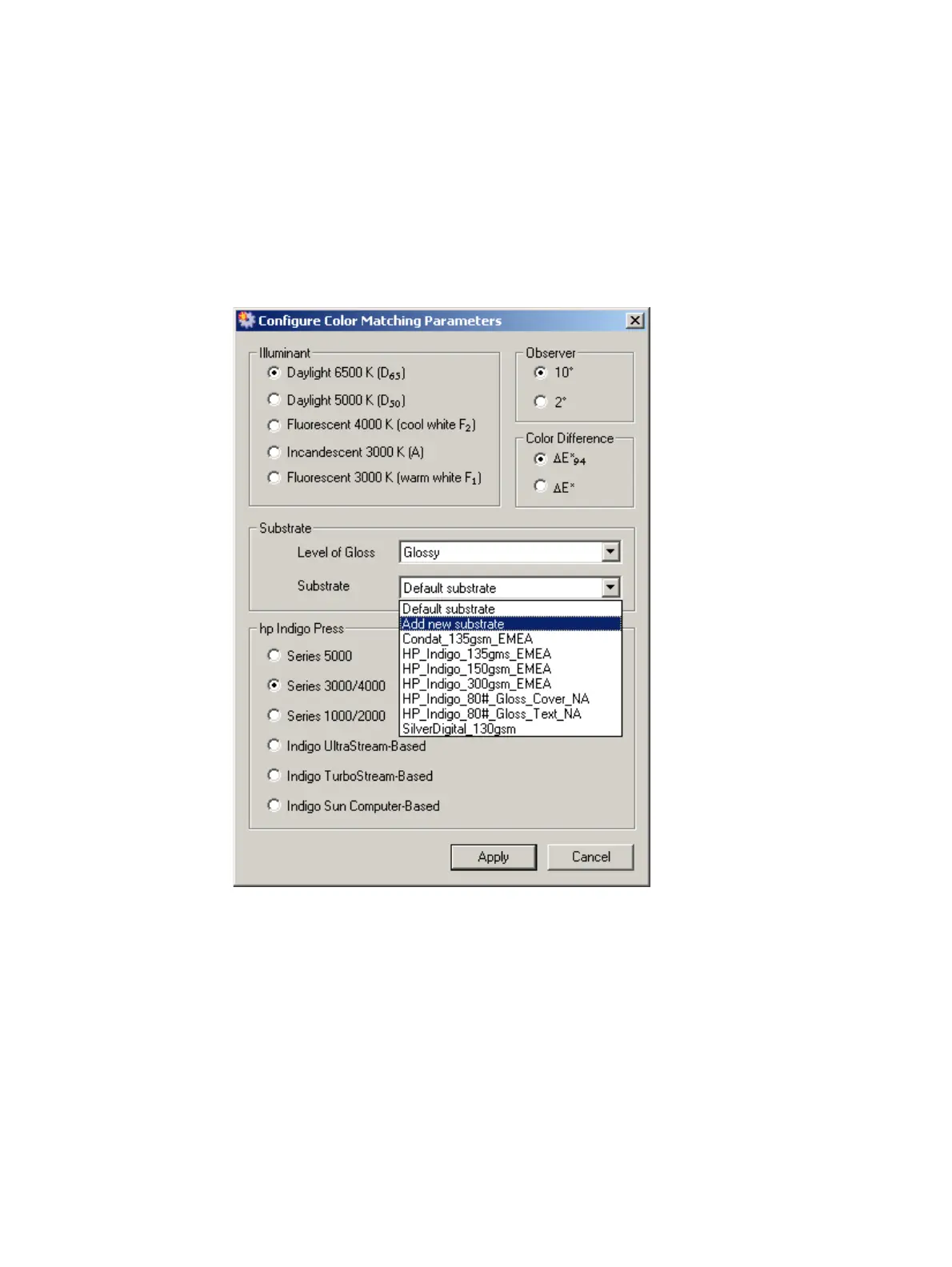
When selecting the substrate in the Configure Color Matching Parameters window (see
page 40 or page 78), if none of the substrates match the substrate for the print job, a new
substrate can be defined.
To define a new substrate, do the following steps:
1 Select Add new substrate from the Substrate list on the Configure Color Matching
Parameters window.
Substrate list
The Create New Substrate window appears.



 To Next Page