30 Chapter 3 Getting started ENWW
Exiting the IMS software
To exit the IMS software, do the following steps:
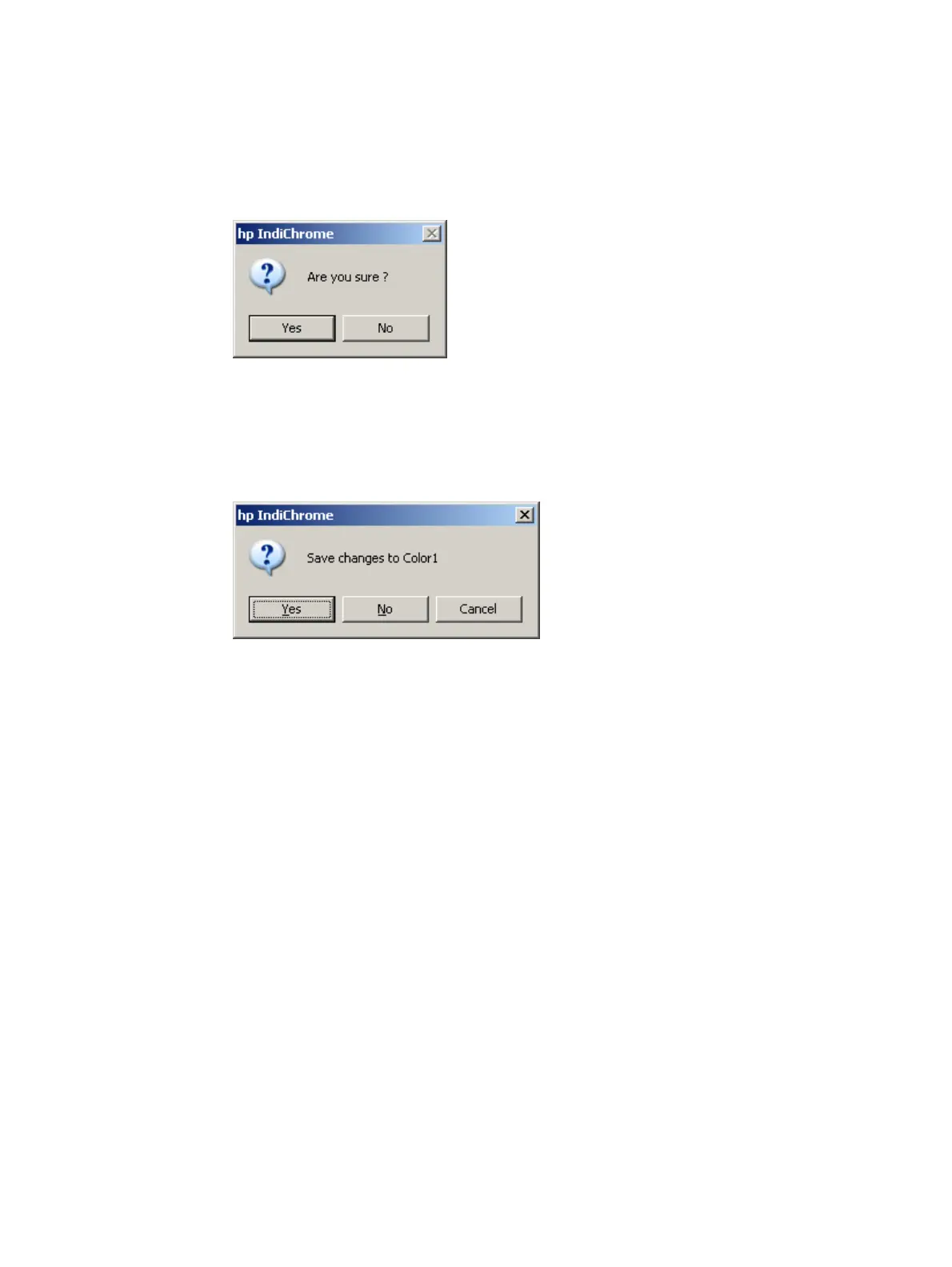
1 On the File menu, click Exit. The Are you sure message appears.
Are you sure message
2 Click Yes.
If you changed any of the parameters affecting an ink mix, the following message
appears for each affected workspace:
Save changes message (example)
To save the changes, click Yes, and click Save in the Save My Colors window.



 To Next Page