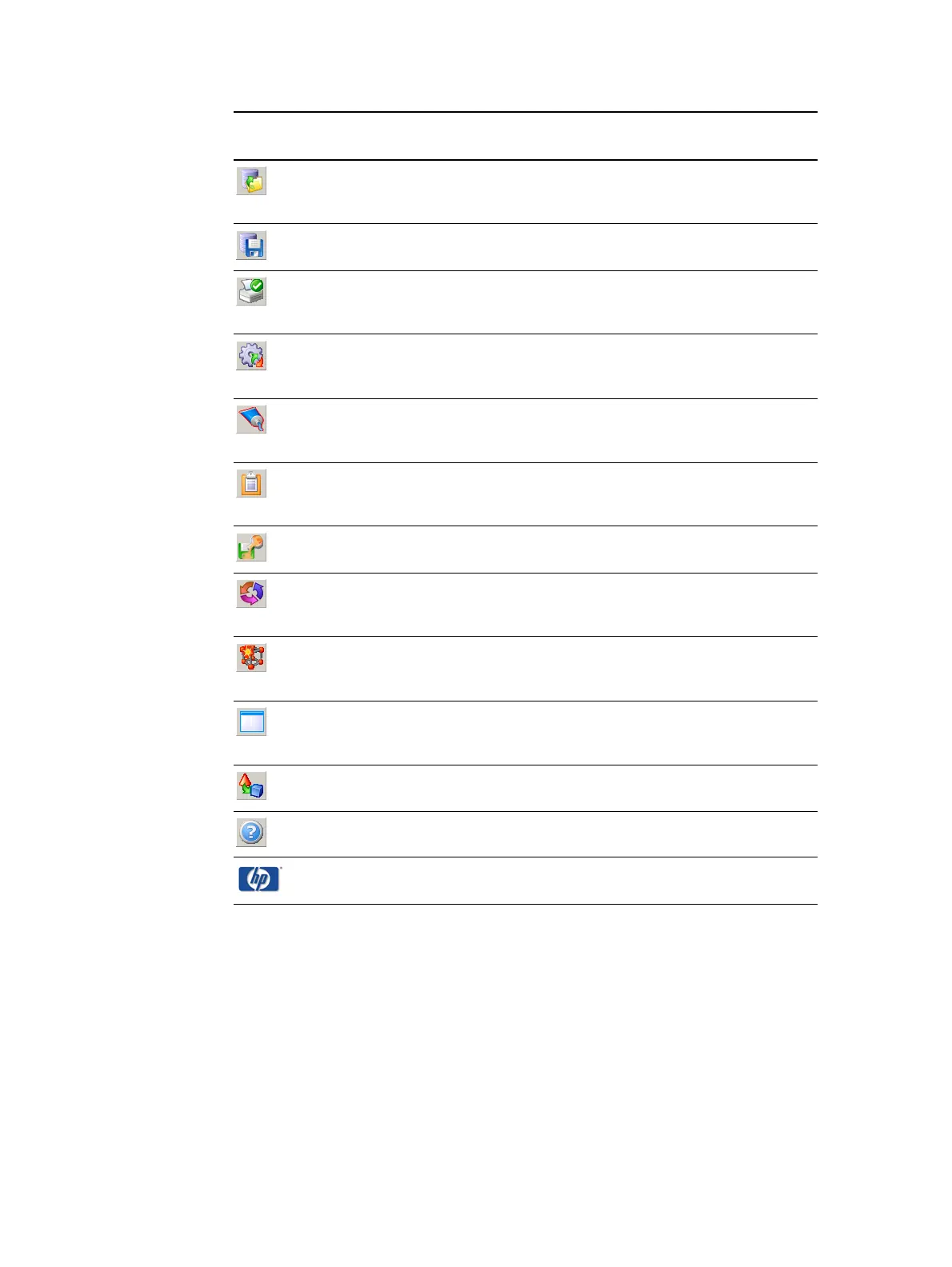
ENWW Toolbar 29
Access the color environments
previously defined
See "Continuing work on a previously defined
mix color" on page 68.
Save the color environment See "Saving the color’s workspace" on page 44.
Print the 2D color environment See "Printing the color workspace details" on
page 77.
Set the color matching
parameters
See "Color matching parameters" on page 78.
Set the thickness of the ink
layer
See "Ink print thickness" on page 79.
Display a summary of the color
information
See "Color information summary" on page 80.
Save the ink definition file See "Save the Ink Definition file" on page 43.
Checks for better results with
different illuminants
See "Improving visual match by changing
illuminant" on page 58.
Set the axis range displayed in
the 2D color space
See "Zoom by changing axes values" on page
81.
Show/Hide the ink mix details
panel
See "Increase/decrease view of 2D color space"
on page 80.
Display the 3D color space See "View the 3D color space" on page 82.
Display the help topics See "Online help" on page 90.
Program update See "Program updates" on page 90.
Button Meaning Details



 To Next Page