72 Chapter 5 Additional IMS procedures ENWW
Measuring the color directly
1 From the hp Indichrome Wizard window, select Custom Color and click Apply. The
Create Custom Color window appears.
Alternatively, click the button, or from the File menu, click New.
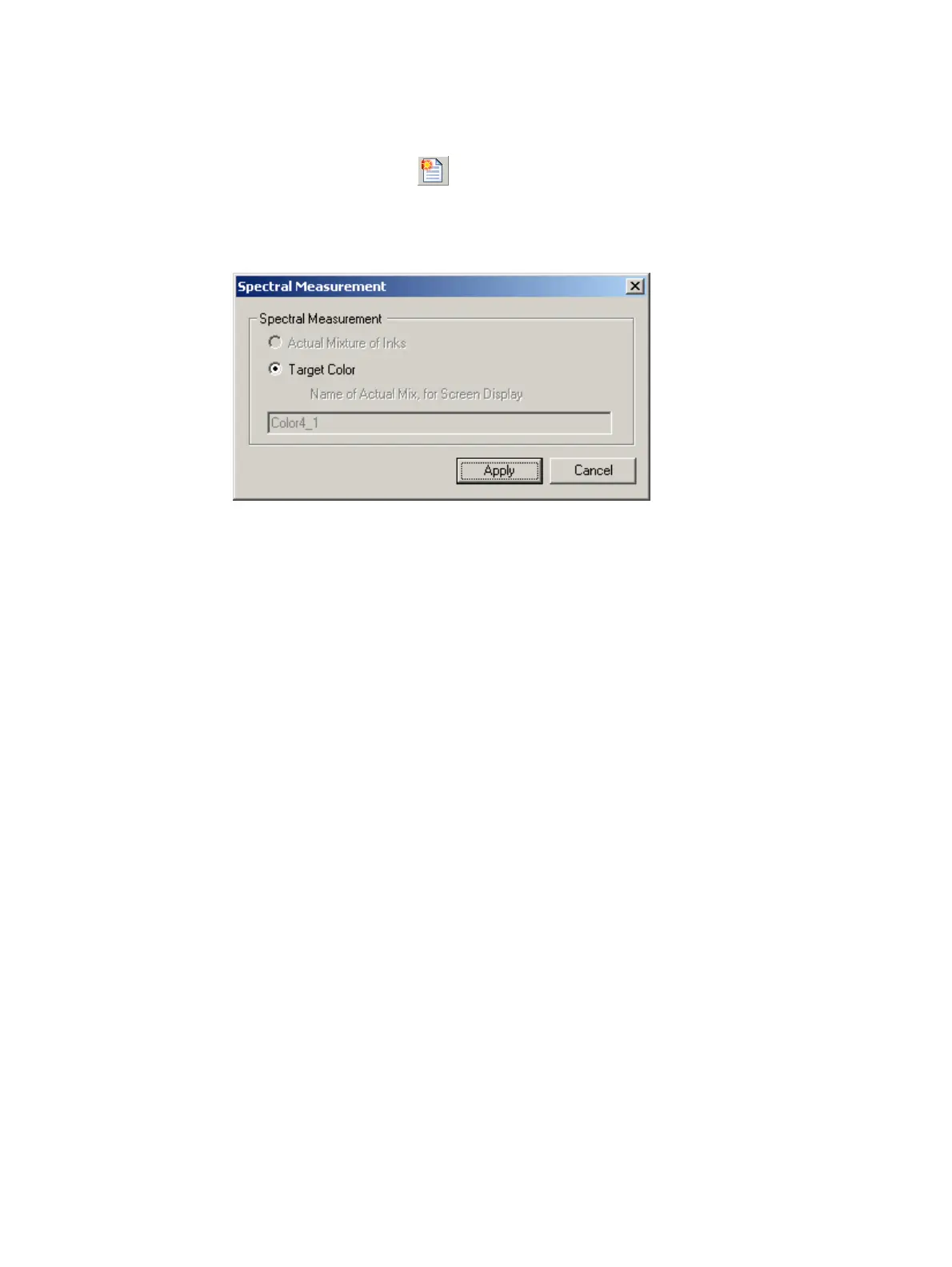
2 Measure the target color directly using the X-Rite spectrophotometer. The Spectral
Measurement window appears.
Spectral Measurement window
3 Ensure that Target Color is selected.
4 Click Apply. The Configure Color Matching Parameters window appears.
5 Continue with Selecting a PANTONE
®
color (step 8) on page 40.



 To Next Page